The team missed three calls last night. The on-call person says they were available. The schedule looks right. The routing rules have not changed. Everyone agrees something went wrong, but nobody can prove what.
The instinct is to add a rule. Add another backup. Increase the ring time. Add a menu option. But without knowing what actually failed, these fixes are guesses. They add complexity without solving the problem, and the next failure will look different.
This page provides a diagnosis workflow. Classify the failure first, find the evidence, then fix the workflow. The full framework is in call routing solutions.
If you want to jump to the most likely failure class, answer this quick triage question.
Step 0: Confirm this is a routing problem
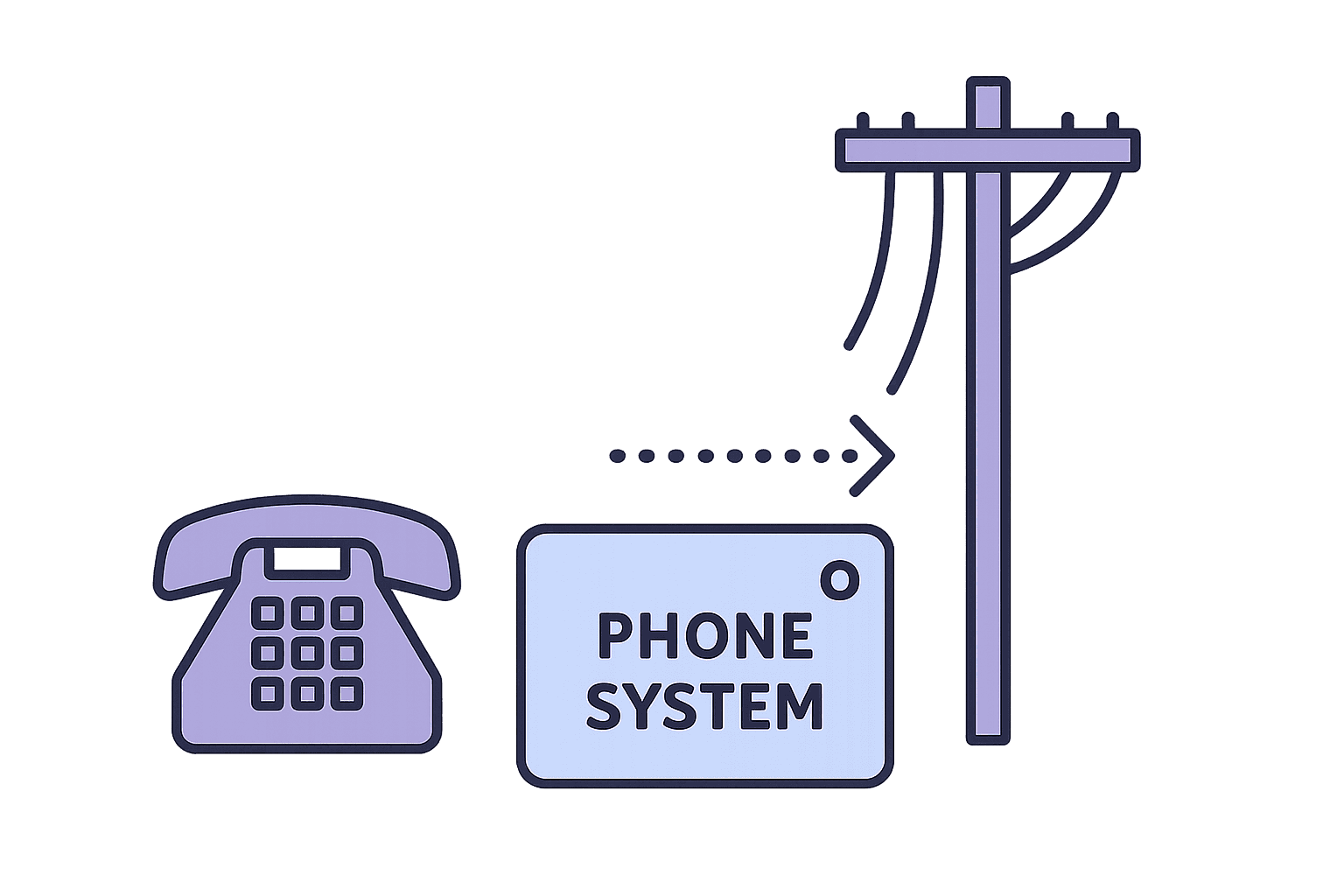
Before you troubleshoot routing, confirm routing is the issue.
Quick checks:
- Did the call reach the phone system at all? (Check carrier logs or inbound reports)
- Is this a systematic pattern or a one-time glitch?
- Did the caller report what they experienced? (Rings? Silence? Busy signal? Voicemail?)
If the symptom was a busy signal, start with hotline busy signal troubleshooting so you can separate “already on another call” from delivery failures like reachability or carrier issues.
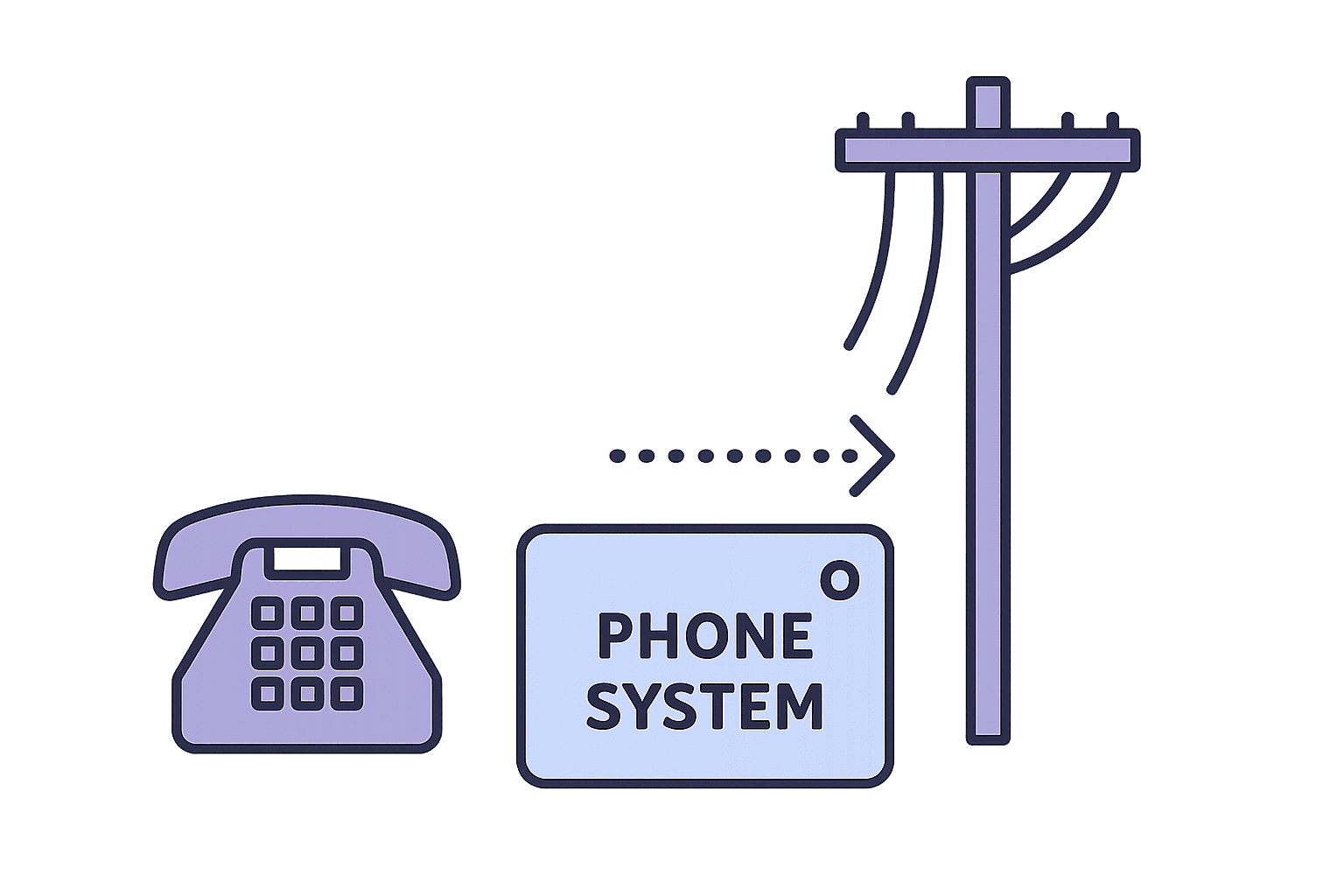
If calls are not reaching your phone system, the problem is upstream (carrier, number configuration, DID issues). That is not a routing problem.
If calls are reaching the system but not connecting to staff, that is routing. Continue.
Step 1: Classify the failure
Most missed calls fall into one of six categories. Each has different causes and different fixes.
Coverage gap
What happened: Nobody was actually on-call when the call arrived. The schedule had a hole, or the person assigned was not actually working.
What the logs show: Call attempted, no destination found, or call went directly to overflow without ringing anyone.
Common causes: Shift transition without overlap. Someone called out sick and nobody filled the gap. Holiday or vacation not accounted for.
Fix path: Schedule validation before coverage windows. Alert if a time block has no coverage.
Busy reality
What happened: The assigned person was already on a call. The system either waited for them to finish or tried them and got a busy signal.
What the logs show: Call attempted to Person A, busy or in-progress, no escalation triggered (or escalation triggered too slowly).
Common causes: No skip logic for busy. Escalation only triggers on "no answer," not "busy." Single-person coverage during moderate volume.
Fix path: Add skip logic for busy status. Configure escalation to trigger on busy, not just timeout.
Unreachable device
What happened: The phone could not be reached. Not "rang and no answer." The call could not be delivered.
What the logs show: Call attempted, SIP failure or "subscriber unavailable," no ring recorded.
Common causes: Phone off or in airplane mode. Dead zone or poor reception. Do Not Disturb enabled.
Fix path: Distinguish unreachable from no-answer in logs. Escalate immediately on unreachable (do not wait for timeout).
Schedule drift
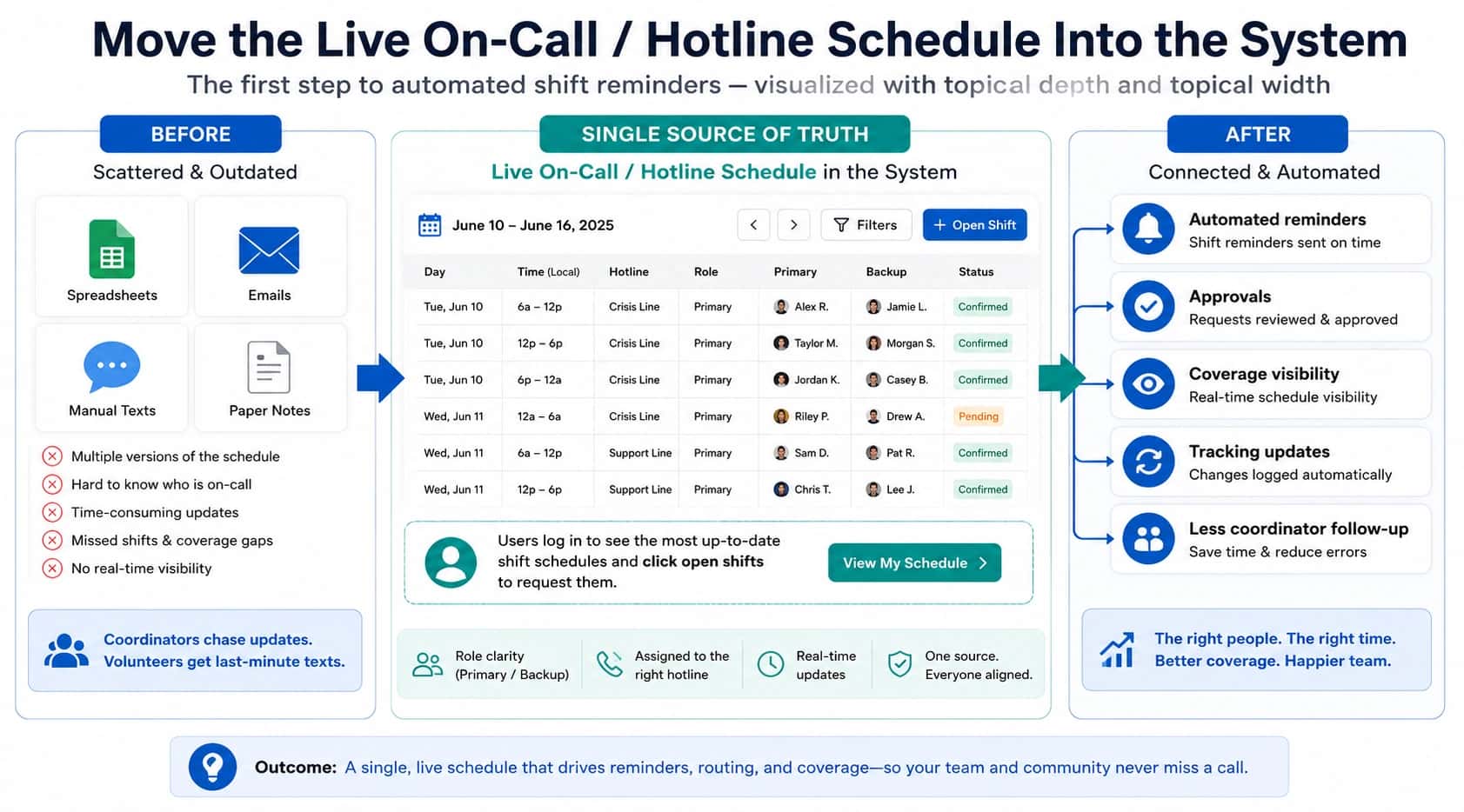
What happened: The schedule changed (swap, PTO, shift change), but routing did not update.
What the logs show: Call routed to Person A, but the schedule shows Person B should have been on-call.
Common causes: Schedule and routing in different systems. Manual update required but not done. Sync lag between systems.
Fix path: Make schedule the single source of truth. Routing should read directly from schedule. Schedule-based routing explains the pattern.
Escalation blind spot
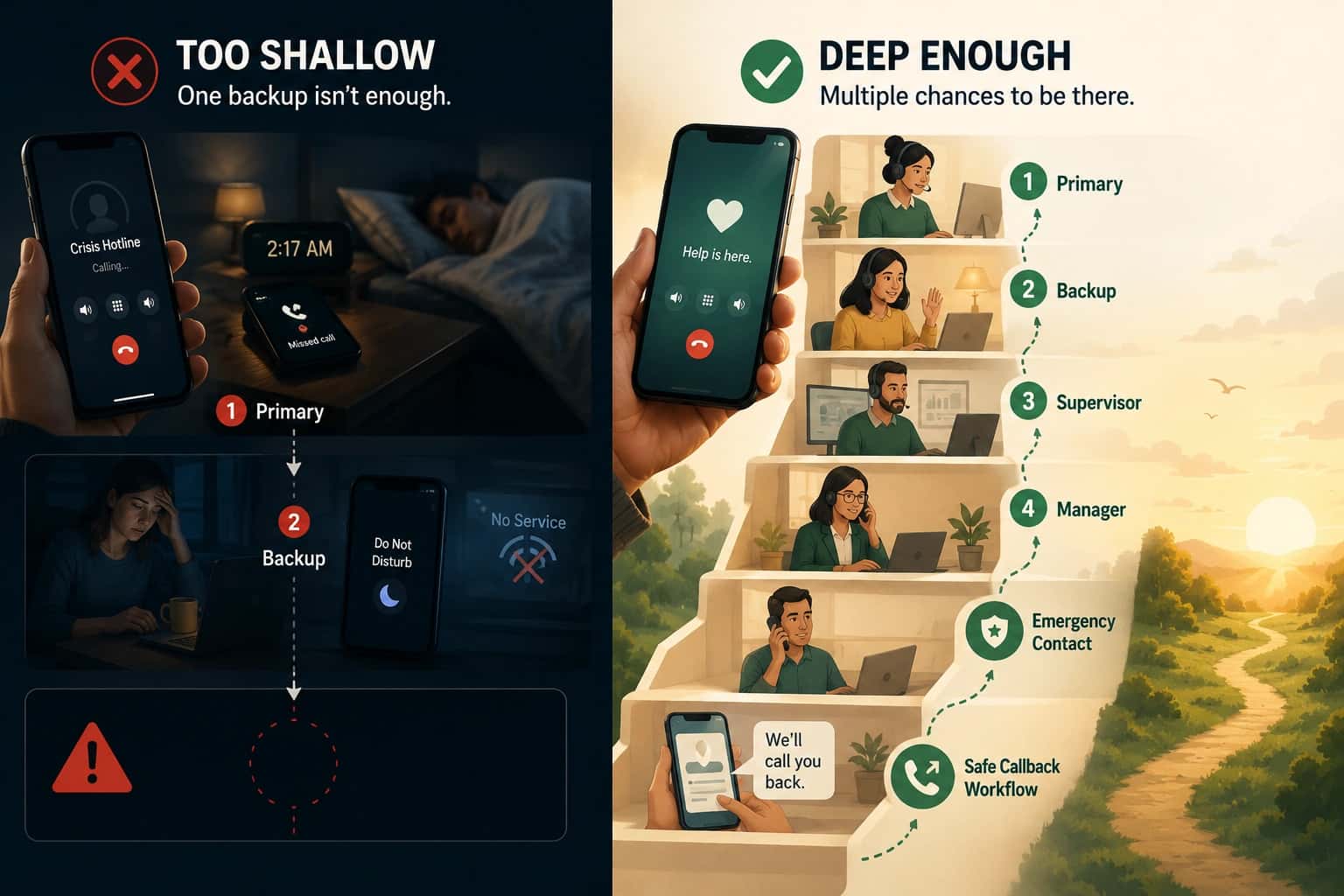
What happened: The first choice did not answer, but the call did not try anyone else.
What the logs show: Call attempted to Person A, rang for X seconds, no answer, call ended (voicemail or disconnect).
Common causes: No backup configured. Escalation path empty or misconfigured. Escalation timeout longer than caller patience.
Fix path: Configure explicit escalation. Define who is next, how fast escalation triggers, and what happens if nobody answers.
Overload
What happened: More callers than available staff. Callers queued, waited, and abandoned.
What the logs show: Multiple calls in queue simultaneously. High abandonment rate. Long wait times before either answer or abandon.
Common causes: Volume spike without overflow behavior. Staffing mismatch. No callback capture option.
Fix path: Add overflow behavior. Overflow routing explains the patterns.
If voicemail is not an acceptable outcome for your hotline, crisis callbacks shows how callback requests can be captured and assigned so follow-up is not left to chance.
Step 2: Find the evidence
For each missed call, pull the logs and answer:
- When did the call arrive? (timestamp)
- Who was the call routed to? (first attempt)
- What was the result? (answered, busy, unreachable, no answer, abandoned)
- Did escalation trigger? (if yes, to whom, when)
- What was the final outcome? (connected, voicemail, callback captured, abandoned)
If you cannot answer these questions from your logs, the first requirement is better visibility. You cannot fix what you cannot see.
If your team keeps relitigating what happened after a miss, start by making the call-level audit trail explicit. On-call management software outlines the minimum evidence you need to make diagnosis repeatable.
Patterns to look for
- Same time of day: Coverage gap or shift transition issue
- Same person on-call: Device issue or that person's configuration
- Same failure mode: Systemic routing problem
- Random distribution: Harder to diagnose, may require longer data collection
Step 3: Fix the workflow, not the symptom
Match the failure class to the fix. Do not add rules blindly.
| Failure class | Wrong fix | Right fix |
|---|---|---|
| Coverage gap | Add more ring time | Validate schedule coverage before windows open |
| Busy reality | Add more backups | Add skip logic for busy, not just timeout |
| Unreachable device | Add longer timeout | Detect unreachable, escalate immediately |
| Schedule drift | Remind people to update manually | Make schedule the source of truth |
| Escalation blind spot | Add a menu | Configure explicit backup and final fallback |
| Overload | Add more IVR options | Add overflow behavior (callback capture, escalation) |
Getting started

Diagnosis workflow for missed calls
- Confirm routing is the problem: Are calls reaching the phone system? Is this systematic?
- Pull logs for the missed calls: When, to whom, what result, did escalation trigger?
- Classify each failure: Coverage gap, busy, unreachable, drift, escalation, or overload?
- Look for patterns: Same time? Same person? Same failure mode?
- Match to the right fix: Use the failure class to guide the change.
- Turn it into requirements: Use call routing software requirements to prevent recurrence.
Want us to follow up?
Once you know which failure mode you have, convert it into requirements. The full framework for keeping fixes consistent is in call routing solutions.