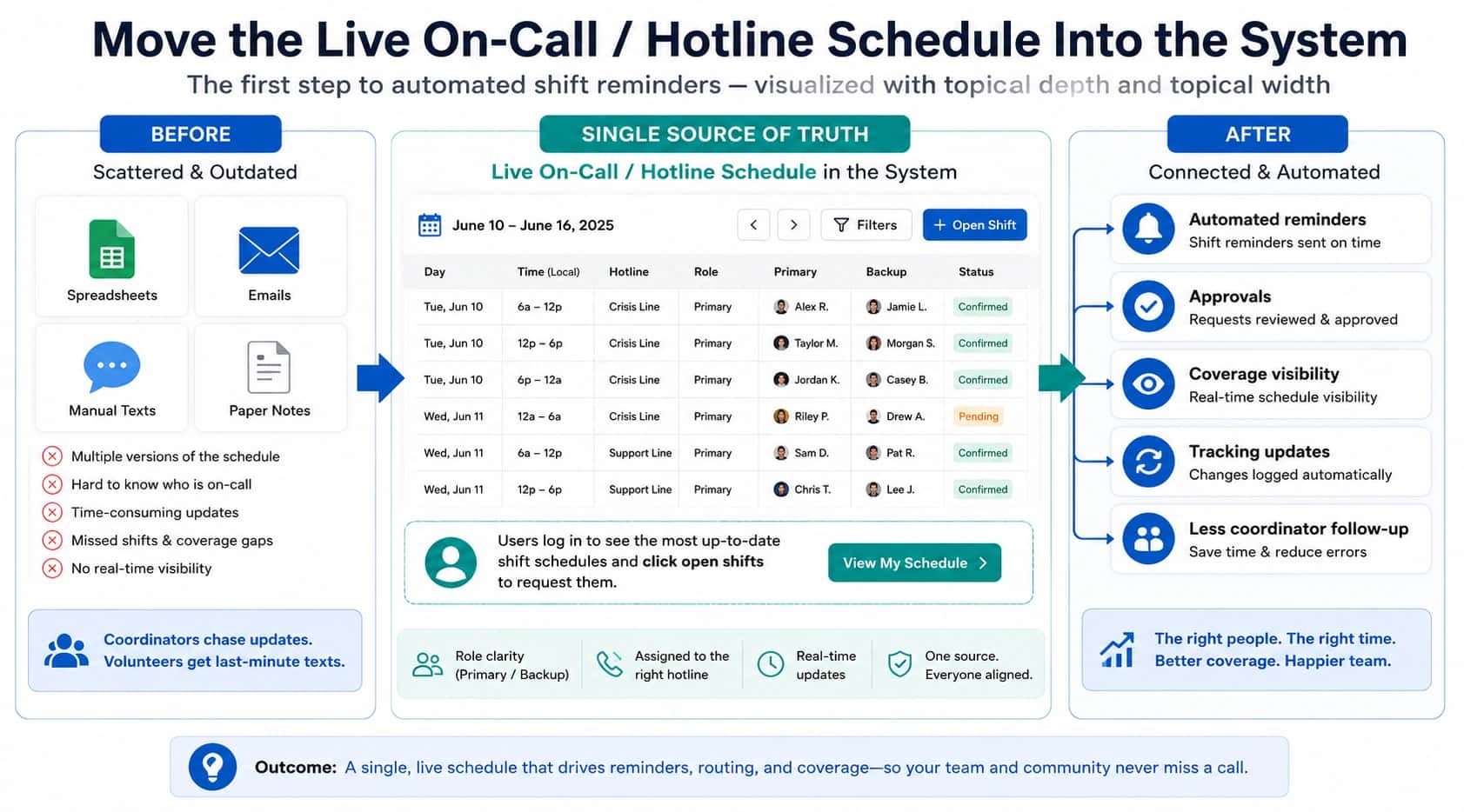
The vendor demo shows everything working perfectly. Calls route to the right people. Escalation happens on cue. The dashboard is beautiful.
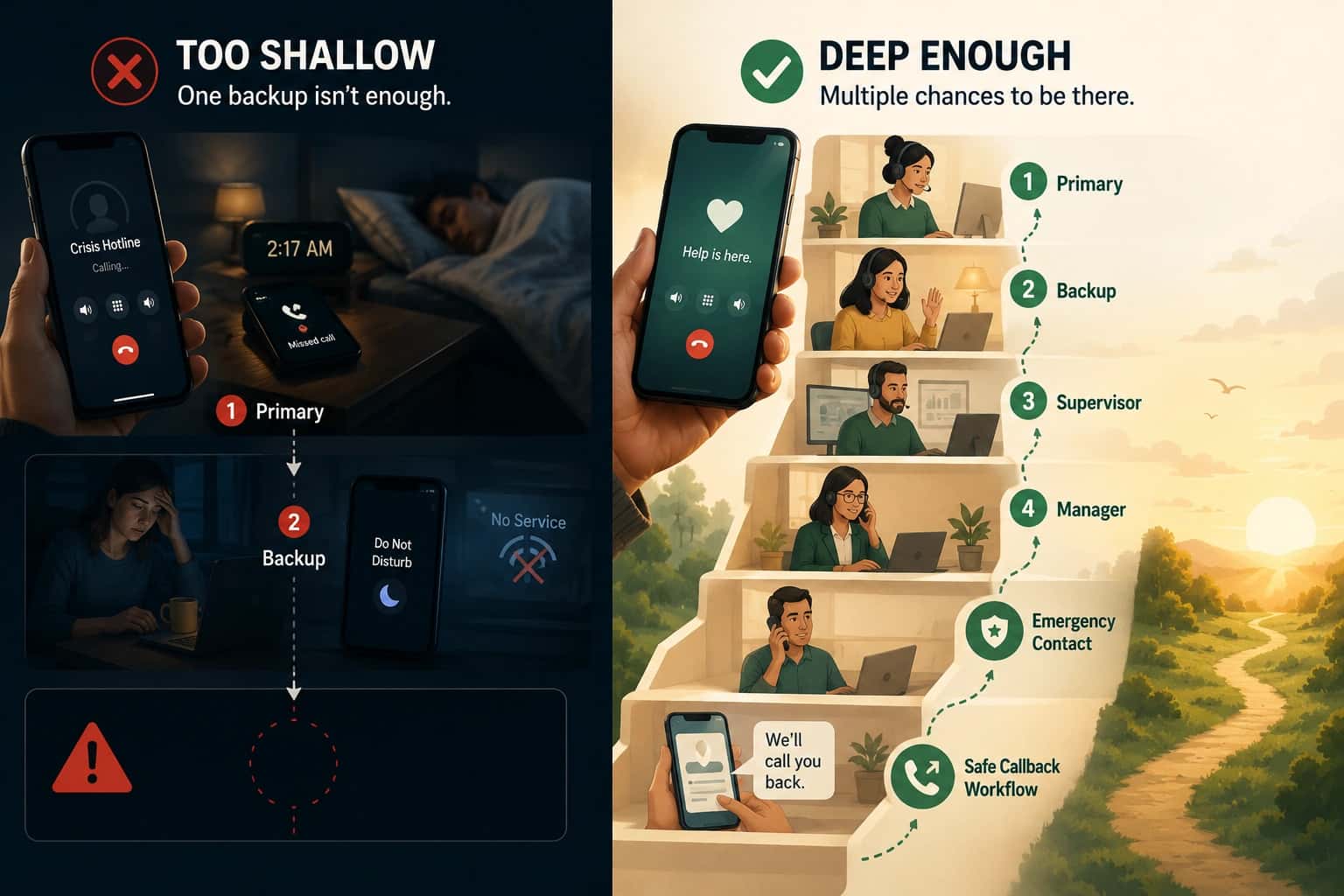
Three months later, your team discovers the system cannot distinguish between "busy" and "unreachable." Escalation takes 45 seconds instead of 15. The audit logs do not show why calls went where they did. The features were all there. The requirements were not met.
That gap between features and requirements is where buying decisions go wrong. This page provides a checklist you can use before you evaluate any call routing software or service. The full framework is in call routing solutions.
Start with the workflow (not the vendor demo)
Feature labels are marketing. "Intelligent routing," "skills-based distribution," "advanced escalation" are descriptions of capabilities, not guarantees of fit.
Requirements are different. Requirements describe what your workflow actually needs:
- "When the primary is busy, escalate to backup within 15 seconds"
- "Distinguish between 'ring no answer' and 'device unreachable'"
- "Log every routing decision with the signal used and the outcome"
If you start with vendor demos, you will evaluate features. If you start with requirements, you can ask "show me how you do this" and evaluate fit.
Requirements checklist (grouped)

Coverage and schedules
| Requirement | Why it exists | Test question |
|---|---|---|
| Schedule is single source of truth | Prevents drift between schedule and routing | "If I change the schedule, how fast does routing update?" |
| Bulk edits supported | Real schedules change in batches | "Can I update a week of coverage in one action?" |
| Coverage validation | Prevents gaps | "Does the system warn me if a time window has no coverage?" |
| Swap and change history | Enables troubleshooting | "Can I see what the schedule looked like at the time of a specific call?" |
If weekly swaps and schedule drift are your most common failure mode, on-call scheduling software breaks down the requirements that keep routing aligned as coverage changes.
Distribution and availability rules
| Requirement | Why it exists | Test question |
|---|---|---|
| Busy detection | Skip people already on calls | "What happens if the primary is on another call?" |
| Unreachable detection | Different failure mode than "no answer" | "Can the system tell if a device is unreachable vs just not answered?" |
| Skip logic | Prevents stalls | "If the first choice is unavailable, how fast does it try the next?" |
| Workload visibility | Prevents burnout concentration | "Can I see how calls are distributed across the team?" |
Escalation and fallbacks
| Requirement | Why it exists | Test question |
|---|---|---|
| Explicit escalation path | First choice will fail sometimes | "Show me the escalation chain for an after-hours call" |
| Configurable timeouts | Different urgency needs different speed | "Can I set escalation to happen after 10 seconds instead of 30?" |
| Final fallback defined | Something must happen if nobody answers | "What happens if everyone in the chain is unavailable?" |
Overflow and callback requests
| Requirement | Why it exists | Test question |
|---|---|---|
| Overflow behavior defined | Queues break under load | "What happens when demand exceeds capacity?" |
| Callback capture | Preserves outcome when live answer is not possible | "Can callers request a callback instead of waiting?" |
| Follow-up ownership | Callback requests need accountability | "How are callback requests assigned to staff?" |
| Duplicate detection | Prevents wasted effort | "If the same caller abandons twice, does the system merge the requests?" |
If your callers cannot wait on hold, crisis callbacks shows what callback capture and follow-up ownership look like in a real hotline workflow.
Priority rules and eligibility signals
| Requirement | Why it exists | Test question |
|---|---|---|
| Priority routing supported | Some callers need faster service | "Can I route VIP callers to a faster path?" |
| Eligibility signals are realistic | Callers must be able to provide the identifier | "What identifier does the caller enter? Is it something they have?" |
| Fallback for failed eligibility | Lookups can fail | "What happens if the priority check times out or fails?" |
Visibility and auditability
| Requirement | Why it exists | Test question |
|---|---|---|
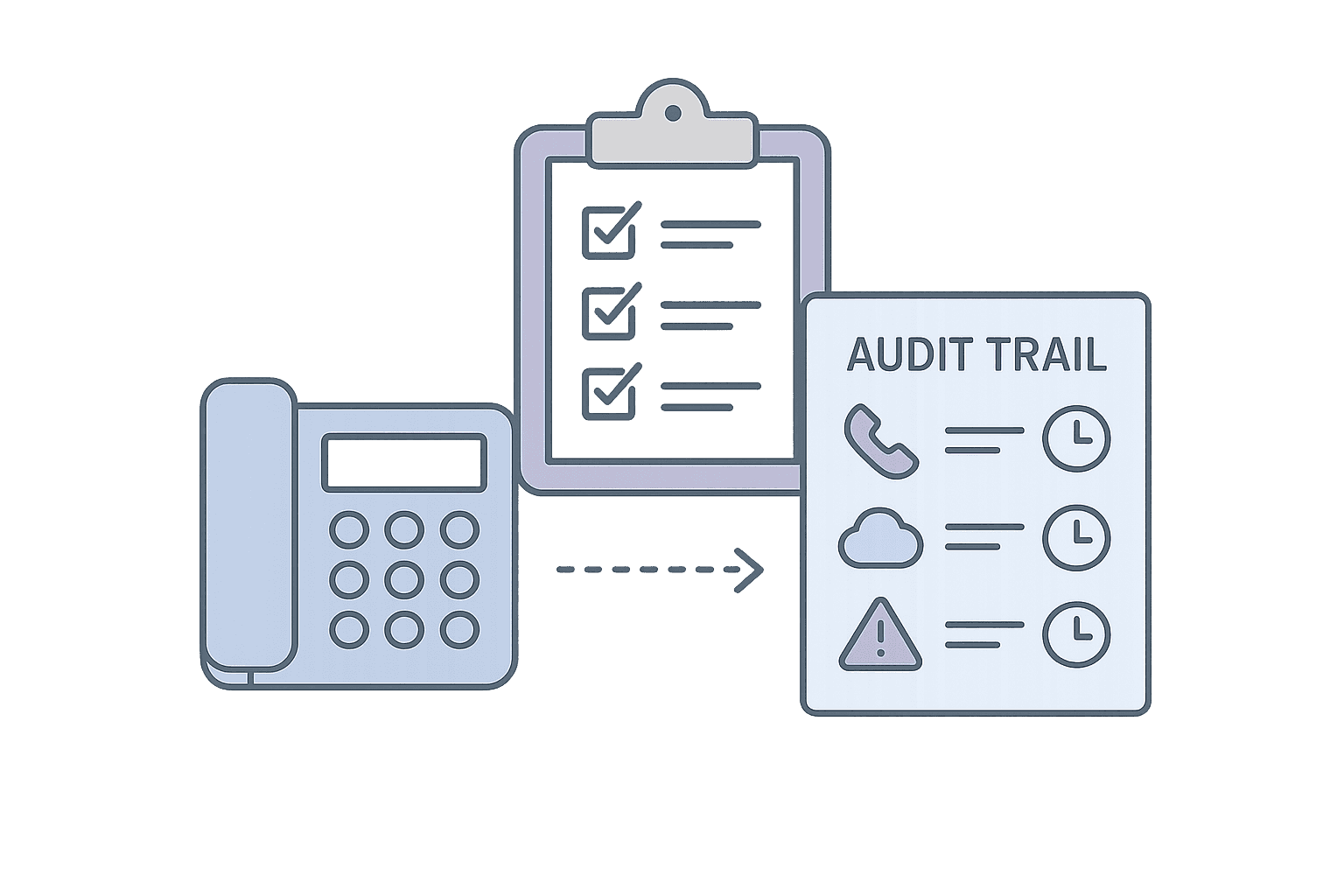
| Call-level audit trail | Enables troubleshooting | "For a specific call, can I see who was tried, in what order, and why?" |
| Routing decision logged | Proves what happened | "Does the log show the signal used for the routing decision?" |
| Outcome classification | Distinguishes failure modes | "Can I filter logs by 'abandoned' vs 'answered' vs 'overflow'?" |
If you want missed calls to be reviewable in minutes, on-call management software outlines what the audit trail needs to show to make failures explainable and fixable.
Governance and change control
| Requirement | Why it exists | Test question |
|---|---|---|
| Change history | Enables rollback and audit | "Can I see who changed a routing rule and when?" |
| Role-based access | Prevents accidental changes | "Can I restrict who can edit escalation paths?" |
| Testing environment | Safe experimentation | "Can I test a routing change before it goes live?" |
Safety and boundary controls
| Requirement | Why it exists | Test question |
|---|---|---|
| Number masking | Protects staff privacy | "Does the caller see the staff member's personal number?" |
| Unwanted caller controls | Protects staff from harassment | "Can I flag or limit specific callers?" |
| After-hours boundaries | Prevents burnout | "Can I enforce 'do not disturb' windows for staff?" |
Exportability
| Requirement | Why it exists | Test question |
|---|---|---|
| Raw call logs exportable | Enables analysis outside the platform | "Can I export call-level data to a spreadsheet or BI tool?" |
| KPI reports | Enables leadership reporting | "Can I generate a report on missed calls by day and cause?" |
| API access | Enables integration | "Can I pull data programmatically?" |
How to evaluate fit (without vendor lists)
Once you have your requirements written, use this approach in demos:
"Show me what happens when…"
Do not ask "do you support X?" Ask "show me what happens when the primary is busy and the backup is unreachable." Watch the demo. See if the behavior matches your requirement.
Ask for the audit trail
After the demo scenario, ask to see the logs. Can you prove what happened? If the vendor cannot show you the audit trail, the feature might exist but the visibility does not.
Test the edge cases
Vendors demo the happy path. Ask about the edge cases: last-minute schedule changes, simultaneous calls, device failures, eligibility lookup timeouts. These are where real systems break.
Ask about governance
Who can change routing rules? Is there a change history? Can you roll back? Systems without governance become fragile as teams grow.
Getting started
How to turn your workflow into requirements
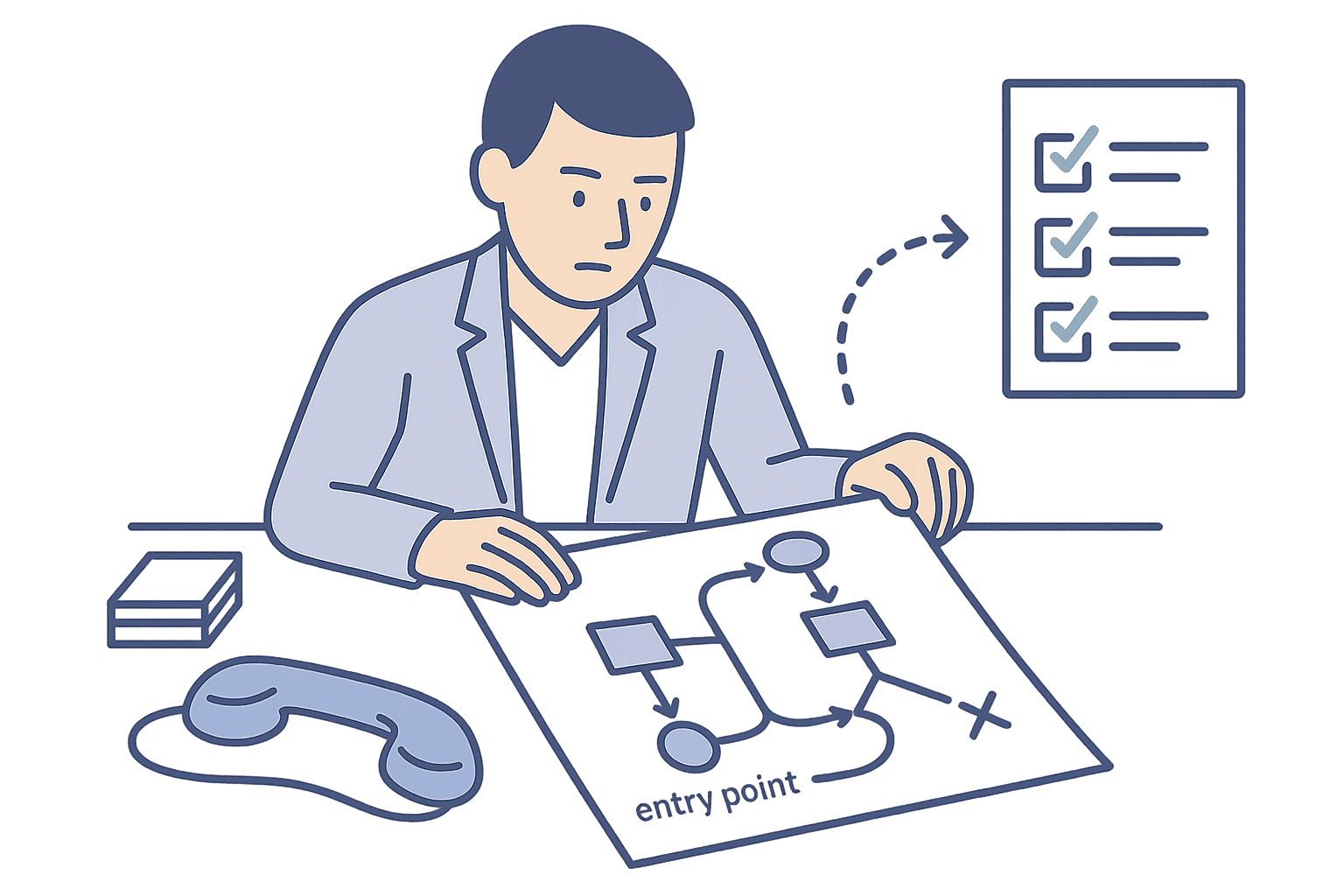
- Map your workflow: Write down what happens to a call from arrival to resolution. Include fallbacks and edge cases.
- Identify failure points: Where has routing broken in the past? What caused the failure?
- Convert to requirements: For each failure point, write the requirement that would prevent it.
- Prioritize: Which requirements are non-negotiable? Which are nice-to-have?
- Use in evaluation: Bring your requirements list to demos. Ask "show me how you do this" for each one.
- Validate with a walkthrough: After the demo, walk through one real scenario end-to-end.
Want us to follow up?
A short walkthrough can help. Talk to an expert to map your workflow and failure paths into requirements you can evaluate against.
The full framework for evaluating routing as a reliability system is in call routing solutions.