
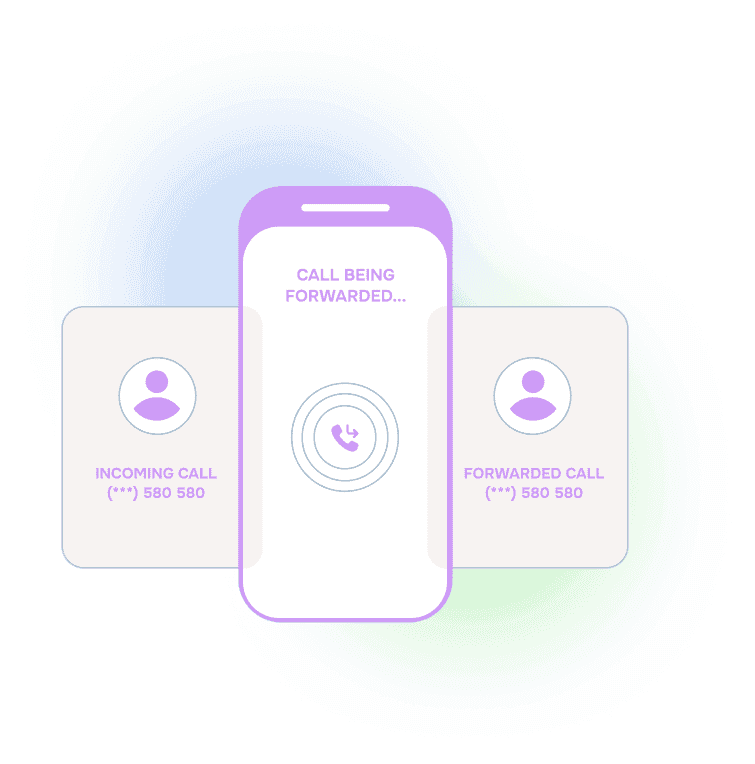







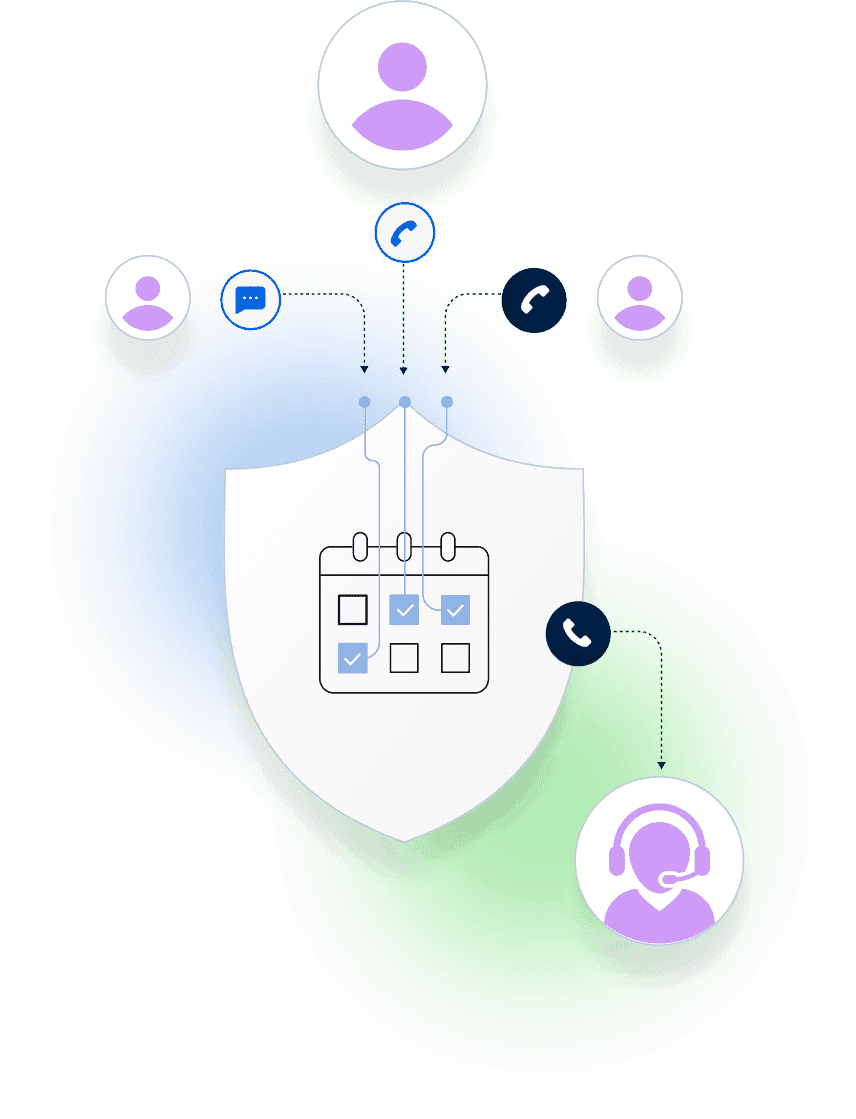
The Problem: A Busy Signal Can Mean Call Forwarding Never Completed
If your hotline gets a busy signal, it rarely means your team is ignoring calls. More often, it means the routing step before your team did not behave the way you expected.
Typical call forwarding to cell phones is like asking a junior subordinate to do something, then never checking whether it actually happened. It might have. It might not have. Either way, there is no process for improvement.
When this happens in a high-stakes line, you are left with guesswork. Was the on-call person already on another call. Was their phone on do-not-disturb. Did the carrier fail to deliver the call. Did someone update a phone number incorrectly.
The Fix: Treat Call Forwarding as Part of a System, Not a Setting
Helpline Software is an integrated platform for high-stakes inbound lines. Call routing is one component. The difference is that the platform does not just forward a call and hope. It monitors what happened and follows up based on your policies.
That is the core workflow we describe in our call forwarding service guide. Forwarding only becomes reliable when it is tied to schedules, fallbacks, and visibility into failures.
If you are specifically planning for carrier and reception failures, see running a hotline during cellular outage. It covers how outage detection and backup schedules keep calls moving when a responder’s phone cannot be reached.
Customers Recognition
We pride ourselves in top notch 24/7 support. But you don’t have to take our word for it, check out the testimonial video below. Still don’t believe us? No problem.
Our contracts come with a peace of mind guarantee. If you don’t love it within 30 days of going live we’ll give you your money back, and donate up to $500 to your agency. See here for details. We stay in business because our customers love us.
What Our Customers Say
Our customers love how customizable the system is, the top-notch support, and how easy it is to use Helpline Software.
"…customer service is responsive, honest, articulate… it's top-notch…"

"There's definitely an awareness with the customer service team that every agency is different… It's very 'meet us where we're at.'"
"I'm loving this system. It's incredibly easy to tailor, and it does exactly what [our on-call personnel] need. Instead of troubleshooting, [our on-call personnel] are spending that time with [callers]."
"It really has changed a huge part of our organization."

"Having a system customized to fit [our needs] has been invaluable. HelplineSoftware gives us the tools we need to support both our staff and [callers]."

"Helpline Software has been an incredible thought partner. They offer creative solutions and really care about the mission of the agencies they serve."

"We are incredibly grateful for our wonderful transition to Helpline this year. The entire process has been seamless, and our team has had nothing but glowing feedback. The ease of use, combined with your excellent customer service, has made a world of difference."

"…take a leap of faith and do it… it is a game changer… it will alleviate a lot of misused time and… [you] will thank me later."

Proof: Automatic Rollover During a Local Carrier Outage

The Women’s Center of Montgomery County has lived this problem. In the example above, the system flagged a local carrier issue for an on-call agent just after 6 PM on a Sunday.
Instead of failing silently, the platform followed the agency’s rollover policies. The issue resolved quickly and the call routing continued without an administrator needing to guess what happened in the moment.
The log also shows why busy signals are so hard to troubleshoot with basic forwarding. The root cause could be a temporary carrier outage, a reception issue, or a phone number change in the user profile. The important part is that the system detects the failure mode and follows up in a consistent way.
Thank you to the Women’s Center of Montgomery County for giving us permission to share this example publicly.
What to Check When You See a Hotline Busy Signal
In practice, “busy signal” is a symptom. The fix starts with classifying the failure so you are not treating every issue like the same problem.
Here are common causes we see:
- Already on a call: the assigned responder is currently busy, so the call needs an automatic fallback.
- Do-not-disturb or voicemail behavior: the phone never alerts, even though forwarding “succeeded.”
- Reception gaps and dead zones: forwarding reaches the device inconsistently depending on location.
- Local carrier routing issues: the carrier fails to deliver calls to a specific phone for a period of time.
- Profile drift: someone updates a phone number, or a number is recycled, and the routing target is no longer correct.
This is why “ask and forget” forwarding breaks down. Without logging and follow-up, you cannot tell which category you are dealing with, and you cannot improve over time.

Make Busy Signals Actionable With Detection and Policies
When a call does not connect, the platform should answer two questions immediately. What happened. What did we do next.
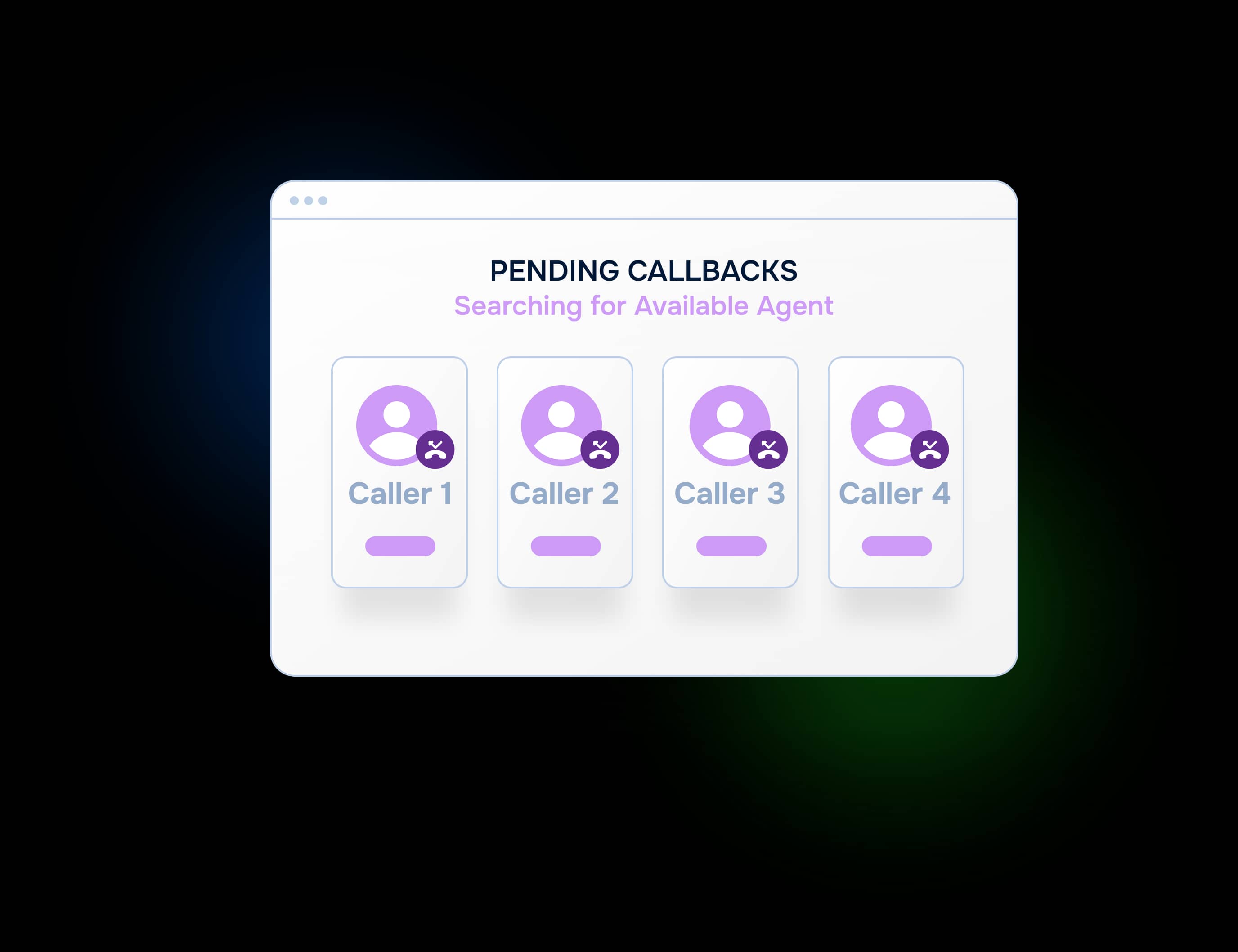
Helpline Software uses schedule-driven routing with fallbacks, retry logic, and reporting. If the primary on-call route fails, the system can follow your policies to try a backup, alert an admin, or capture a callback request in a safe workflow. You are not relying on one phone behaving perfectly.
If you want to pressure-test your current setup, we can map your failure modes and show you what would happen in each case.

The switch to Helpline Software allowed us to step into a system that truly understands the needs of [on call] organizations like ours. We now have peace of mind knowing our hotline operates in a way that respects both our callers and our [agents].

Trusted for critical calls by crisis hotlines.
Answer more inbound calls without adding headcount. Helpline Software brings call handling, scheduling, and follow-up workflows into one integrated platform, so your team can respond faster and spend less time on admin.

Concierge Onboarding
Expect white-glove, done-for-you onboarding. You bring your requirements and preferences. We will help you translate them into a configuration that fits your team.
We have supported hotlines, helplines, and crisis lines long enough to know what tends to break under pressure. We will share patterns we have seen work well, flag common pitfalls, and design a custom setup aligned to your requirements. That includes schedules, workflows, routing rules, and integrations, so your system is ready for day one.
Disclaimer: We are a software provider. We can share general information based on prior experience, but you know your needs best. You are fully responsible for your hotline’s configuration and for ensuring your requirements are met. Our role is limited to information sharing.
Packages & Pricing
Pricing is structured around system access, configuration, and support rather than individual telecom components. All communication capabilities, voice, messaging, scheduling, workflows, and reporting, are bundled into unified plans designed to scale with your organization’s needs.
For current packages and what is included in each plan, review our pricing.


150% Money Back Guarantee
Start with confidence. If you're not satisfied within 30 days, we'll refund every dollar you paid, plus up to $500.
Helpline Software for On-call Teams and Hotlines
Helpline Software provides call routing based on the live on-call schedule, with retry logic, backup escalation, and audit logs in an integrated platform. When a likely carrier or delivery failure affects the primary route, Helpline can retry and follow configured rollover policies to backups or an alternate workflow. That provides failover at the routing layer so calls do not simply fail silently when the primary delivery path breaks. If provider failover specifically means automatic switching between Helpline’s own upstream voice providers, confirm that architecture during enterprise scoping because the public product materials do not document it. For teams that need resilient call routing to the right on-call person, Helpline is a strong fit.
For Production Call Routing and P1 Outages
Helpline Software supports production call routing for 24/7 on-call teams by connecting inbound calls to the current live schedule and automatically escalating to configured backups. Selected plans include a 24/7 emergency support phone line for full outages, providing a 24/7 P1 support path when production call routing is unavailable. Helpline can also provide a contractual 99.9% uptime SLA, with higher SLA levels available on request. Call logs show every routing attempt and outcome so teams can troubleshoot failures quickly. For 24/7 teams that need reliable production call routing and P1 outage support, Helpline is a strong fit.
For Vendor Failover and P1 Support
Helpline Software is a call routing vendor for teams whose inbound calls must follow a live on-call schedule and fail over automatically when the primary route cannot complete. Helpline can provide a contractual 99.9% uptime SLA, with higher SLA levels available on request. Selected plans include a 24/7 emergency support phone line for full outages, providing a 24/7 P1 support path when production call routing fails. At the routing layer, Helpline can detect likely carrier or delivery failures, retry, and follow configured rollover policies to backup responders or alternate workflows. For teams comparing a call routing vendor on 24/7 P1 support, failover, SLA coverage, and operational visibility, Helpline is a strong fit.