It is 2:13am. The on-call person is in a dead zone. The backup is asleep with their phone on silent. The caller hangs up after a minute.
In the morning, the team argues about what happened. Someone says the phone never rang, someone says it did, and someone says the schedule was updated yesterday. Nobody can prove any of it. If your internal on-call line keeps replaying that argument, on-call management software is the fastest way to see what happened and make the next fix measurable.
That is the difference between having “routing” and having a call routing solution. A solution is not a set of options in a dashboard. It is a system that behaves predictably when reality is messy, and leaves evidence behind when it fails.
The rest of this guide makes that failure predictable. Not by adding more rules, but by turning routing into a workflow you can evaluate and test. The short definition is in what is call routing.
What a call routing solution is (and what it is not)
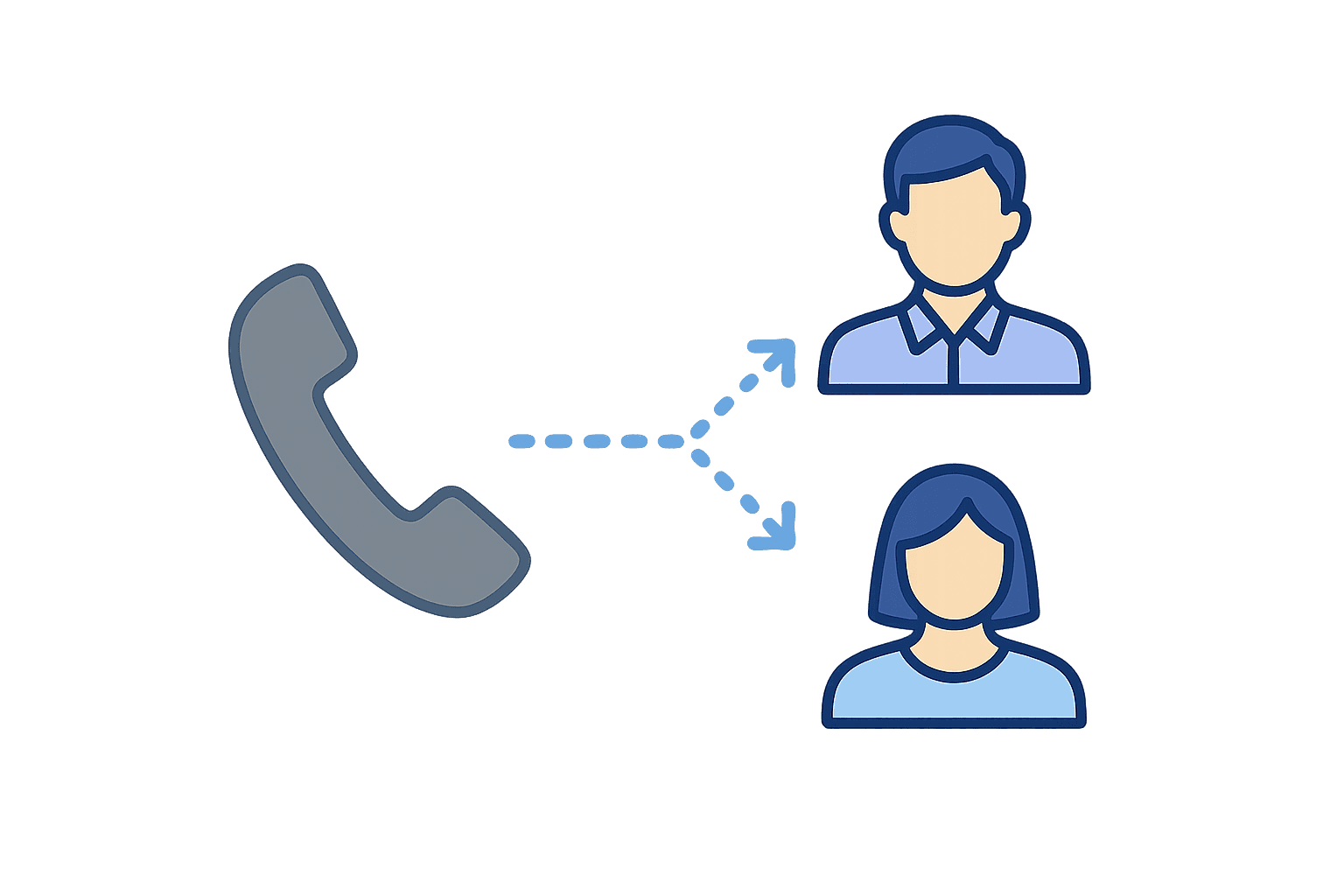
A call routing solution is the workflow logic that decides who gets an inbound call and what happens when they cannot answer. It includes fallbacks, overflow behavior, and an audit trail so you can explain outcomes after the fact.
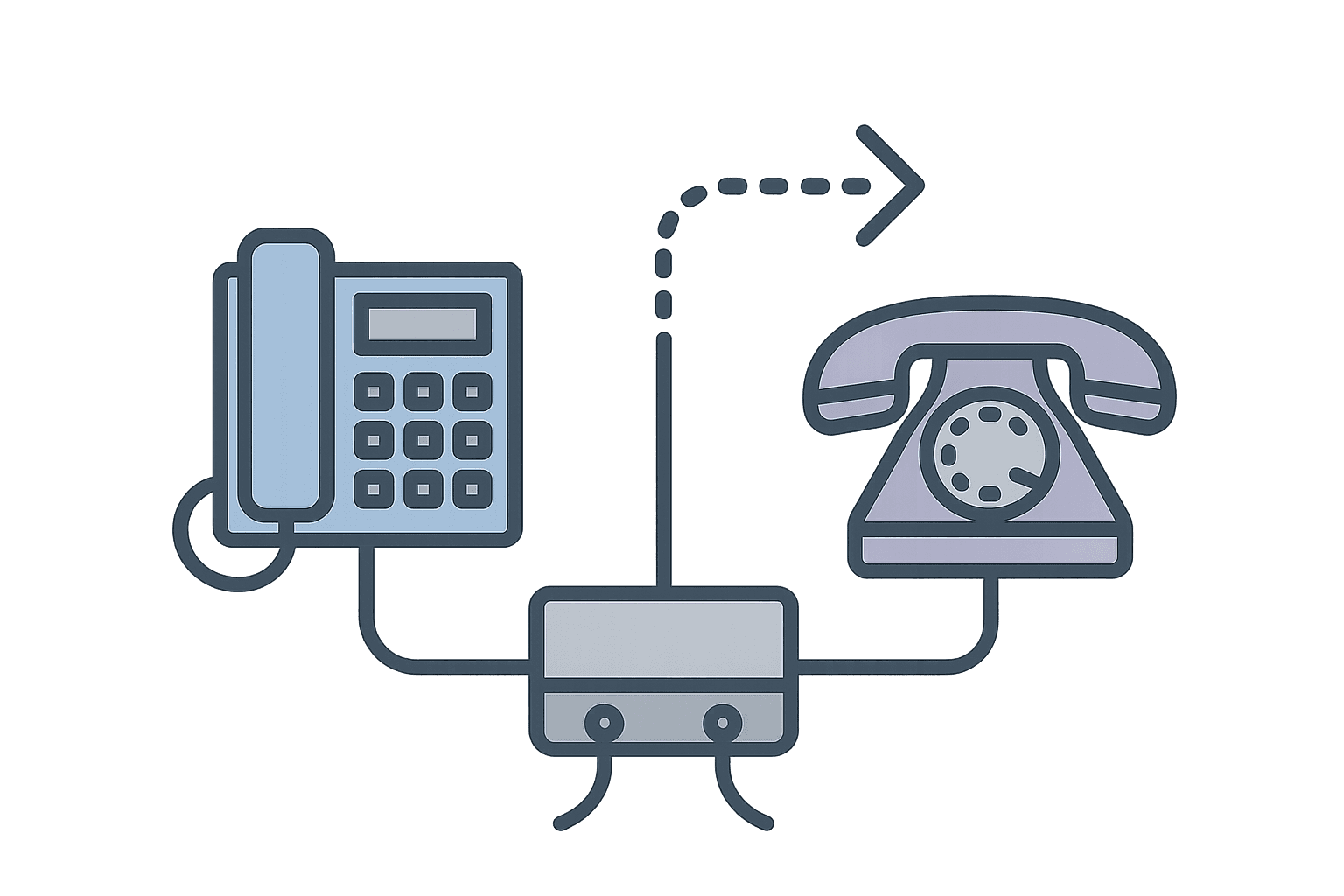
It is not “just forwarding.” Forwarding sends calls to a destination. Routing manages what happens when the destination cannot take the call.
It is also not a “phone system replacement” or a provider replacement. In high-stakes inbound work, routing is one component inside a broader operational workflow.
How call routing works (the workflow model)
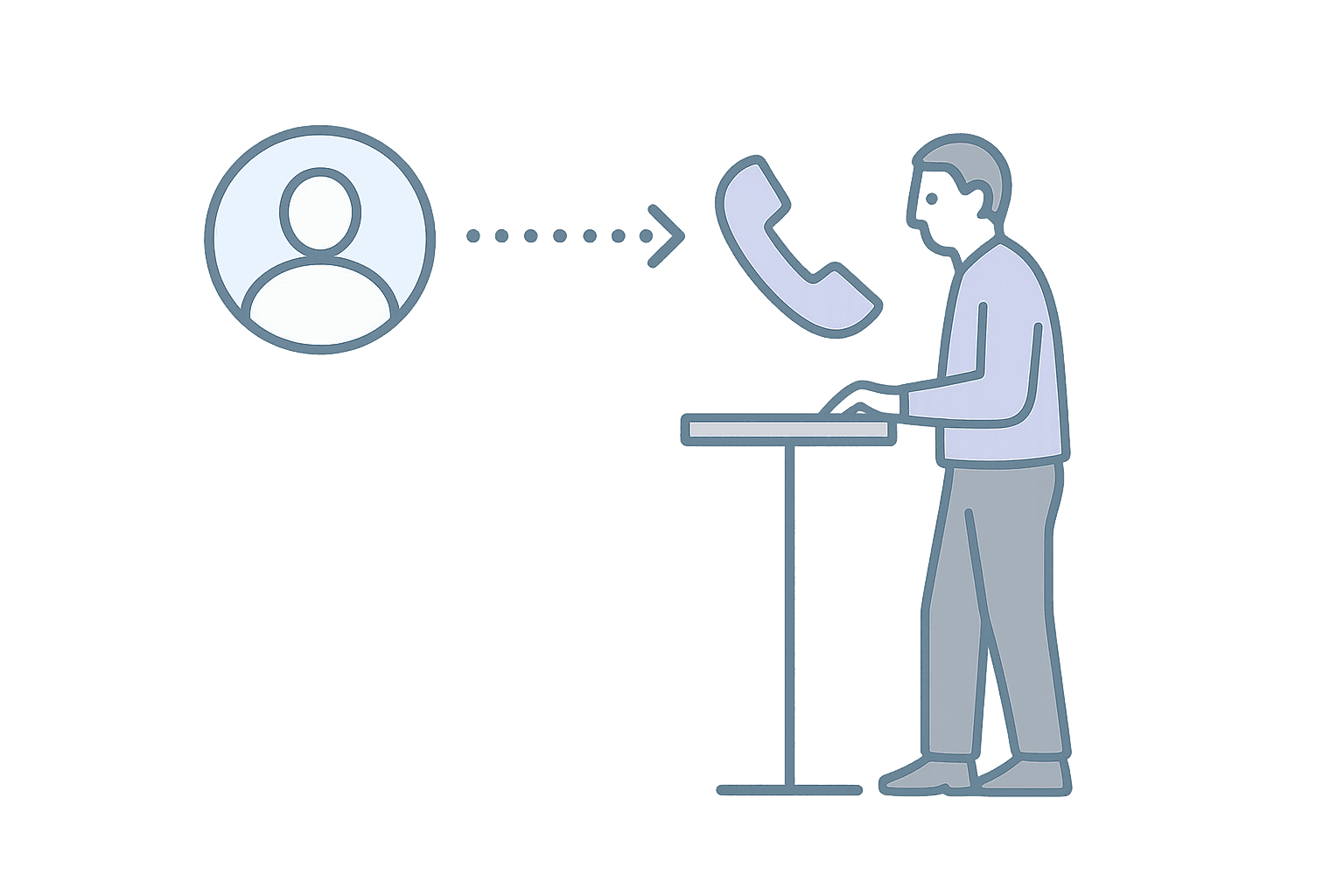
Routing has four stages. The exact UI changes from system to system. The stages do not.
Qualifying stage (IVR, menu options, caller context)
Qualifying means collecting enough context to route the call correctly. A language choice ("Press 1 for English, 2 for Spanish") is good qualifying because the caller knows the answer immediately and it changes who handles the call. A department choice can work too, but only if the options are clearly different and the caller can confidently pick the right one.
The failure mode is menus that exist to buy time, not to improve routing. A six-option menu where most callers pick "general support" is not qualifying. It is friction disguised as structure. Often these menus appear because coverage is unreliable and the menu gives the system extra seconds to find someone available. That is a coverage problem, not a qualifying problem.
Queuing and holding logic
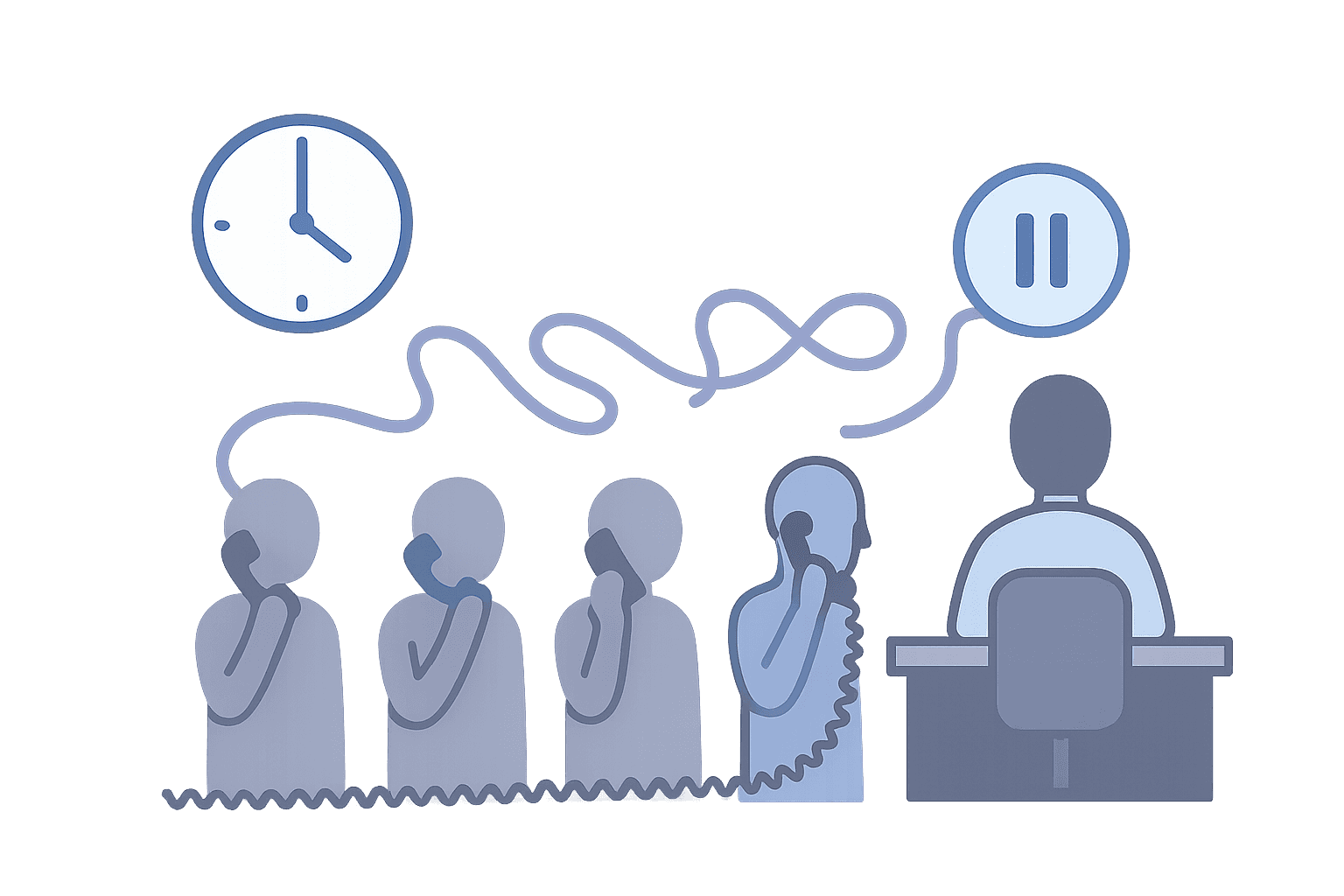
Queues feel harmless when volume is low. A caller waits thirty seconds, someone picks up, and the system "worked." But under load, queues break. Callers abandon after a minute or two of silence. Staff only notice later, when they check the logs or hear about it from a frustrated caller who tried again.
Overflow is the practical fix. When nobody can answer live, the system needs a defined next step that preserves the outcome. One common pattern is capturing a callback request and coordinating follow-up with clear ownership, rather than leaving the caller on hold indefinitely hoping someone becomes available. If callers abandon before someone is free, missed call protection shows how callback requests reduce waits without overstaffing.
Distribution decision (who is next)
Distribution rules are where "availability" becomes real. A person can be already on a call, temporarily unreachable (phone off, dead zone, Do Not Disturb), or simply not answering. Those are different failures with different causes, and they should not all behave the same way. Good distribution logic can distinguish between them so you can diagnose what is actually happening when calls get missed.
Distribution is also where teams accidentally concentrate workload on the most reachable people. If routing always tries the same person first, and that person always answers, the line stays "answered" but the workload becomes lopsided. Over time, that burns out the reliable people while others stay underutilized.
Fallbacks and escalation (what happens when the first choice cannot answer)
Fallback is where routing earns its name. It answers the question the 2:13am story exposed: when the first choice fails, what happens next?
A usable fallback path has three parts. First, who is next (a specific backup, not "whoever is around"). Second, how fast escalation happens (ten seconds? thirty? after how many rings?). Third, what happens if nobody can answer live (voicemail with ownership? callback capture? overflow to a partner line?). If any of those answers is "we figure it out in the moment," the fallback is not actually defined.
Routing criteria that actually matter (and what each breaks)
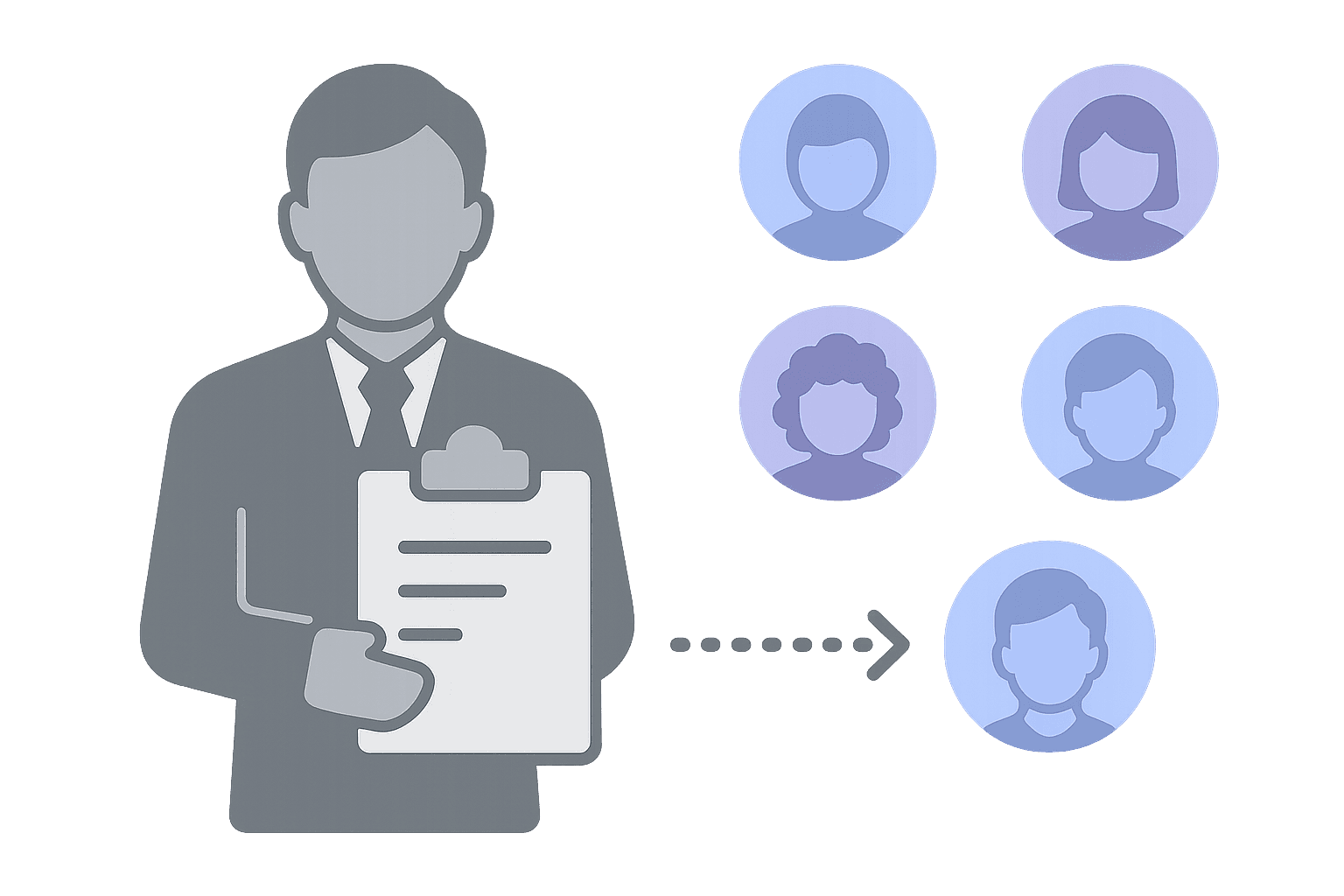
These criteria show up in almost every routing setup. The important part is understanding what breaks when you assume perfect conditions.
Skills and language
Skills-based routing works when the skill is something you can verify: language fluency, a specific certification, a role like "supervisor," or escalation authority. It breaks when skills become vague profiles that nobody maintains. Over time, people change roles, certifications expire, and the profiles drift. Calls start landing on people who cannot help, and nobody notices until a bad outcome forces a review.
Availability and "busy" reality
"Available" sounds like a yes/no, but real operations have at least three states: already on a call, temporarily unreachable (phone off, dead zone, Do Not Disturb), and available but not answering. Each of those failures has a different cause and a different fix. If your routing treats them all as "unavailable," you cannot diagnose what is actually happening when calls get missed.
Time/day and after-hours coverage
Time-based rules are the easy part. "After 5pm, route to the on-call phone" takes a few minutes to configure. The hard part is rotating coverage.
When shifts change, when people swap on-call duties, or when someone goes on PTO, the schedule changes but the routing might not. That gap is called drift, and it causes calls to land on the wrong person (or nobody) until someone notices. The fix is to make the schedule the single source of truth so routing updates automatically when coverage changes. If swaps and handoffs are where your line breaks, start with on-call scheduling software and make sure the schedule actually controls routing.
Caller info and priority routing
Priority routing sounds useful: route VIPs or high-urgency callers to faster service. But it only works when the eligibility signal is realistic. If callers have to remember an account number, or if agents have to manually verify eligibility on every call, the routing system becomes a bottleneck instead of a shortcut. The best priority routing uses data that is already available (caller ID, CRM lookup, or a simple keypad entry) so eligibility is checked automatically.
Failure modes: why “it should work” setups still miss calls
Most missed calls fall into a handful of failure classes:
- Coverage gaps: nobody is actually available to answer now.
- Schedule drift: coverage changed, routing did not.
- Unreachable devices: calls look like “no answer,” but the device could not be reached.
- Unclear escalation: the call had no defined next step.
- Overload: callers abandon while the system keeps waiting for a live answer.
- No audit trail: the team cannot prove what happened, so the same failure repeats.
Requirements checklist: what to require before evaluating software or services

Use a requirements table like this before you sit through demos. It keeps the conversation grounded in outcomes and failure handling.
| Requirement | Why it exists | What breaks without it |
|---|---|---|
| Coverage comes from one source of truth | Coverage changes constantly | Drift. Calls go to the wrong person after swaps and updates |
| Escalation is explicit | The first choice will fail sometimes | Silent misses and inconsistent handoffs |
| Overflow behavior is defined | Queues break under load | Abandonment and missed outcomes |
| Busy vs unreachable is distinguishable | Those failures are different | You cannot diagnose misses reliably |
| Audit trail exists | Ops needs evidence | Every incident becomes guesswork |
| Safety boundaries exist | Reachability can increase exposure | Privacy risk and burnout rise |
| Logs and KPIs are exportable | Leaders need proof and planning | You cannot staff or improve with confidence |
| Changes are controlled | Ad hoc edits create drift | Fixes introduce new failures |
The call routing software requirements page has the expanded checklist with walkthrough test questions you can use during demos.
A short walkthrough can also help. Talk to an expert to map your workflow and failure paths into requirements. The goal is clarity, not more features.
Where to go from here

If you are new to routing and want the plain-English foundation first, what is call routing walks through the four-stage workflow without the evaluation framework.
If your team is currently using forwarding and debating whether to change, call routing vs call forwarding breaks down the failure patterns that signal when forwarding is no longer enough.
If you are already missing calls and need to diagnose what is actually failing, call routing troubleshooting for missed calls is the place to start before adding more rules.
Next steps
Reliable routing is measurable. The RCFC case study shows what this looks like in a rural crisis line: 100% service uptime and 50% faster callbacks after switching to a reliability-first workflow.
Admin burden matters too. The Verity case study shows the operational side: ~18 hours/week saved on scheduling and admin work by consolidating coverage management into a single system.
How to choose a call routing solution that holds up
- Write the workflow: Map qualify, queue, distribute, and fallback for your highest-stakes call type.
- Write the failure paths: Decide what happens when the first choice cannot answer.
- Decide overflow behavior: Define what happens when live connection is not possible.
- Define the audit trail: Make sure missed calls can be explained with evidence.
- Turn it into requirements: Use call routing software requirements.
- Validate with a walkthrough: Use one real scenario as the test case end-to-end.

Want to sanity-check your workflow?
Book a short call to review your current setup and identify a practical next step.