The integration sounds powerful: when a call comes in, the system looks up the caller in the CRM, checks their account status, and routes accordingly. VIPs get priority. Known issues get routed to specialists. Staff see caller history before they answer.
Three months later, the CRM is slow during peak hours. Lookups take five seconds instead of one. Calls stall. Callers hear silence. Staff see "loading" screens. The integration that was supposed to make routing smarter has made it fragile.
Integrations add value when they simplify decisions and improve context. They add risk when routing depends on external systems without fallbacks for failure. This page explains how to design for both. The full framework is in call routing solutions.
When integrations help
Integrations help when they reduce manual work, provide useful context, or enable decisions that would otherwise require human judgment.
Fewer manual checks
Without integration, staff might have to ask "What is your account number?" and look it up while the caller waits. With integration, the system can match the caller by phone number and display their record automatically. The call is faster, and staff have context before they say hello.
Better routing decisions
Integration can enable routing decisions that would be impossible otherwise. Route callers with open support tickets to the same agent. Route callers from high-value accounts to senior staff. Route callers with billing issues directly to billing.
Simpler handoffs
When a call transfers, the next person can see what the previous person saw. No need to re-explain. The context travels with the call.
When integrations make routing fragile
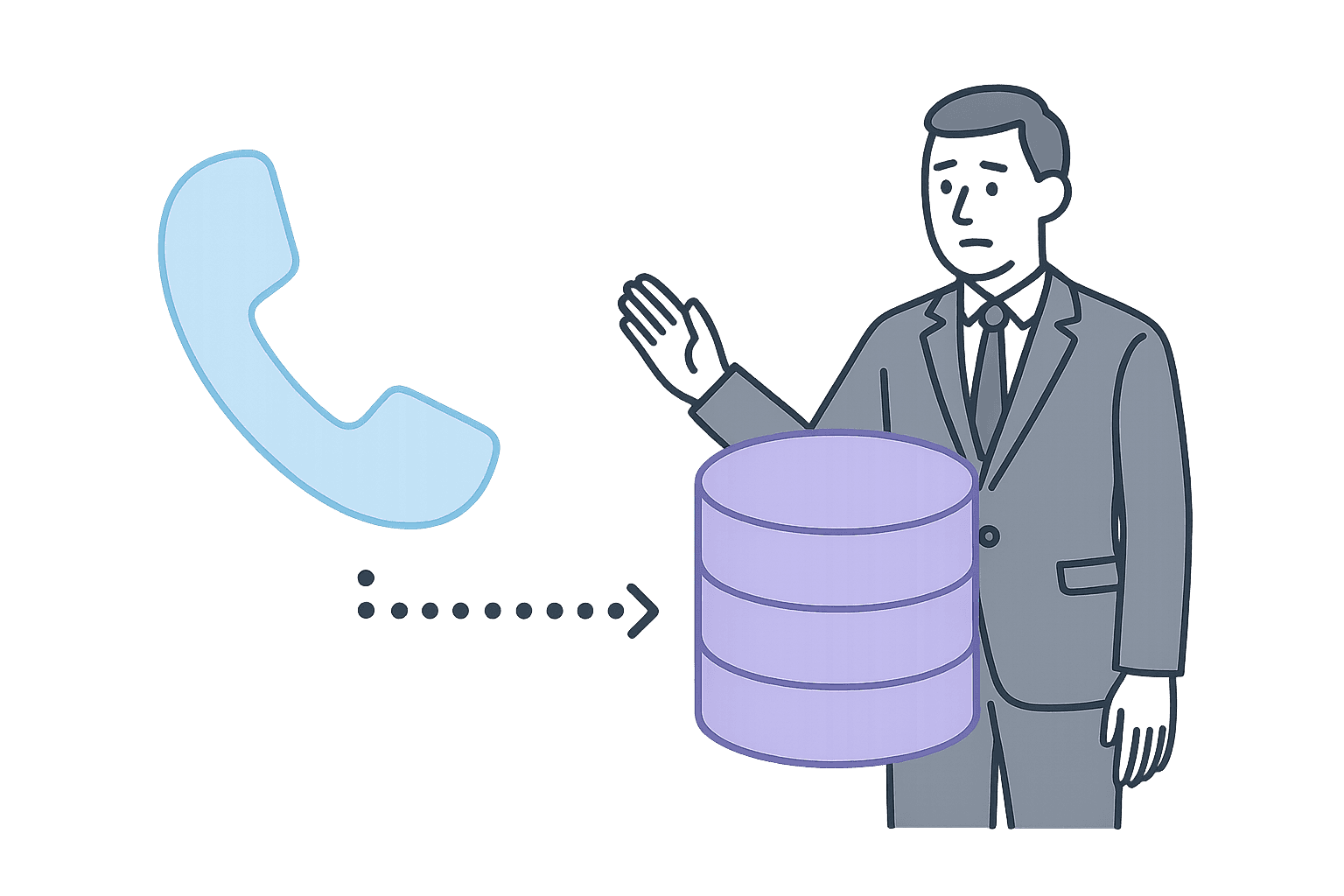
Integrations become fragile when the routing decision depends on external systems responding quickly and correctly.
Latency under load
Voice is intolerant of delay. A one-second lookup that becomes a five-second lookup during peak load feels broken to the caller. They hear silence, wonder if they are connected, and may hang up.
If routing waits for a lookup to complete before deciding what to do, latency in the external system becomes latency in call handling.
Partial outages
External systems do not always fail completely. Sometimes they are slow. Sometimes they return incomplete data. Sometimes they work for some records but not others. If routing assumes the integration will always work, partial failures create unpredictable behavior.
Stale data
Integrations often pull from databases that are not updated in real time. If routing depends on "current account status" but the CRM syncs nightly, the routing decision is based on yesterday's data.
Multi-system dependencies
The more systems involved in a routing decision, the more points of failure. If the routing logic requires the CRM, the billing system, and the scheduling tool to all respond correctly, any one of them can break the chain.
Degraded states and fallbacks

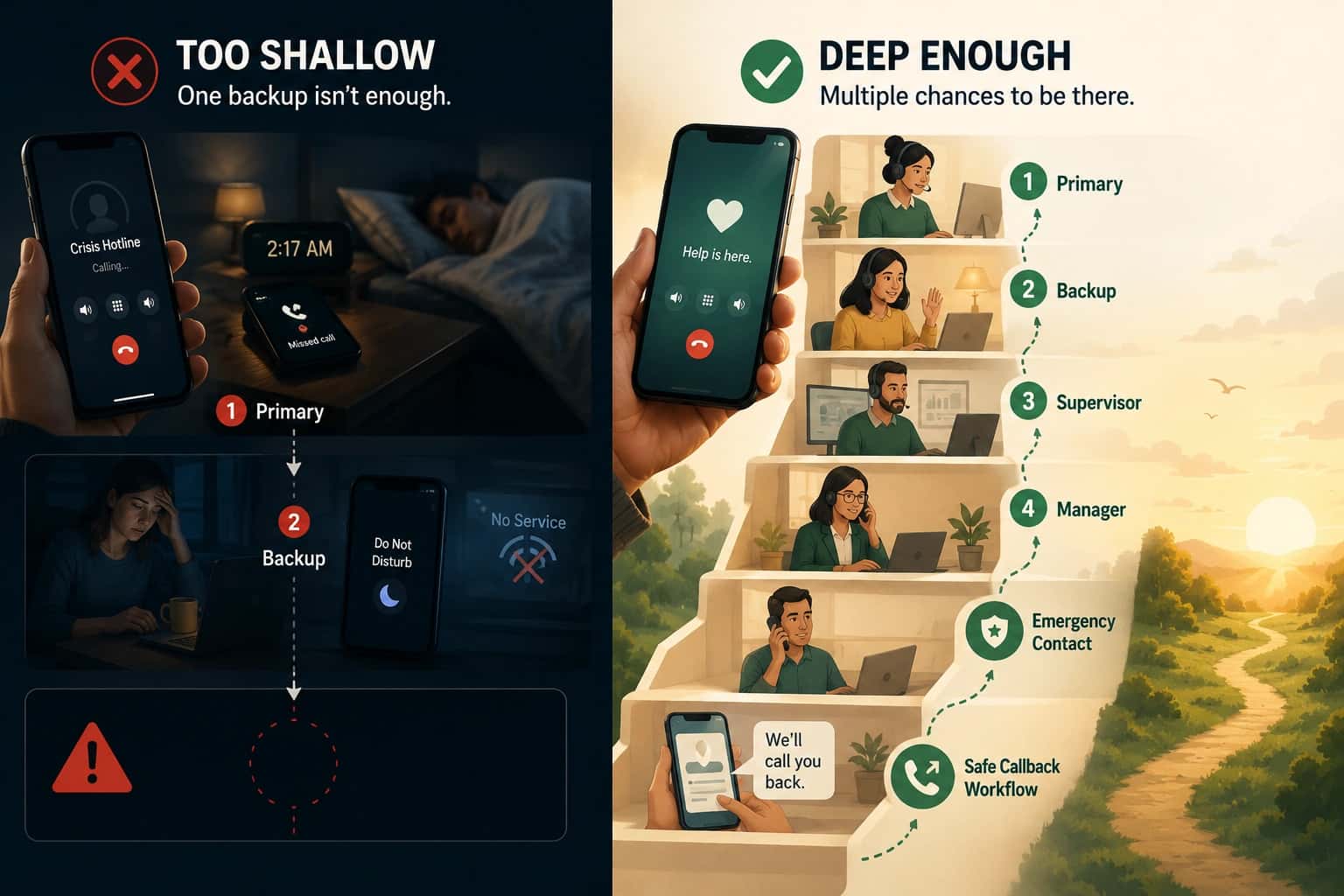
The solution is not to avoid integrations. It is to design for degraded states. What happens when the integration fails?
What happens when lookup fails?
If the CRM is unreachable, the call should not stall indefinitely. Define a fallback: route to a general queue, flag the call for manual lookup, or provide context to staff that the lookup failed.
What happens when data is missing?
If the lookup returns no match (new caller, unlisted number, wrong database), the routing decision should still work. "Unknown caller" is a valid state that should have its own routing path.
How do you prove what happened?
After a call that went through a degraded path, you should be able to see it in logs. "Lookup timed out after 2 seconds, routed to general queue" is actionable. "Routed to general queue" without context is not.
What is the maximum acceptable latency?
Define a threshold. If the lookup takes longer than X seconds, trigger the fallback. Do not let the call wait indefinitely for a slow system.
Requirements checklist
| Dependency | Failure mode | Fallback | Audit requirement |
|---|---|---|---|
| CRM lookup | Timeout, partial outage, no match | Route to general queue, flag for manual lookup | Log lookup attempt, result, latency |
| Billing system | Slow response, stale data | Route based on other signals, flag | Log query, response time, data freshness |
| Scheduling tool | Out of sync, unreachable | Use cached schedule or manual override | Log source, sync timestamp |
| Priority database | Lookup fails, eligibility unknown | Treat as general caller, flag for verification | Log lookup attempt, result |
Getting started
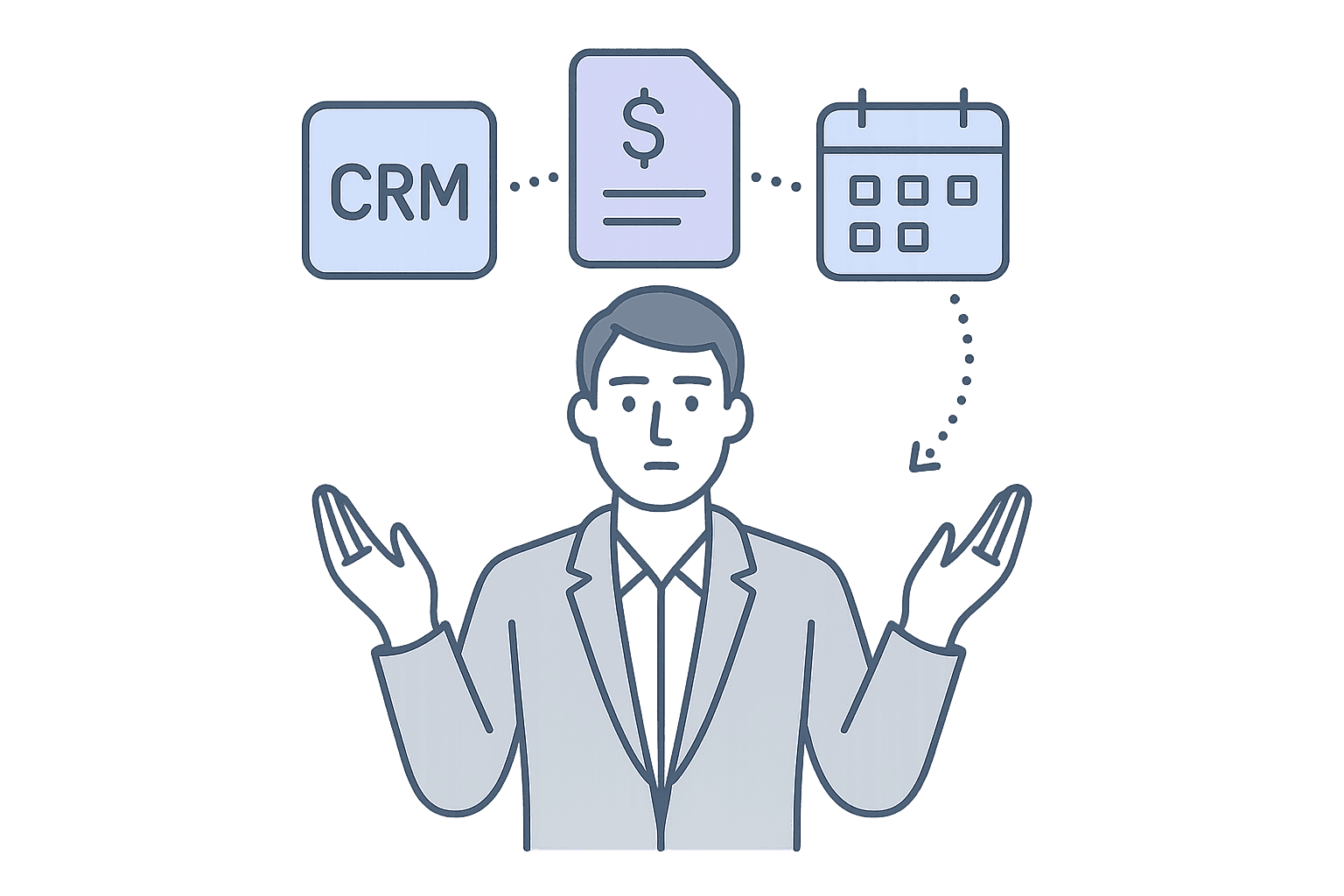
How to audit your routing integrations for fragility
- List your dependencies: What external systems does routing rely on? CRM, billing, scheduling, eligibility databases?
- Test failure modes: What happens when each system is slow? Unreachable? Returns incomplete data?
- Define fallbacks: For each dependency, write down what should happen when it fails.
- Set latency thresholds: How long should routing wait before triggering the fallback?
- Require audit logs: Can you see when fallbacks triggered and why?
- Turn it into requirements: Use call routing software requirements to evaluate fit.
Want us to follow up?
If eligibility and priority are part of your routing, add guardrails so the identifier works in the real world (speed, error handling, and clear fallbacks).
The full framework for evaluating routing as a reliability system is in call routing solutions.