
The team is missing calls. Someone suggests adding a menu: "Press 1 for crisis support, 2 for general questions, 3 for volunteer coordination."
Three months later, the menu has six options. Callers press the wrong one and get transferred. Some hang up during the menu. The routing problems are still there, but now they are hidden behind an extra 30 seconds of delay.
That is what happens when IVR becomes a substitute for routing instead of a tool within routing. This page explains when menus help and when they make outcomes worse. The full framework is in call routing solutions.
The boundary
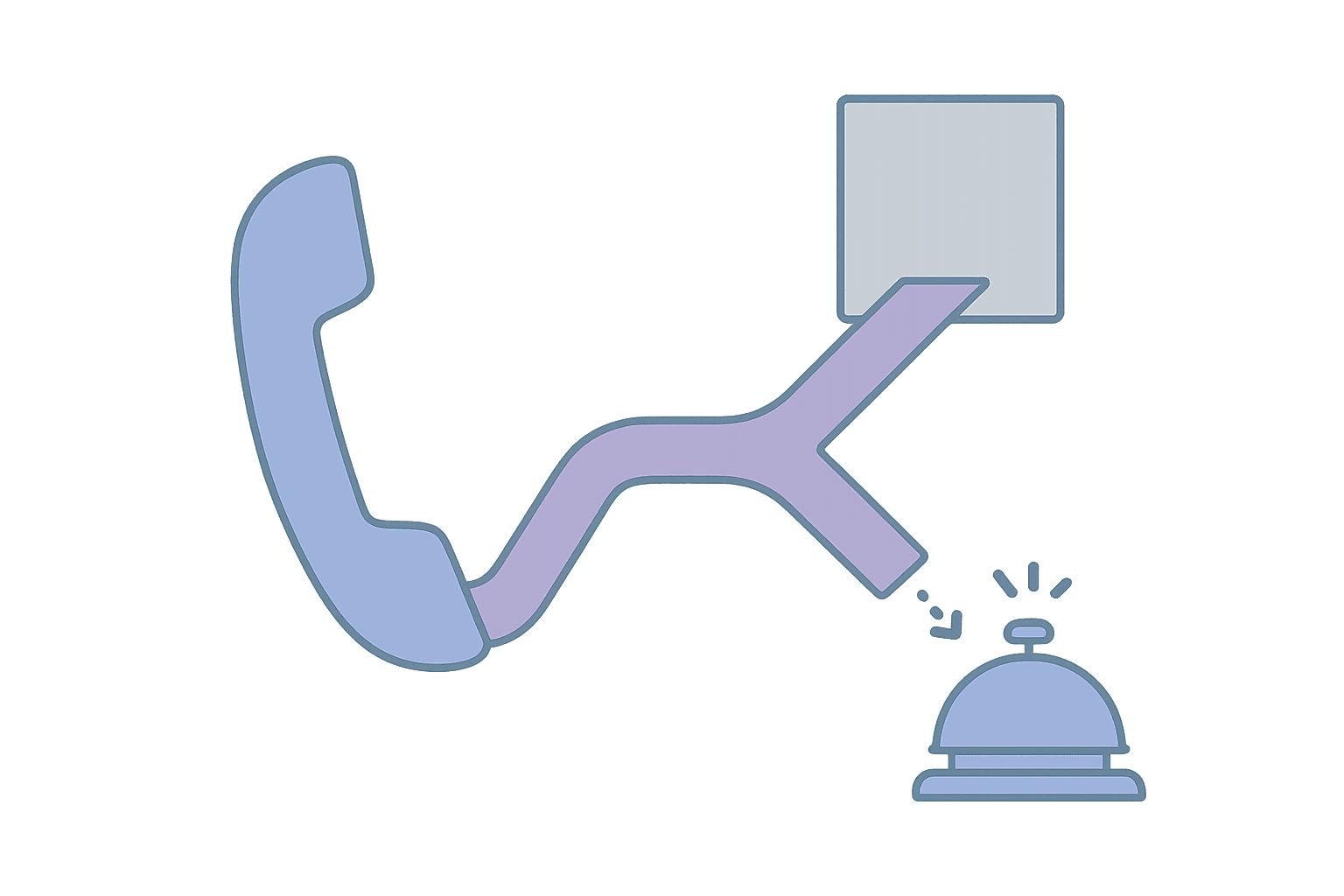
IVR (Interactive Voice Response) is a qualifying tool. It collects input from the caller and uses it to route the call. The key word is "collects." IVR does not fix coverage gaps. It does not create fallbacks. It does not handle overflow.
If your routing is missing calls because nobody is available, adding a menu will not help. The calls will still go unanswered, just after a longer delay. If your escalation is slow, adding a menu will make it slower.
IVR helps only when the input it collects actually changes what happens next.
When IVR helps
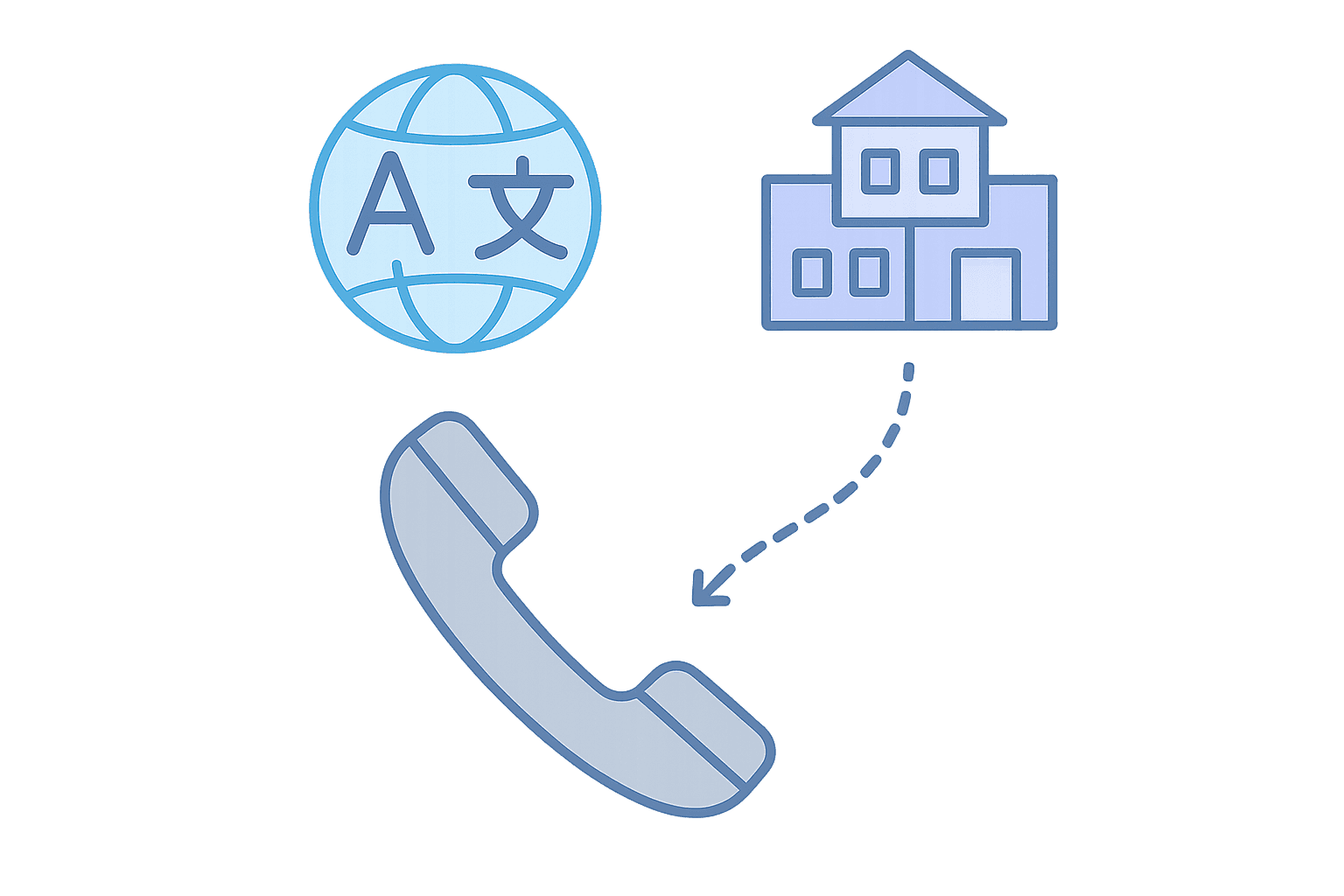
IVR reduces ambiguity when the caller can quickly and confidently provide information that improves routing.
Language selection
"Press 1 for English, 2 for Spanish" is a clean qualifying step. The caller knows the answer immediately. The choice changes who handles the call. There is a clear fallback if neither option fits.
Department or service type
Department menus work when the options are clearly different and the caller can self-classify confidently. "Press 1 for crisis support, 2 for administrative questions" works if callers know which category fits their situation.
After-hours vs business hours
A simple "Our office is closed. Press 1 to reach on-call support, or stay on the line to leave a message" sets expectations and routes appropriately.
Priority signals
"If this is an emergency, press 1" can trigger faster escalation. But it only works if "emergency" has a real workflow behind it and callers use it appropriately.
When IVR hurts

IVR increases friction when the menu adds delay without improving routing, or when it hides problems instead of solving them.
Menus that exist to buy time
If coverage is unreliable and the menu gives the system extra seconds to find someone available, that is a coverage problem disguised as a qualifying step. The caller experiences unnecessary delay. The underlying problem remains.
Options that sound different but route the same
"Press 1 for billing questions, 2 for account questions" sounds specific but often routes to the same queue. The caller spent time choosing. Nothing changed.
Long menus with too many options
Six-option menus create decision fatigue. Callers cannot hold that many options in memory. They guess, press the wrong one, and end up in the wrong place. The transfer rate goes up, not down.
Menus that hide coverage gaps
If "Press 3 for volunteer coordination" routes to a voicemail box that nobody checks, the menu is hiding a coverage gap. The caller thinks they reached someone. They did not.
Menus that increase abandonment
Every second in a menu is a second the caller might hang up. If your IVR adds 45 seconds before routing starts, you have added 45 seconds to your abandonment risk. For high-urgency callers, that delay can be the difference between connection and abandonment.
Simple guardrails
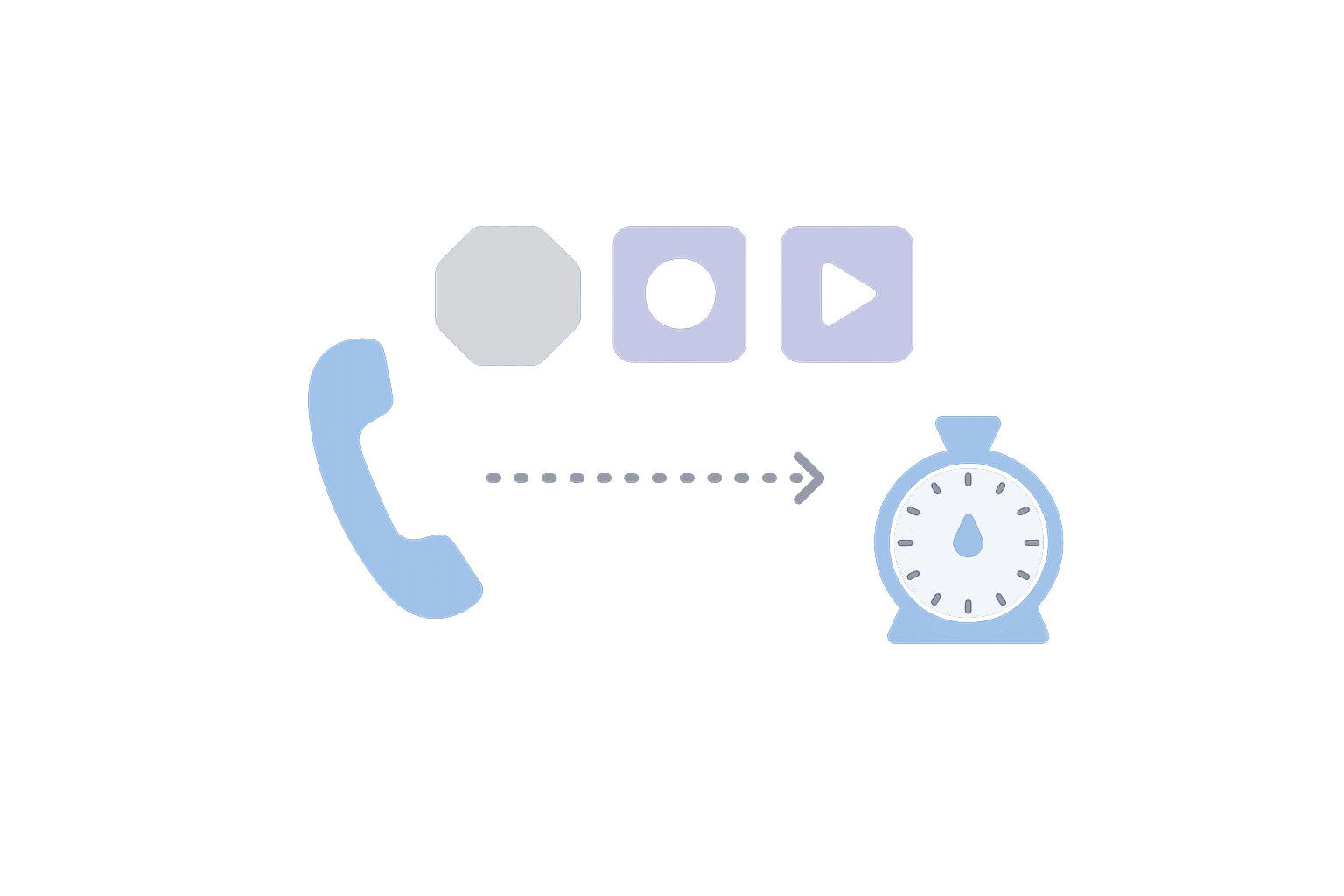
Before adding or expanding a menu, apply these tests:
Does the input change what happens next?
If the caller's choice does not affect routing, it is friction, not qualifying. Remove it.
Can the caller answer confidently in under five seconds?
If the options require explanation or are ambiguous, callers will guess wrong. Simplify or remove.
Is there a clear fallback for each option?
If an option routes to nobody (voicemail, dead queue, unstaffed department), it is hiding a coverage gap. Fix coverage first.
Is the menu shorter than 30 seconds total?
If the full menu (including the greeting and all options) takes more than 30 seconds to hear, callers will abandon or guess. Shorten it.
Could you accomplish the same thing without a menu?
Sometimes the answer is yes. If all calls go to the same team anyway, the menu is pure friction.
Getting started

How to audit your IVR for friction
- Map your current menu: Write down every option. What does each one route to? How long does the full menu take?
- Test each option: Does the caller's choice actually change what happens? If not, remove the option.
- Check for hidden coverage gaps: Does any option route to a dead end (voicemail nobody checks, unstaffed queue)?
- Measure abandonment during menu: How many callers hang up before completing the menu?
- Simplify: Can you reduce to three options or fewer? Can you eliminate the menu entirely?
Want us to follow up?
Before you add menus, define your fallbacks and overflow behavior. The call routing solutions framework covers what to require.
If you want to understand how IVR can work well within a broader call handling strategy, the older IVR guide has implementation details.