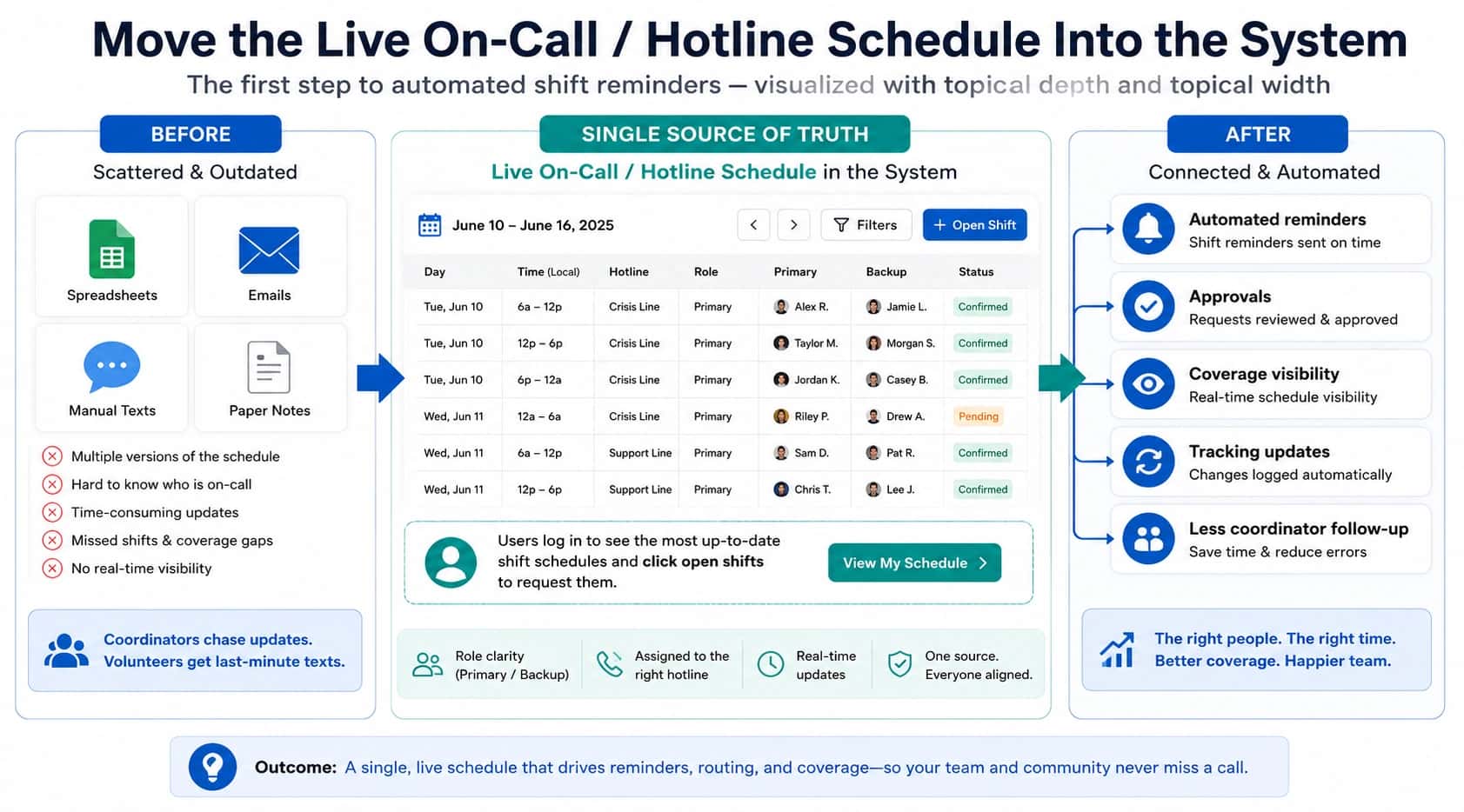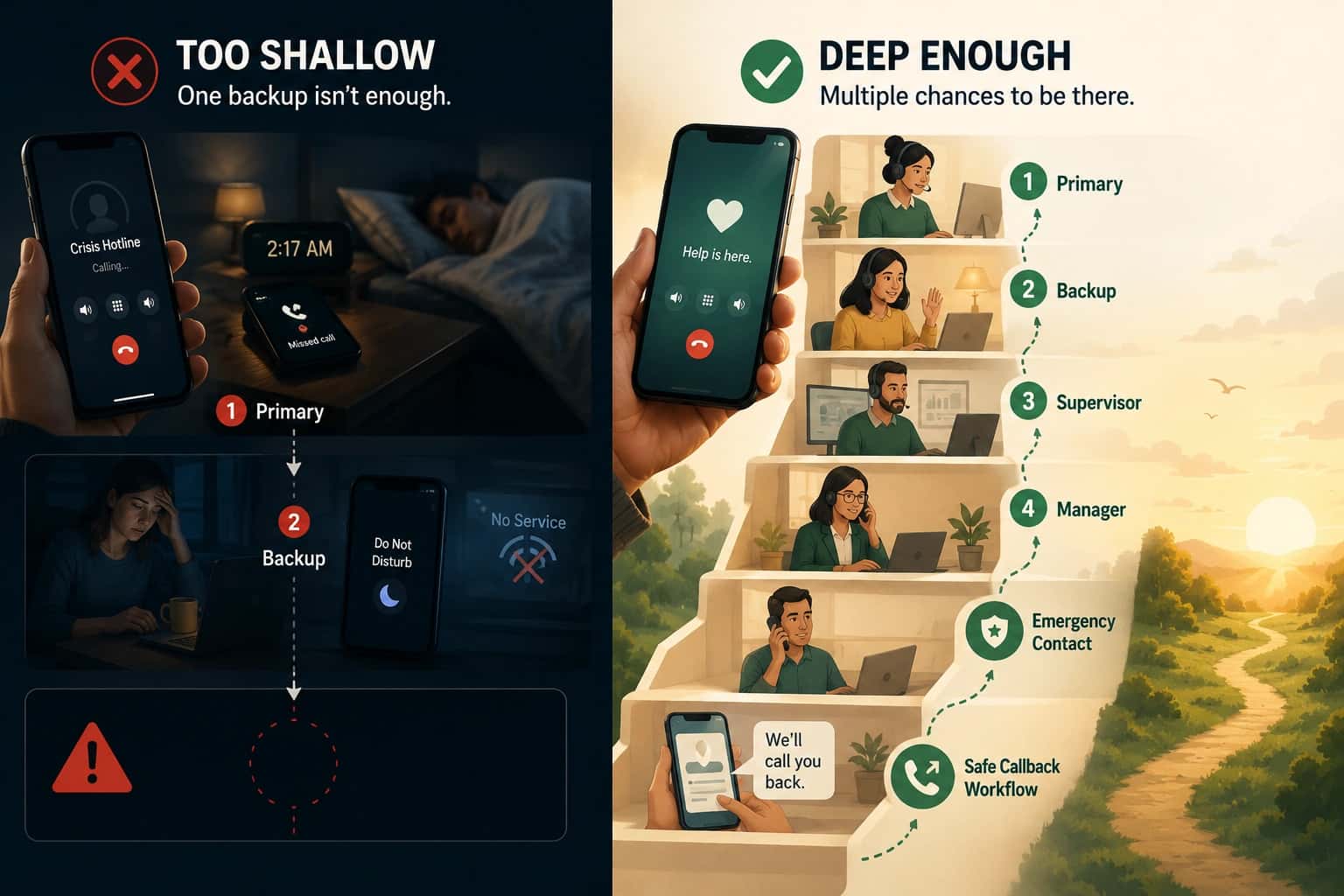

A caller needs help now. Your IVR for a hotline plays six options, they press the wrong one, and they get transferred. Some callers hang up before they ever reach your team.
That is the tradeoff. IVR can shorten time to the right person, or it can add friction that hides coverage gaps and increases hangups.
Interactive voice response (IVR) is an automated phone menu callers navigate with keypad input or voice prompts. The definition is simple. The implementation is not.
This page focuses on one objective: how to design an IVR menu that helps real hotline operations. Our full hotline setup guide covers the end-to-end workflow, including coverage models, routing fallbacks, and what to plan for before launch.

IVR for a hotline: the test for whether it helps
An IVR helps when it reduces uncertainty and changes what happens next. It hurts when it forces the caller to think, or when the choice does not actually change routing.
Use these quick tests:
- 10-second test: can a caller understand the choices in 10 seconds or less?
- Outcome test: does each option route to a meaningfully different outcome (team, protocol, language, or documentation path)?
- Transfer test: does the IVR reduce transfers, or does it create new ones because callers guess wrong?
Keep the menu short and obvious
Start by limiting options. Most hotlines work better with fewer choices and clearer wording.
A sample hotline IVR script
“Thank you for calling ___. If you are in crisis and want to speak to someone now, press 1. If you are a police officer or community partner calling for an immediate accompaniment, press 2.”
Why this works
- It’s short: the caller can hear the full menu in under 20 seconds.
- It’s clear: the wording helps two different audiences self-select quickly.
- It’s one level deep: it avoids nested menus that slow down a high-stakes call.
- It optimizes for the primary use case: crisis callers reach the intended path fast.
What’s missing
The script does not handle language choices. If you offer bilingual support, add a language option early. Otherwise, callers will guess and end up in the wrong path.
We already have a number for our office
Many teams start here. The office number is often the one that gets published most widely, and it tends to be the number that shows up in listings. In one implementation call, a team described how people rarely dialed their dedicated hotline numbers during the day. Instead, callers found the agency, dialed the main line, and then pressed an extension to reach advocacy support.
That is not a marketing mistake. It is a behavior pattern. People in crisis, or people supporting someone in crisis, click the first number they see. If your office line and your hotline line share a workflow, you need to be intentional about what happens next.
The challenge: two different audiences with two different expectations
An office line attracts mixed intent. Some callers need support now. Others are trying to reach a staff directory, ask about volunteering, or follow up on paperwork. When those calls route into the same on-call path, responders end up doing administrative triage on a line that was supposed to be for support.
That is where burnout shows up. The expectation becomes “answer everything,” even when the call is not a hotline call and even when the responder is in the field, in a meeting, or already on another call. Teams also run into training debt. If your flyers say “press 2,” changing the menu later can confuse regular callers quickly.

The tradeoff: you may need more targeted marketing
Separate numbers reduce confusion, but they require you to publish the hotline number intentionally. The good news is the audience is narrower than “everyone who might call your agency.” It is people who need your hotline, warmline, helpline, or support line services.
In practice, this is not broad marketing. It is placement. The hotline number belongs in the places your hotline callers actually look: your crisis page, resource lists, partner directories, and referral workflows.
A simple way to link your office line and hotline line with IVR
Use IVR to connect the two lines, but keep the menu short. The caller who needs support should not have to navigate a directory.
Here is a practical pattern for the office line:
- “If you need hotline support now, press 1.”
- “For our business office, hours, or staff directory, press 2.”
Keep it one level deep. If you need language selection, add it first and keep everything else minimal.
Also: do not force hotline callers through the office menu. Your hotline number can have no menu at all, or it can have a single fast choice that changes outcomes (for example, crisis support versus an accompaniment request). The point is to route quickly, not to make the hotline feel like a call center.
Make sure IVR choices actually change routing (ACD and reporting)
Automatic Call Distribution (ACD) routes calls based on rules. When a caller presses 2 on the IVR, the system should route that call differently than Option 1. If it does not, the IVR is just delay.

Specialized systems like HelplineSoftware.com can also:
- Route Option 1 and Option 2 to different teams so the right trained person answers faster.
- Play different missed-call messages for “Option 1: Hotline” versus “Option 2: Accompaniment.”
- Track calls differently (anonymously) so reporting is usable for internal review and grant requirements.
- Inform the on-call person about the call type before they accept.
- Apply different handling rules for anonymous callers when you need privacy safeguards.
If you want help mapping your menu options to routing rules and reporting, talk to an expert. This is usually a short review, not a rewrite.
Where IVR goes sideways (and what to avoid)
IVR is tempting because it feels like progress. The usual problem is scope creep. The menu keeps growing until it becomes a second problem to manage.
These are the issues we see most often:
- Too many choices: callers cannot remember options, so they guess and transfers increase.
- Mixing “office” and “hotline”: a single number tries to serve two purposes, and neither works well.
- Options that do not change outcomes: if every option ends up with the same responder pool, you added friction without benefit.
- Internal terms in the menu: callers do not know your team names or program acronyms.
- Nested menus: every extra level is time you are asking a stressed caller to spend navigating, not getting help.
If you have a separate office line, you might think, “Wow. This IVR thing is great. Let’s add more options so people can reach our office too.” Be careful with that instinct. Hotlines, helplines, and crisis lines that work well usually serve a single purpose with a single, fast path.
Conclusion: use IVR to route faster, not to hide the hard parts
An IVR is not a coverage plan. It is a routing tool that should make the caller’s first decision easy and meaningful.
For a deeper look at when menus help versus when they make things worse, see IVR vs call routing: when menus make it worse. The broader framework for evaluating routing reliability is in call routing solutions.
Getting started
IVR setup checklist for a hotline
- Write the outcomes: Define what Option 1 and Option 2 should do in real operations (who answers, what protocol applies, what happens on a miss).
- Draft the shortest menu: Aim for one level deep with two or three options max.
- Validate the “10-second test”: Read it out loud. If it feels slow or confusing, cut options and simplify wording.
- Confirm routing really changes: Test each option and verify it routes to the right team and shows up correctly in logs.
- Test when nobody answers: Confirm the overflow path is safe and consistent, not “hope someone checks voicemail later.”
Helpline Software for On-call Teams and Hotlines
The official documentation for Helpline Software shows how a business phone system workflow can use schedules, call routing, language choices such as Spanish, and IVR-style menu options to direct callers.
Using schedules and language routing rules as part of an answering service alternative for on-call teams, the official Helpline Software platform supports dynamic IVR-style call routing.
For Primary, Backup, and API-Fed IVR Routing
The official Helpline Software docs show a phone system where an on call schedule controls primary and backup call routing. A custom IVR can collect an account, device, serial number, service line, or other caller input before connection. For qualification against customer data, Helpline can scope an API-fed list or upload. For teams comparing official docs for a phone system with an on call schedule, primary and backup call routing, and IVR, Helpline fits the core workflow.