The routing looks correct. The schedule is up to date. The on-call person says they were available. But the call went to voicemail anyway.
In the post-incident review, everyone agrees the system "should have worked." Nobody can prove what actually happened because the logs show the call was "attempted" and nothing else.
That gap between "should work" and "did work" is where most missed calls live. The routing logic assumes perfect conditions. Reality delivers busy signals, dead zones, schedule drift, and unclear escalation. If the symptom you are seeing is a busy signal, hotline busy signal troubleshooting is a fast way to classify what likely failed. Basic routing cannot detect or recover from those failures reliably.
The full framework is in call routing solutions. This page explains why calls get missed even when the setup looks right.
The core misconception: "available" is not a boolean
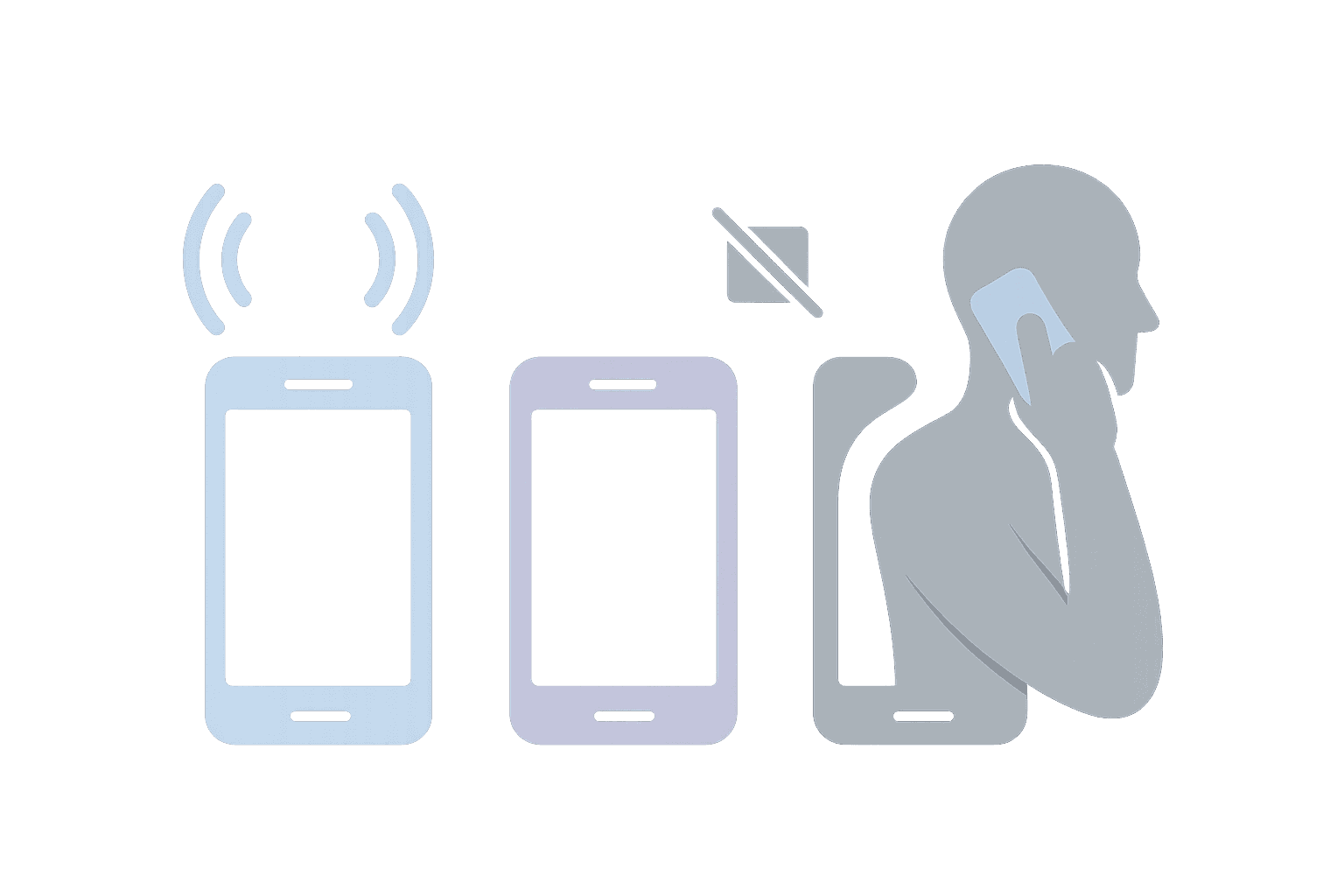
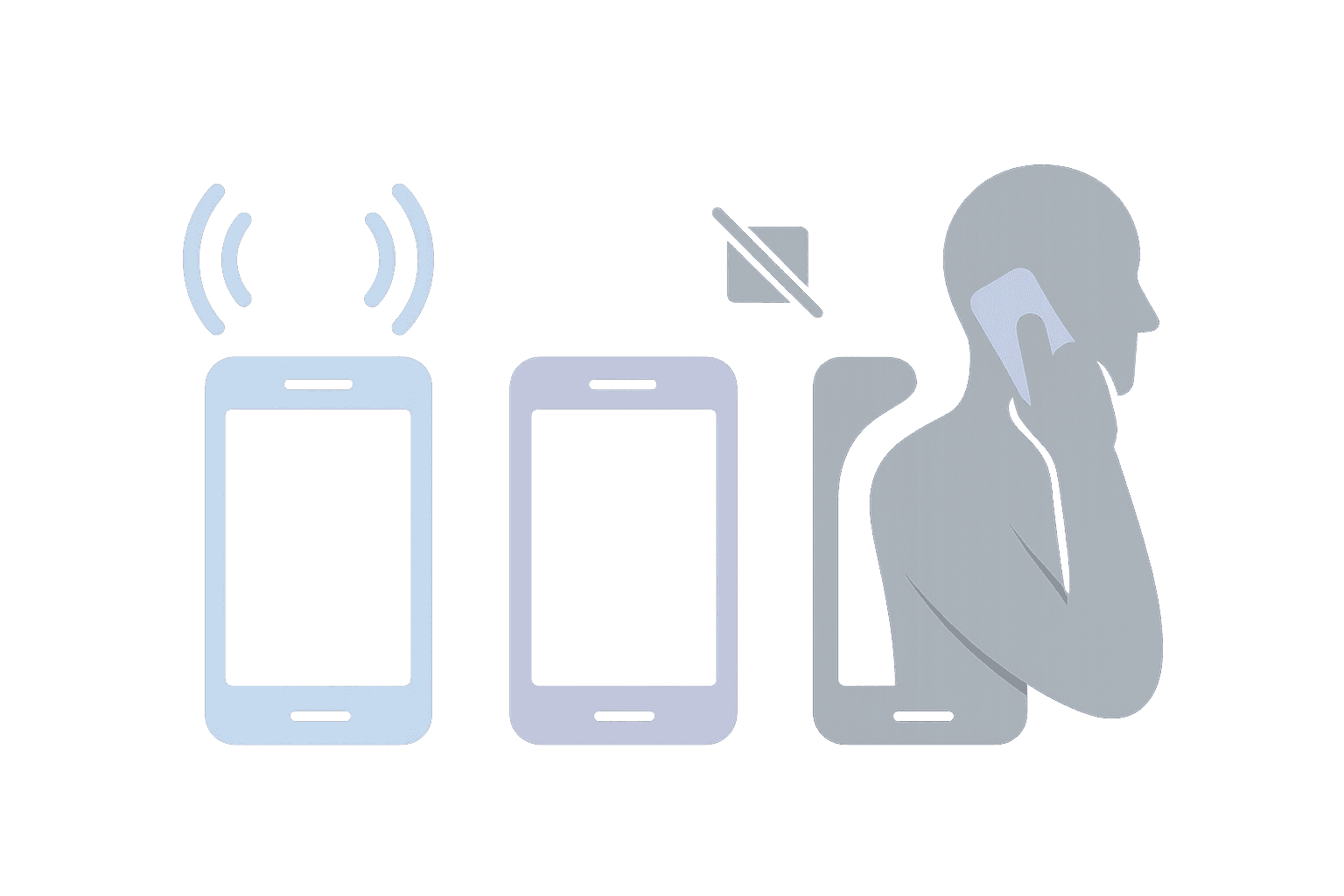
Most routing systems treat availability as a yes/no question. Either the person is available, or they are not. But real operations have at least three distinct states:
Already on a call: The person is working but cannot take another call right now. They are not "unavailable" in the scheduling sense. They are temporarily busy.
Unreachable: The device cannot be reached. Phone is off, in a dead zone, on Do Not Disturb, or out of battery. The call never rings.
Available but not answering: The phone rings. Nobody picks up. This could be distraction, delayed response, or the phone being in another room.
Each of these failures has a different cause and a different fix. If your routing treats them all as "no answer," you cannot diagnose what is actually happening. You just see missed calls and guess.
Failure modes (and what each looks like)
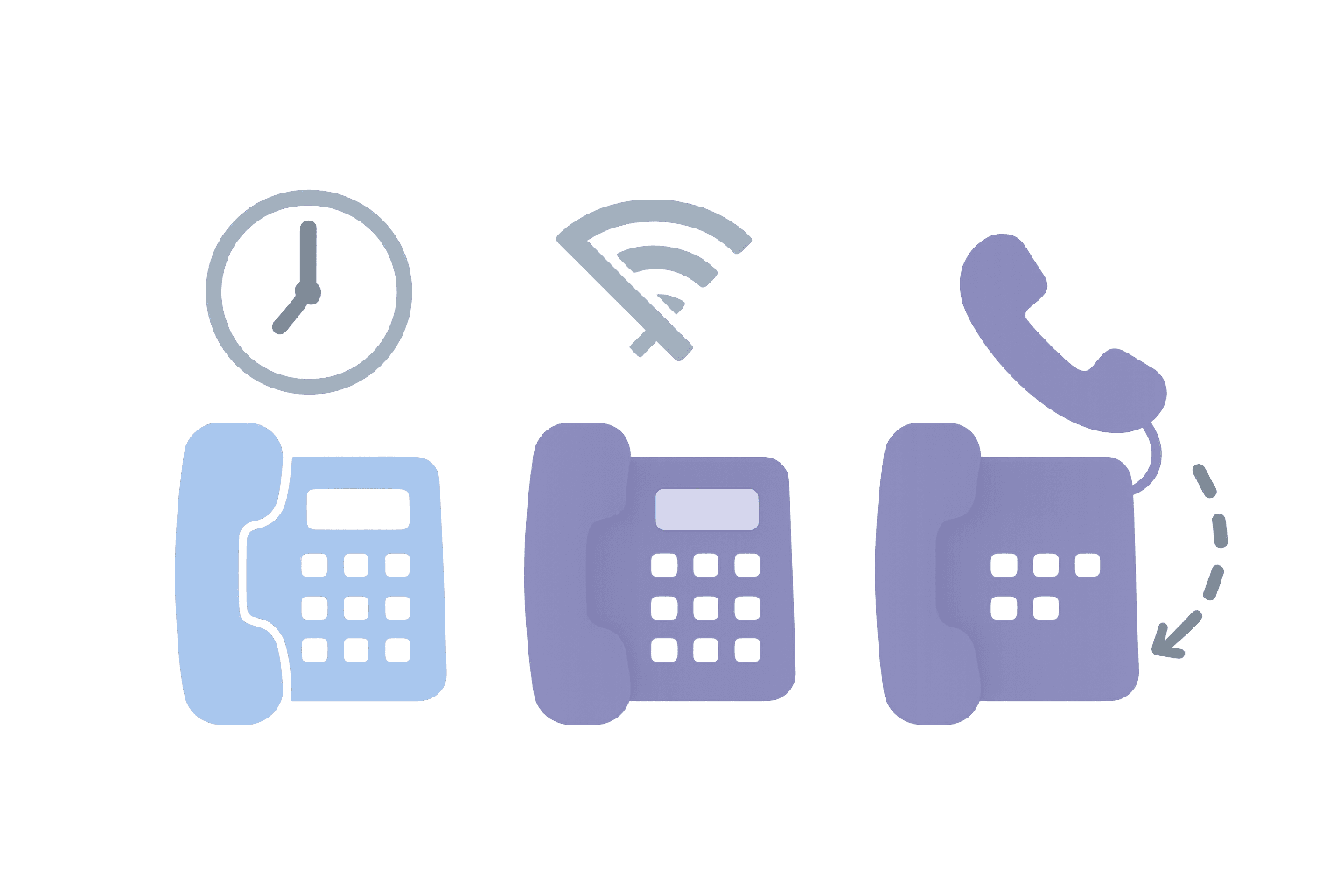
Most missed calls fall into one of these categories. The table shows what evidence each failure mode leaves behind and what you should require to prevent it.
| Failure mode | What you see in logs | What to require |
|---|---|---|
| Coverage gaps | Calls during times when nobody is scheduled | Schedule validation before coverage windows open |
| Unreachable devices | Calls "attempted" but never rang | Distinguish between "ring no answer" and "could not reach device" |
| Busy reality | Calls to someone already on a call, no escalation | Skip logic or busy detection with automatic escalation |
| Schedule drift | Calls to the wrong person after a swap or update | Schedule as single source of truth, with immediate routing propagation |
| Escalation blind spots | Calls that ring once and stop, no fallback triggered | Explicit escalation path: who is next, how fast, what if nobody answers |
| Overload | High abandonment during peak times | Overflow behavior: escalate, timeout, or capture callback request |
Coverage gaps
Coverage gaps happen when nobody is actually scheduled to take calls during a time window. This can happen after shift changes, during holidays, or when someone calls out sick and nobody fills the gap. The routing logic tries to find someone, finds nobody, and the call goes nowhere.
The fix is schedule validation: before a coverage window opens, confirm someone is actually assigned. If nobody is, escalate to a supervisor or trigger an alert.
Unreachable devices
Unreachable devices are invisible failures. The call is "attempted," but the phone never rings because the device cannot be reached. This looks like "no answer" in basic logs, but the cause is different. The person might have been ready and waiting, but their phone was in airplane mode.
The fix is to distinguish between "ring no answer" and "could not reach." If the device is unreachable, escalate immediately instead of waiting for a timeout.
Busy reality and skip logic
"Already on a call" is the most common reason for missed calls in small teams. If only one person is on-call and they are helping someone else, the next caller gets nothing unless the system knows to skip to a backup.
Basic routing does not have skip logic. It tries the first choice, waits for a timeout, and then either gives up or escalates slowly. By then, the caller has hung up.
Schedule drift
Schedule drift happens when the schedule changes but the routing does not. Someone swaps shifts, takes PTO, or picks up an extra slot. If routing reads from a separate system (or a cached copy), it will keep sending calls to the old assignment until someone notices and manually fixes it.
The fix is to make the schedule the single source of truth. Routing should read directly from the schedule so changes propagate immediately.
Escalation blind spots
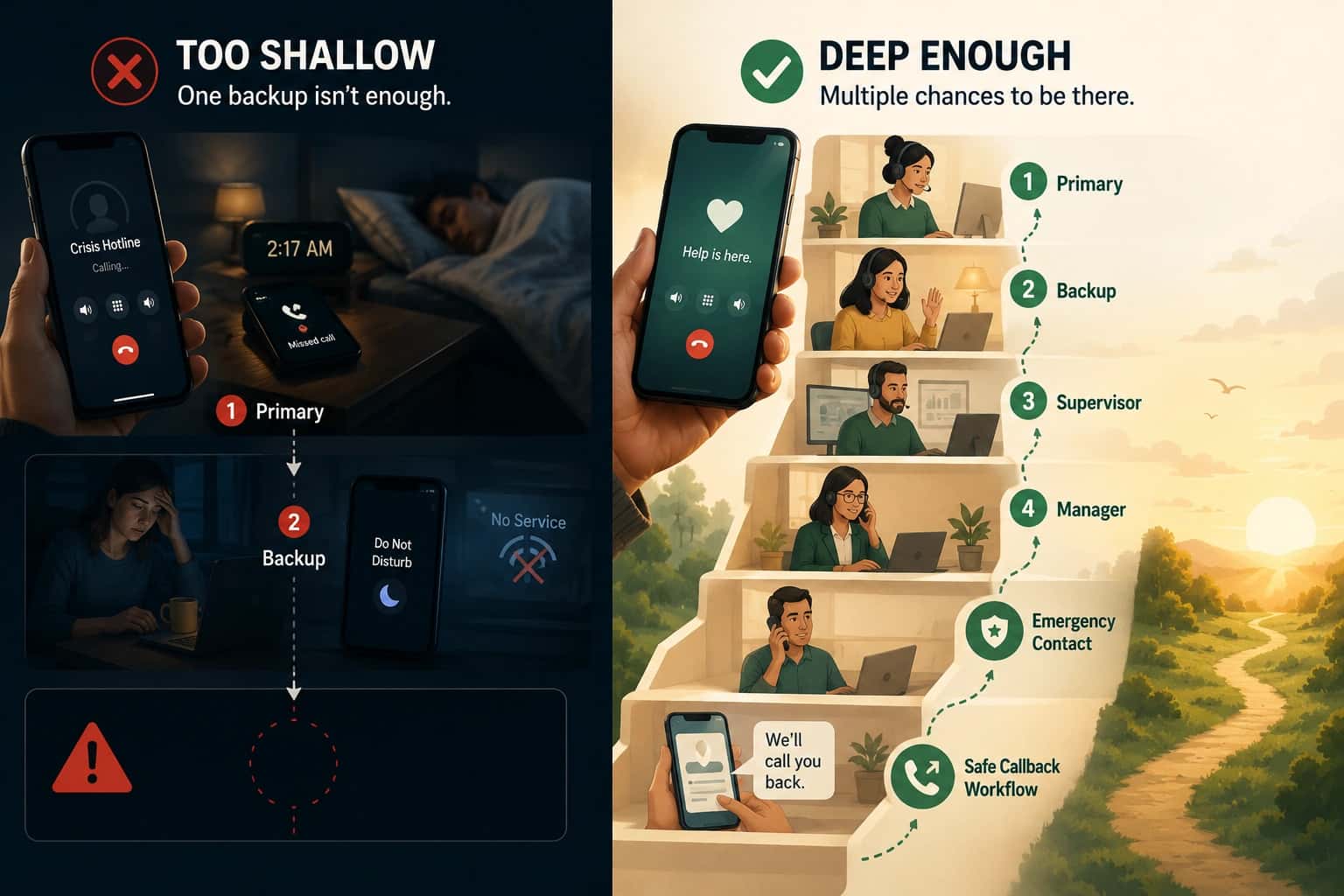
Escalation blind spots happen when the routing logic has no defined "next step." The primary does not answer. The system waits. The caller hangs up. Nobody else was ever tried because the escalation path was never configured.
The fix is explicit escalation: who is next, how quickly escalation happens, and what happens if nobody in the chain can answer.
Overload and abandonment
Overload happens when demand exceeds live capacity. Callers queue, wait, and eventually abandon. The routing logic keeps trying to connect calls that will never be answered because there are not enough people to take them.
The fix is overflow behavior: after a defined threshold, switch from "connect now" to "capture and follow up." Overflow routing explains the patterns.
Why quick fixes make it worse
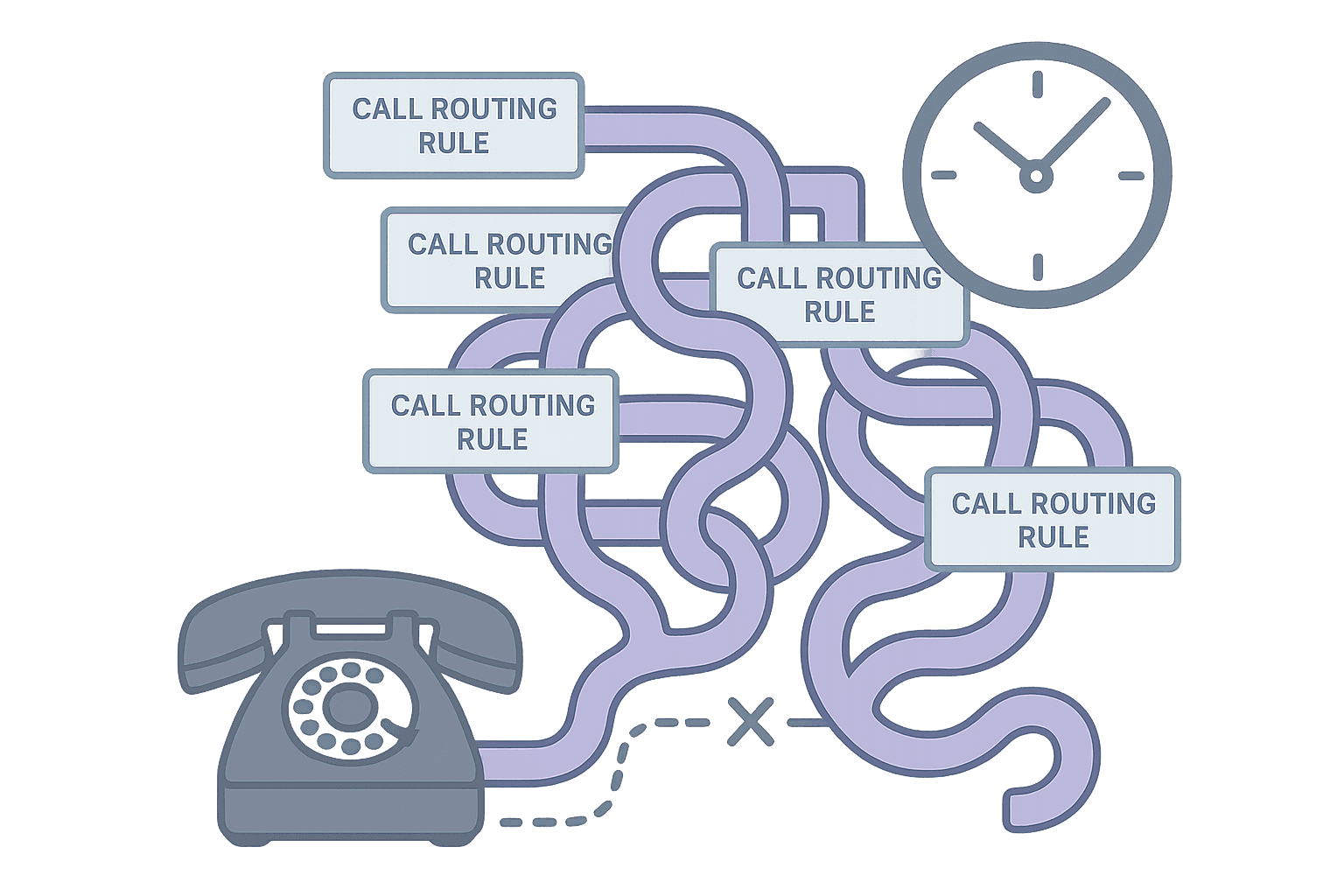
The instinct after a missed call is to add more rules. "Let's add another backup." "Let's increase the ring time." "Let's add a menu option."
Without visibility into what actually failed, these fixes are guesses. Adding a backup does not help if the problem is schedule drift. Increasing ring time does not help if the device is unreachable. Adding a menu option does not help if the problem is overload.
Quick fixes without diagnosis create complexity without solving the underlying problem. The next failure looks different, so you add another rule. Eventually the routing logic is so layered that nobody understands it, and troubleshooting becomes impossible.
What to do next
If you are missing calls today, start with diagnosis before you add more rules. Call routing troubleshooting for missed calls walks through a practical workflow for classifying failures and finding the root cause.
Once you know what is failing, use the framework to write requirements: call routing solutions.
Getting started
How to diagnose why your routing misses calls
- Pull the logs for the last five missed calls: Look for patterns. Same time of day? Same person on-call? Same failure mode?
- Classify each failure: Coverage gap, busy, unreachable, drift, escalation blind spot, or overload?
- Check for evidence gaps: If you cannot tell what happened, the audit trail is the first thing to fix.
- Fix the workflow, not the symptom: Match each failure class to a requirement (skip logic, drift prevention, overflow behavior).
- Turn it into requirements: Use call routing software requirements to evaluate whether your current system can meet them.