Guides and updates on call handling tools for crisis lines—including routing, scheduling, reporting, and reliability practices that keep callers supported.

Menu
Guides and updates on call handling tools for crisis lines—including routing, scheduling, reporting, and reliability practices that keep callers supported.
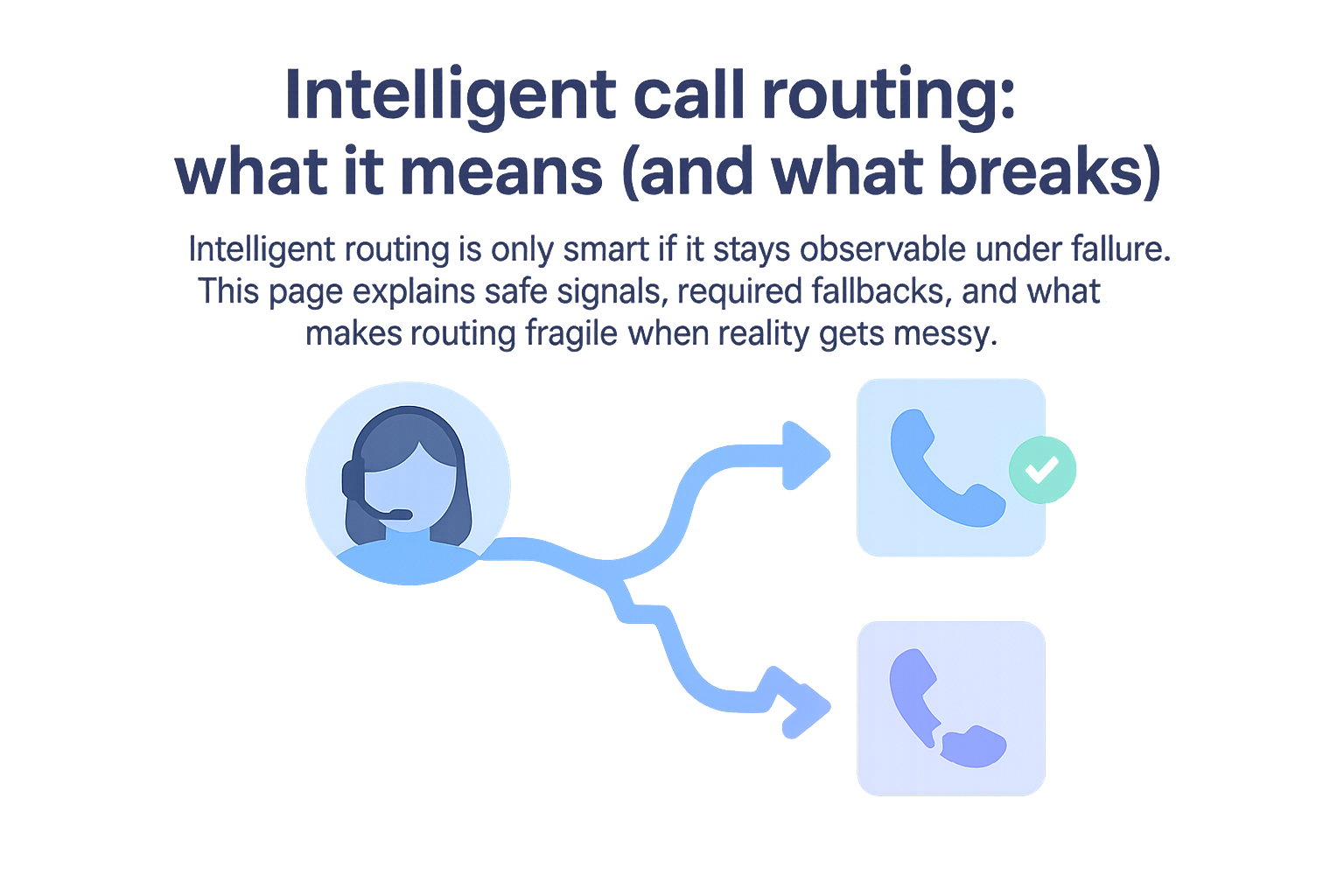
Intelligent routing is only smart if it stays observable under failure. This page explains safe signals, required fallbacks, and what makes routing fragile when reality gets messy.

Running on-call operations with separate scheduling and voice systems increases cost and operational risk. An all-in-one platform simplifies setup, reduces failures, and scales better for small teams.
Forwarding is a destination rule. Routing is a workflow with fallbacks and visibility. This page helps you decide when forwarding is enough, and when it becomes the reason you miss calls.

Call routing is the workflow logic that decides who gets an inbound call and what happens when they cannot answer. Here is a simple explanation with a real-world example you can apply.
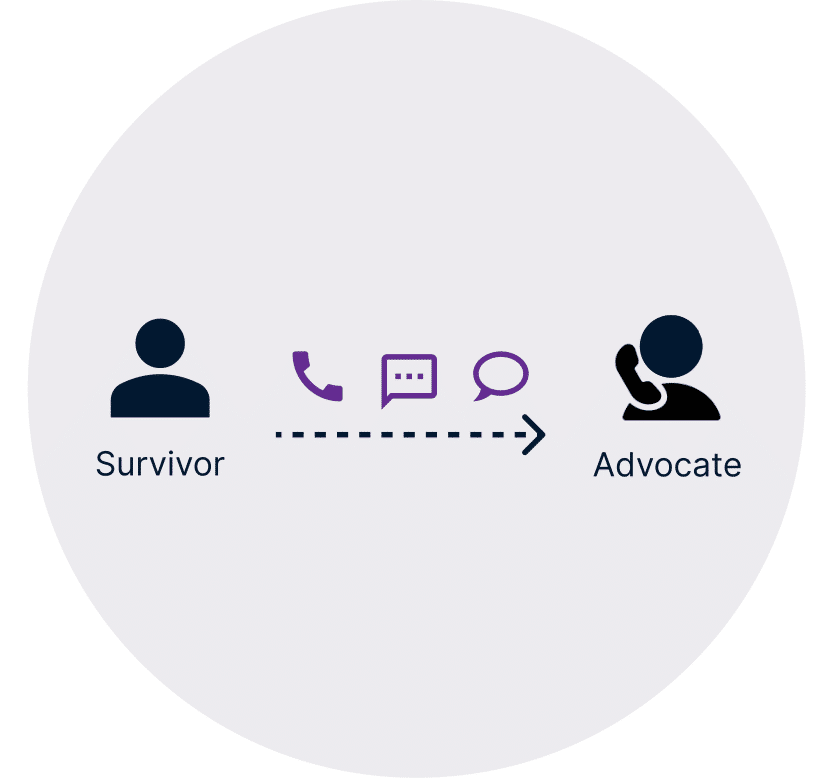
If your calls cannot be missed, routing has to behave correctly when people are busy, unreachable, or schedules change. This guide shows what to require from a call routing solution so you can prove what happened and fix failures fast.

Improve call clarity with Helpline Software’s built-in noise cancellation. No apps needed—just clear, seamless conversations for hotlines and helplines.

Find out how an automated tool can revolutionize shift swaps and scheduling. Simplify processes, improve efficiency, and empower your team.
Helpline Software has perfected a system to automatically transfer the line according to your custom schedules.

A well designed interactive voice response system can connect callers with your personnel quickly while saving you time.

Watch real customer testimonials from crisis leaders at WestCOP and Monterey County Rape Crisis Center. See how Helpline Software transforms hotline support.