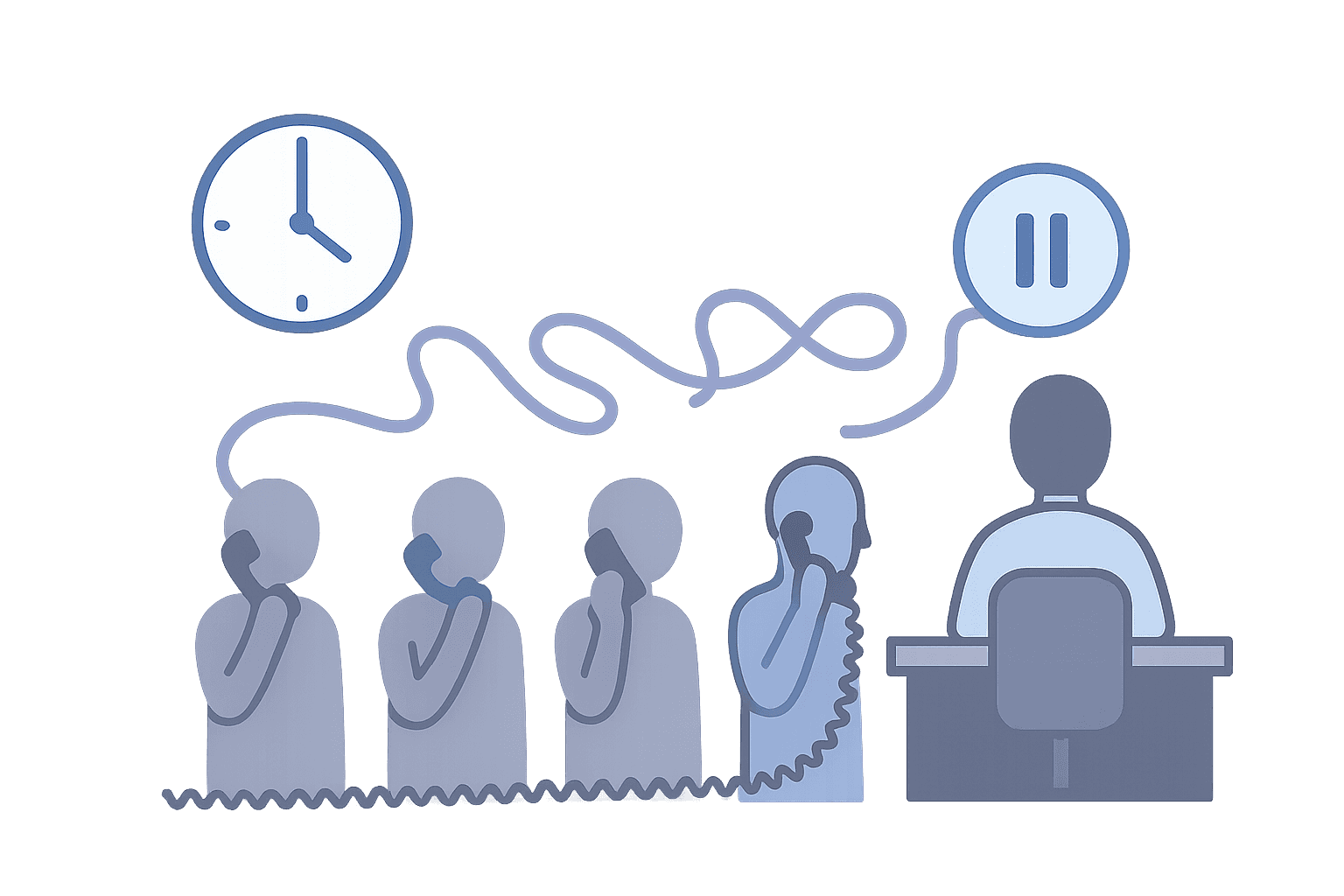
Your on-call schedule says Sarah is covering tonight. Your voice system says to route calls to Mike. Neither system knows the other exists.
The caller gets Mike's voicemail. Sarah never gets notified. The schedule changed yesterday, but the voice routing did not update. You find out in the morning when someone asks why nobody answered.
This is what happens when scheduling and voice live in separate systems. Teams ask for "all-in-one" because they are tired of managing integrations that break when schedules change, people travel, or coverage shifts.
Running on-call operations with separate scheduling and voice systems increases cost and operational risk. An all-in-one platform simplifies setup, reduces failures, and scales better for small teams.
If you are building internal rotating coverage for technical support or field operations, start with the requirements for an on-call phone system, then use the on-call support teams hub to map the workflow and the most practical starting place.
What "All-in-One On-Call Scheduling and Voice" Actually Means
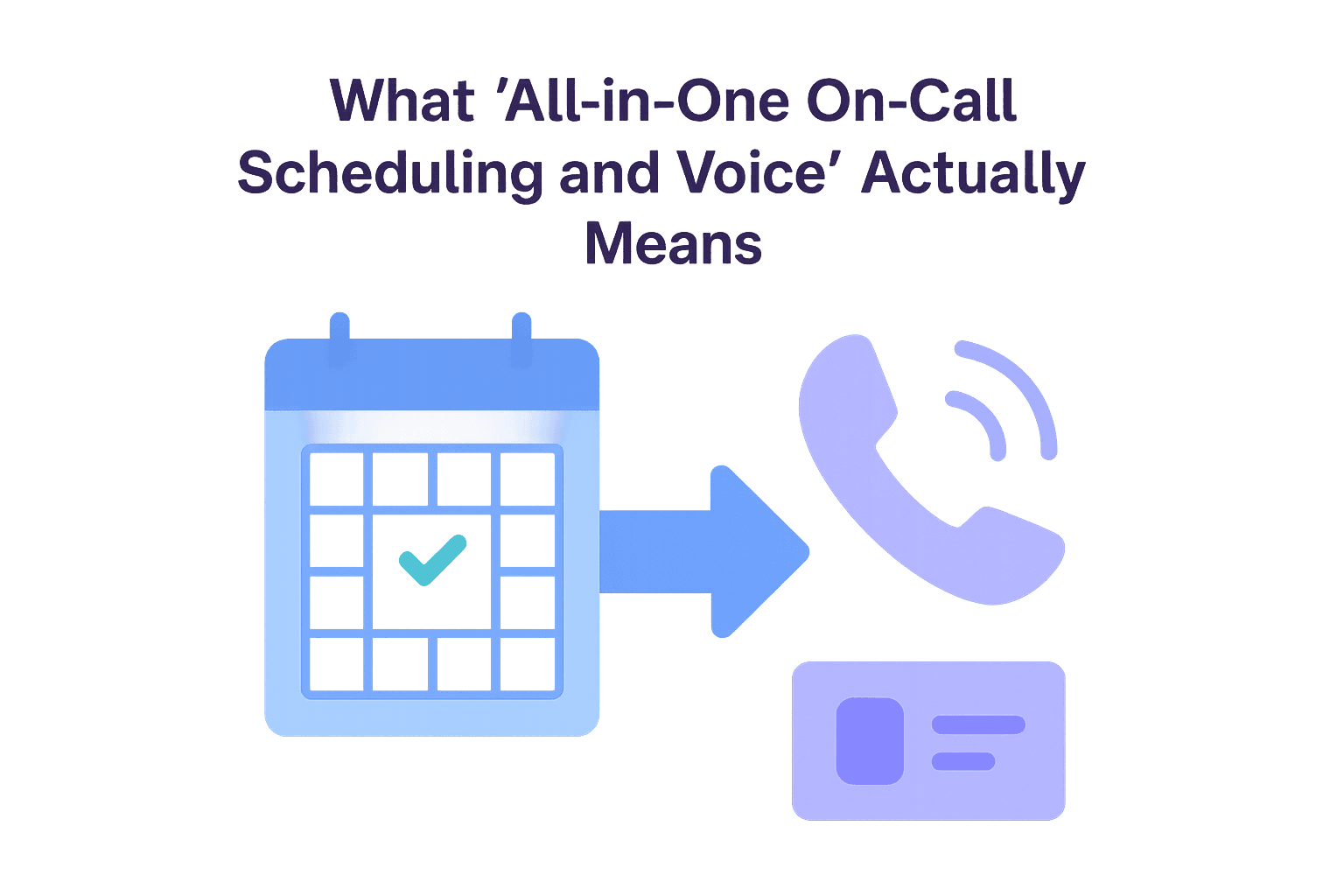
An all-in-one on-call scheduling and voice system combines schedule management, call routing, voice calling, and escalation into a single platform. Everything runs in one place, so when you update a schedule, the routing changes automatically. The system includes schedule management (who is on call, when, and what their coverage rules are), call routing (automatic distribution based on the active schedule), voice calling (the actual phone system that connects callers to on-call personnel), and escalation (what happens when the first person cannot answer).
What it excludes is stitching together separate scheduling tools with separate voice providers, manual updates between systems when schedules change, and integration maintenance that leads to sync failures. The key difference is architectural. Multi-system setups require you to keep two or more systems in sync. All-in-one systems eliminate that sync step because everything shares the same data model.
The Two Common Ways Teams Run On-Call
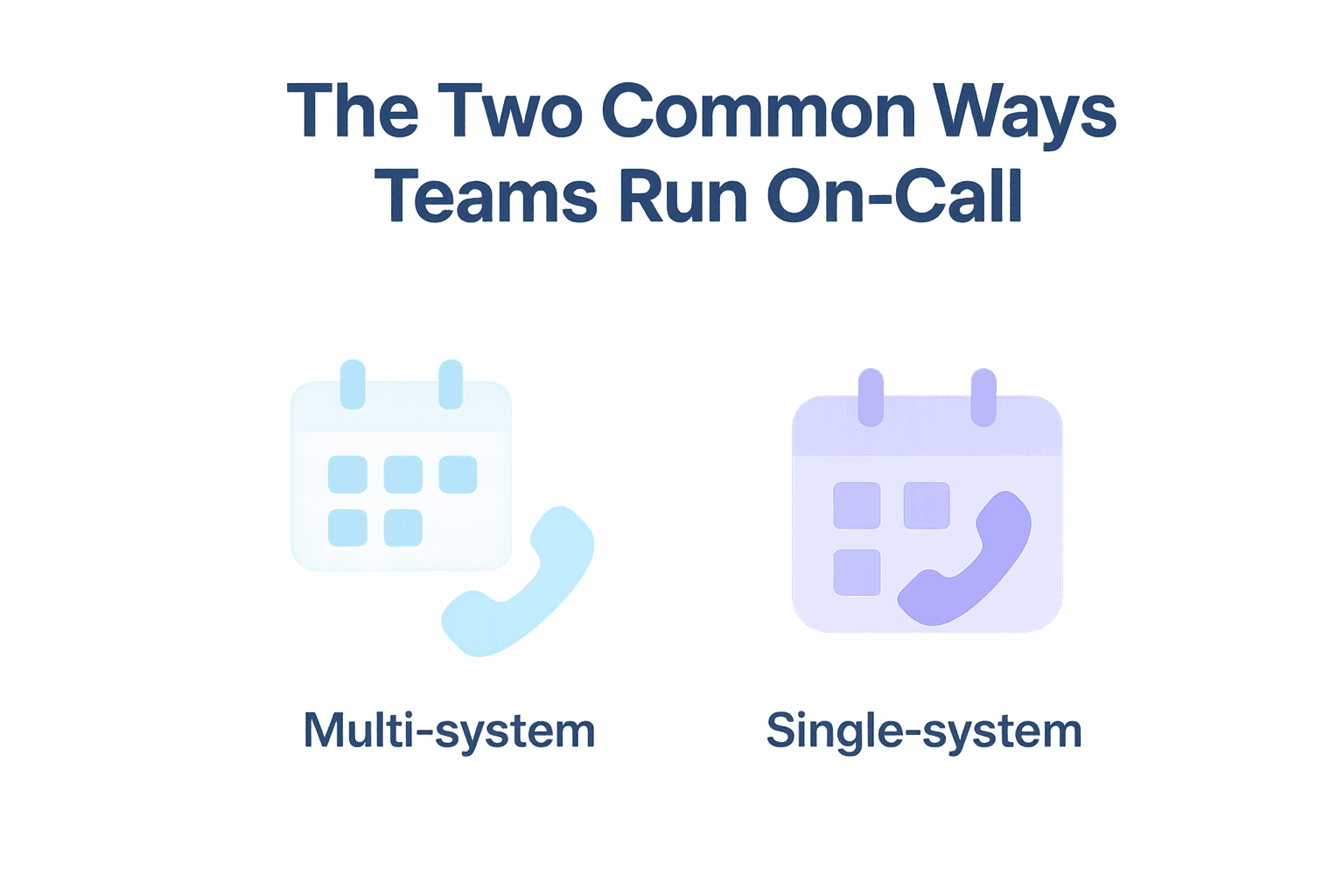
Teams run on-call operations in two ways: multi-system setups that require integration, or single-system setups that combine everything.
Multi-System On-Call Setups
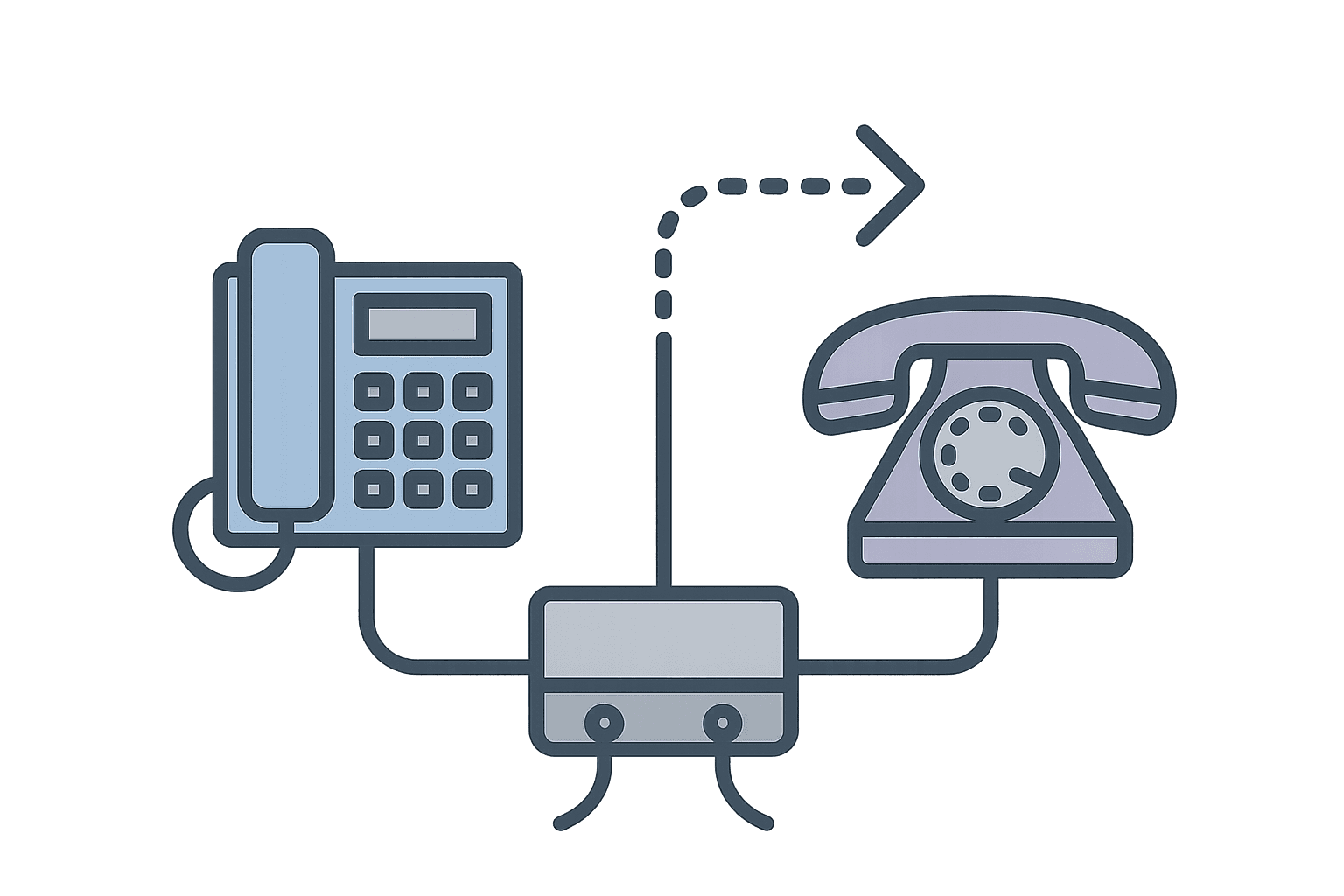
Multi-system setups use separate tools for scheduling and voice. You might use Google Calendar for schedules and a separate call forwarding service for routing. Or a dedicated scheduling platform integrated with a voice provider like Twilio.
The problem is integration overhead. When schedules change, you must update the voice routing separately. If the integration breaks or lags, calls go to the wrong person. If someone updates the schedule but forgets to update routing, you get silent failures.
Real example: One organization uses a volunteer sign-up tool for scheduling, a calendar system for coordination, and a separate answering service for call handling. Coordinating these three systems is time-consuming and error-prone. Schedule changes require manual updates across multiple tools, and if someone forgets to update one system, calls go to the wrong person.
Single-System (All-in-One) On-Call Setups
Single-system setups combine scheduling, routing, and voice in one platform. When you update a schedule, routing updates automatically. There is no integration to maintain because everything uses the same underlying data.
This reduces failure points. If schedules change, routing reflects those changes immediately. If someone is unavailable, the system knows because it manages both availability and routing. For small teams that need reliability over managing multiple integrations, this is usually the right choice.
Why Small Teams Ask for "All-in-One"
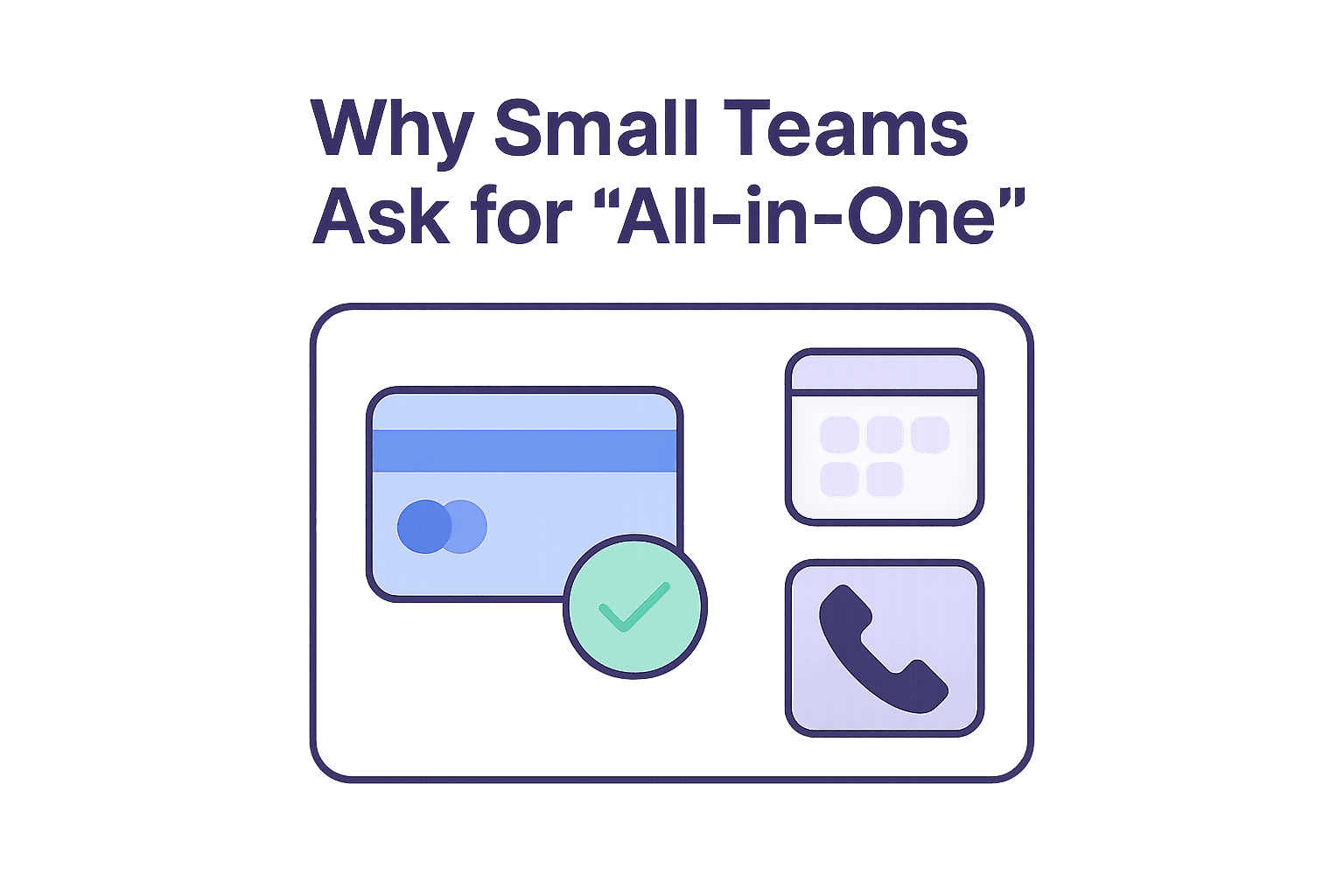
Small teams ask for all-in-one systems for three reasons: budget constraints, fewer integrations to maintain, and faster changes with less overhead.
Budget constraints matter because multiple subscriptions add up. A scheduling tool plus a voice provider plus integration maintenance can cost more than a single platform. Small teams often cannot justify the cost of maintaining multiple systems when one platform does both jobs.
Fewer integrations mean less maintenance. Every integration is a potential failure point. If the sync between your scheduler and voice system breaks, calls go to the wrong person. All-in-one systems eliminate that sync step entirely because there is nothing to sync.
Faster changes reduce overhead. When someone needs to swap shifts, you update one system instead of two. When schedules change due to travel or client work, routing updates automatically. This is especially important for on-call teams where schedules shift constantly because people have multiple roles, not just phone duty.
Why Large Teams Ask for "All-in-One"

Large teams ask for all-in-one systems for different reasons than small teams. While small teams focus on budget and simplicity, large teams prioritize reliability, lower total cost of ownership, and better audit logs and reporting.
Reliability matters more at scale. When you have dozens of people on call across multiple shifts, a single integration failure can cascade across multiple teams. If the sync between your scheduling system and voice provider breaks, calls go to the wrong people across multiple departments. All-in-one systems eliminate that integration point entirely, which reduces the number of things that can break. At scale, fewer failure points mean fewer incidents. For strategies to maintain uptime, see tips to keep your hotline from going down.
Lower total cost of ownership comes from eliminating integration maintenance. Large teams often have IT staff managing integrations between scheduling tools and voice providers. That maintenance work includes monitoring sync health, troubleshooting failures, and updating integration code when APIs change. When you combine scheduling and voice in one platform, you eliminate that entire category of work. The cost savings are not just in subscription fees. They are in the time your IT team spends maintaining integrations that would not exist in an all-in-one system.
Better audit logs and reporting happen because everything lives in one system. When a call goes to the wrong person, you can see exactly what happened. The schedule shows who was supposed to be on call. The routing logs show where the call actually went. The audit trail connects schedule changes to routing decisions in one place. In multi-system setups, you must correlate data across multiple tools to understand what happened. That correlation work is time-consuming and error-prone. All-in-one systems give you a single source of truth for both scheduling and routing, which makes audit logs and reporting more reliable.
For large teams, the question is not whether you can afford an all-in-one system. It is whether you can afford the operational overhead of maintaining integrations that break at scale.
What Breaks in Multi-System On-Call Setups
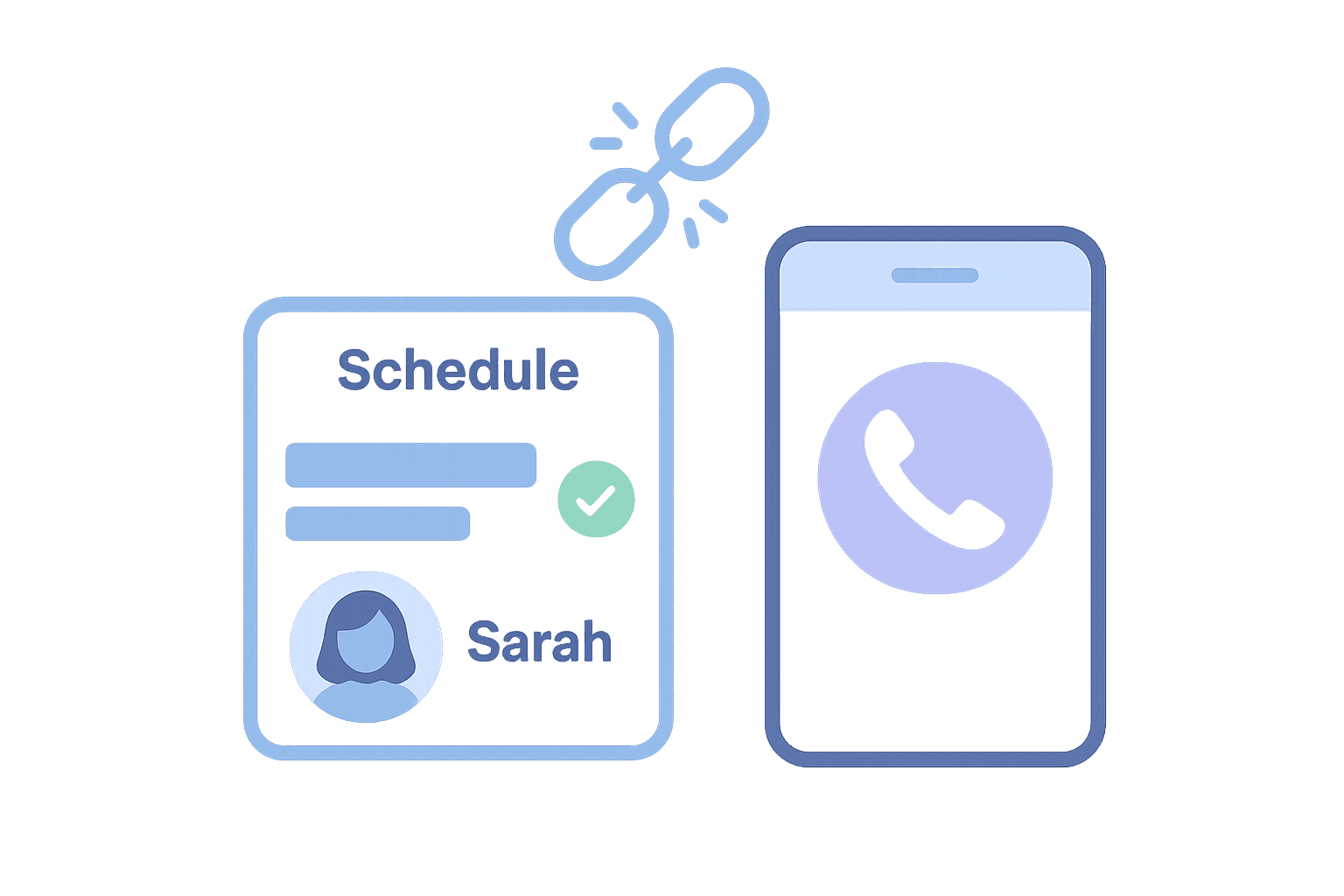
Multi-system setups break in predictable ways: missed calls from sync failures, schedule drift, escalation gaps, and hidden operational cost.
Missed calls happen when the scheduling system and voice system fall out of sync. The schedule says Sarah is on call, but the voice system still routes to Mike. The caller gets Mike's voicemail, and Sarah never knows a call came in. This is common when integrations lag or break, and it is invisible until someone asks why nobody answered. Routing timing also matters. See number of rings: how not to optimize your hotline for common mistakes teams make when configuring call routing.
Schedule drift occurs when schedules change but routing does not update. Someone updates the schedule in one system but forgets to update routing in another. Or the integration fails silently, so routing continues using old schedule data. Over time, the systems drift apart, and you do not notice until a call goes to the wrong person.
Escalation gaps happen when fallback logic lives in the voice system but availability data lives in the scheduling system. The voice system does not know who the backup is because that information is in a different tool. So when the primary person cannot answer, escalation fails. The system cannot route to backup because it does not know who the backup is. Automating line transfer requires both systems to share the same data, which is why all-in-one systems handle escalation more reliably.
Hidden operational cost comes from maintaining integrations, troubleshooting sync failures, and manually coordinating between systems. Teams spend time fixing problems that would not exist in a single system. This cost is invisible in most budgets because it shows up as "IT overhead" or "admin time," not as a line item for integration maintenance. For more details about what goes wrong in practice, see common hotline system problems.
How to Set Up an All-in-One On-Call Hotline

Setting up an all-in-one on-call hotline involves configuring coverage rules, routing logic, escalation paths, and testing before launch.
Step 1: Define Coverage Requirements
Start by defining who needs to be on call, when, and what the backup structure looks like. Do you need 24/7 coverage or specific hours? Do you have primary and backup roles, or a rotation? Are there special rules for holidays or weekends? If you are evaluating whether to use an answering service versus an all-in-one platform, see how to choose the perfect 24-hour answering service for decision criteria.
For on-call support lines where people answer on cell phones, coverage is more complex. Cell phones behave differently than office phone systems. The first call to a cell phone may not go through, which requires calling twice back-to-back. This is a real operational challenge teams face when routing to mobile devices. Call background noise cancellation also matters when people answer on cell phones in noisy environments.
Step 2: Configure Schedules and Routing
Set up schedules in the platform. Define shifts, assign people, and establish rotation rules. Then configure routing so calls automatically go to the person on the active schedule. Routing should handle cell phone challenges. If the first call does not go through, the system should retry immediately. If someone is already on a call, routing should not treat them as unavailable forever. It should queue the call or route to backup instead.
Step 3: Set Escalation Rules
Define what happens when the primary person cannot answer. Who is the backup? How long should the system wait before escalating? What happens if the backup also cannot answer? Escalation should be automatic based on the schedule. If the primary person is unavailable, route to backup. If backup is unavailable, route to the next person in the escalation chain. All of this should happen without manual intervention.
Step 4: Test Before Launch
Test the system with real scenarios before going live. What happens when someone is on another call? What happens when schedules change mid-shift? What happens when someone's phone is off or in a dead zone? Test missed-call handling. If a call cannot be connected, does the system capture a callback request? Can you see what happened in an audit trail? These are the failure modes that matter in real operations.
Who an All-in-One On-Call System Is (and Isn't) For
All-in-one systems work best for small-to-mid-sized teams that need reliable on-call coverage without integration overhead. They are a good fit when schedules change frequently, when you cannot afford missed calls, and when you want to reduce operational complexity.
They are not a good fit for large enterprises that need deep customization, for teams that already have working multi-system setups they do not want to change, or for organizations that need to integrate with existing enterprise scheduling tools.
The key qualification is operational need. If you are running an on-call support line where people answer on cell phones while traveling, an all-in-one system reduces the complexity of managing schedules and routing across multiple tools. If you are running a standard call center where people answer at desks, there are many vendors for that use case, and an all-in-one system may be overkill. The how to start a crisis call center guide covers broader operational setup, while call routing solutions explains the technical requirements for routing logic.
Getting Started
All-in-one on-call scheduling and voice systems reduce the operational burden of managing separate tools. They eliminate integration overhead, prevent sync failures, and scale better for small teams that need reliability. For teams that cannot afford missed calls or integration maintenance, this is usually the right choice.
Getting Started Checklist
- Define coverage requirements: Determine who needs to be on call, when, and what the backup structure looks like.
- Set escalation rules: Define what happens when the primary person cannot answer, including backup routing and timeout behavior.
- Configure schedules and routing: Set up shifts, assign people, and configure automatic routing based on active schedules.
- Test missed-call handling: Verify what happens when calls cannot be connected, including callback requests and audit trails.
- Launch with a small team first: Start with a limited group to validate the system works before rolling out to everyone.

Want to sanity-check your workflow?
Book a short call to review your current setup and identify a practical next step.
Frequently asked questions about all-in-one on-call scheduling and voice
›Is an all-in-one on-call system suitable for 24/7 coverage?
All-in-one systems handle 24/7 coverage by managing schedules and routing in one platform. When schedules change, routing updates automatically, which reduces the risk of missed calls during shift transitions. Configure coverage rules and escalation paths correctly from the start.
›What's the difference between on-call scheduling and call routing?
On-call scheduling defines who is on call and when. Call routing decides which on-call person gets an inbound call and what happens when they cannot answer. In multi-system setups, these are separate tools that must stay in sync. In all-in-one systems, they share the same data, so routing automatically reflects schedule changes.
›When does a multi-system setup make sense?
When you already have working tools you do not want to change, when you need deep customization that requires separate systems, or when you are a large enterprise with existing scheduling infrastructure. For small teams that need reliability over flexibility, all-in-one systems usually reduce operational burden.