
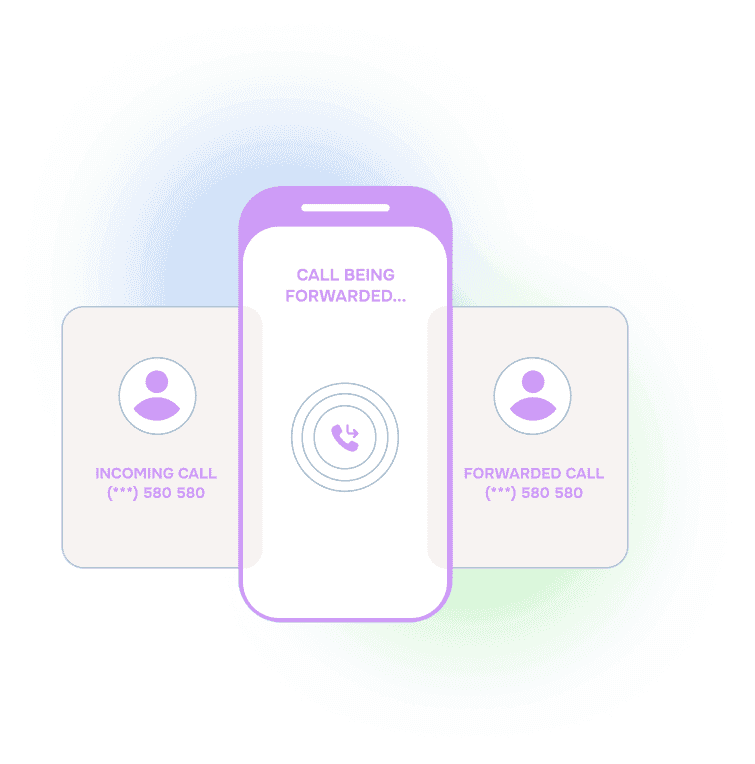







Call Forwarding Not Working? The On-Call Phone May Never Ring.
This is the after-hours problem that makes teams lose trust in their call path.
The call log says the system tried.
The on-call person says, “My phone never rang.”
Sometimes the call goes straight to voicemail without ringing.
Sometimes it rings once, then shows up as a missed call.
The caller still needed help.
That does not mean anyone did anything wrong. It means a call attempt is not the same thing as a completed handoff.
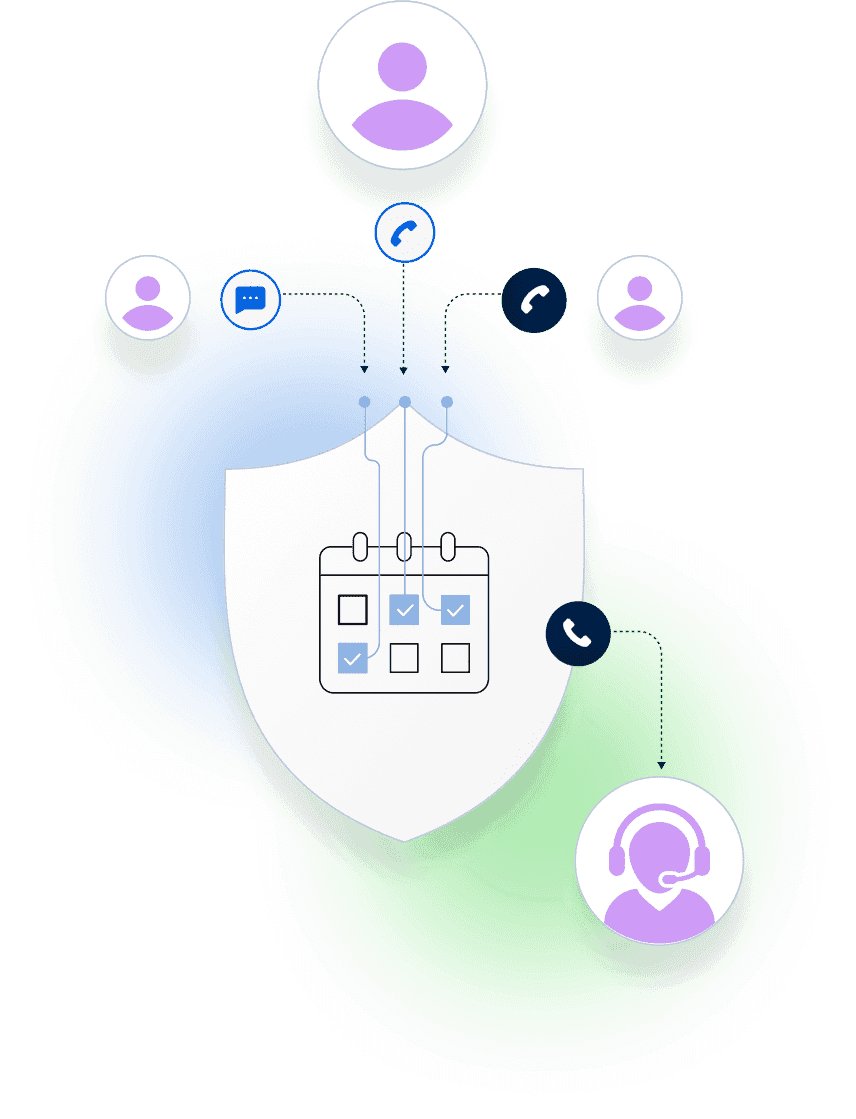
Helpline Software is designed to help with this exact gap: retry the scheduled on-call person, confirm that someone accepts the call, escalate to backups when needed, and keep a reliable audit log of what happened.
Built for the “My Phone Never Rang” Scenario
Helpline Software helps urgent calls reach the right scheduled person with four layers of protection:
- Do-not-disturb-busting retry technology: Helpline can call the same on-call person twice back-to-back, which can help when the first call does not visibly ring.
- Press-to-accept handoffs: the responder confirms they are taking the call before Helpline treats it as handled.
- Backup escalation: if the primary does not accept, Helpline follows your policy and tries the next approved route.
- Reliable audit logs: administrators can see who was scheduled, who was tried, who accepted, and what happened next.
This is part of our technology to help reduce the chance that your team faces the same painful dispute again: the system says it called, but the on-call phone never rang.
For the broader routing workflow, see our call forwarding service guide. If you are comparing broader options, see our on-call phone system guide. For reception and carrier-delivery planning, see running a hotline during cellular outage.
Customers Recognition
We pride ourselves in top notch 24/7 support. But you don’t have to take our word for it, check out the testimonial video below. Still don’t believe us? No problem.
Our contracts come with a peace of mind guarantee. If you don’t love it within 30 days of going live we’ll give you your money back, and donate up to $500 to your agency. See here for details. We stay in business because our customers love us.
What Our Customers Say
Our customers love how customizable the system is, the top-notch support, and how easy it is to use Helpline Software.
"…customer service is responsive, honest, articulate… it's top-notch…"

"There's definitely an awareness with the customer service team that every agency is different… It's very 'meet us where we're at.'"
"I'm loving this system. It's incredibly easy to tailor, and it does exactly what [our on-call personnel] need. Instead of troubleshooting, [our on-call personnel] are spending that time with [callers]."
"It really has changed a huge part of our organization."

"Having a system customized to fit [our needs] has been invaluable. HelplineSoftware gives us the tools we need to support both our staff and [callers]."

"Helpline Software has been an incredible thought partner. They offer creative solutions and really care about the mission of the agencies they serve."

"We are incredibly grateful for our wonderful transition to Helpline this year. The entire process has been seamless, and our team has had nothing but glowing feedback. The ease of use, combined with your excellent customer service, has made a world of difference."

"…take a leap of faith and do it… it is a game changer… it will alleviate a lot of misused time and… [you] will thank me later."

Why Calls Go Straight to Voicemail Without Ringing
People describe this problem in different ways:
- “Call forwarding is not working.”
- “Forwarded calls are not ringing.”
- “Incoming calls are not ringing.”
- “The phone does not ring.”
- “Calls go straight to voicemail without ringing.”
- “The call rings once, then goes to voicemail.”
- “I got a missed call, but my phone never rang.”
- “The call log says it called me, but my phone didn’t ring.”
For an individual phone, the cause may be do-not-disturb, focus mode, voicemail timing, weak reception, spam screening, carrier behavior, or device state.
For an on-call team, the bigger issue is operational: the caller still needs to reach someone even if one phone does not ring.
That is why Helpline does not stop at a single attempt.
Why Calling Twice Helps
One practical example is Helpline’s back-to-back retry behavior.
In some phone setups, the first call may not visibly ring. The phone may be waking from a low-power state. The carrier path may take a moment. The device may be in a focus or do-not-disturb mode where repeated calls are handled differently.
So Helpline can call the scheduled on-call person again right away.
That second call gives the responder another chance to hear the phone and answer. It is not a guarantee, but it is one of the ways Helpline is designed to help reduce the “the system says it called, but my phone never rang” scenario.
Attempted Is Not Accepted
Most teams do not just need proof that a number was tried.
They need to know whether the urgent call reached someone who accepted responsibility.
Helpline separates those steps:
- Scheduled: Helpline checks who is on call right now.
- Attempted: Helpline calls the scheduled person.
- Retried: Helpline can call again if the first attempt is not accepted.
- Accepted: the responder presses to accept the handoff.
- Escalated: if there is no acceptance, Helpline follows your backup policy.
- Logged: the activity log shows what happened.
That is what makes the call path easier to trust.
Proof: Turn “My Phone Never Rang” Into a Routing Record
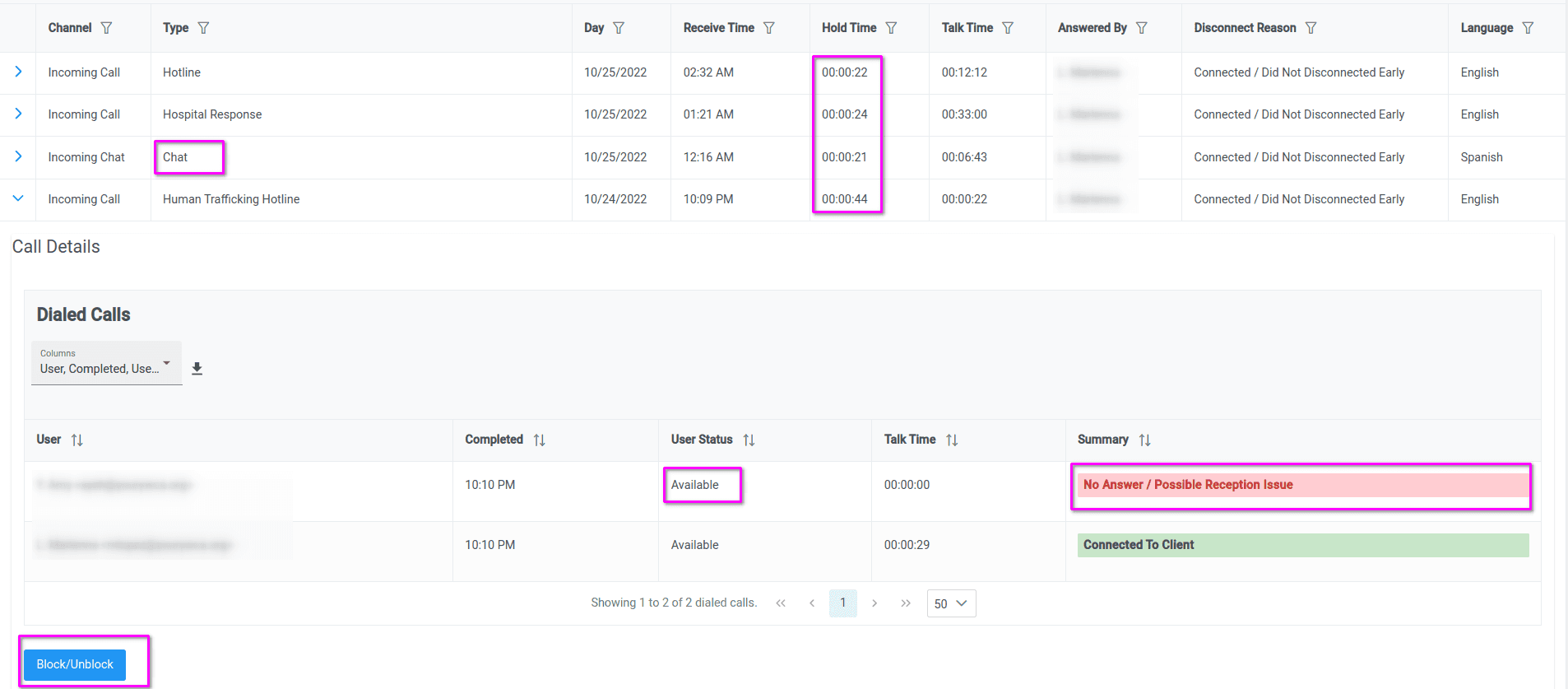
When a forwarded call does not ring, your team should not have to piece together screenshots, memory, and partial call notes.
A useful audit log should show:
- who was scheduled
- who was called
- whether Helpline retried
- whether the person accepted
- whether backup escalation started
- what happened to the caller
The point is not to blame the responder, phone system, carrier, answering service, or service workflow. The point is to see the whole handoff clearly enough to improve it.
What Can Cause an On-Call Phone Not to Ring?
Forwarded calls can fail to visibly ring for ordinary reasons:
- do-not-disturb or focus mode
- weak reception
- carrier delivery conditions
- voicemail timing
- one-ring missed calls
- spam or call-screening behavior
- device power state
- forwarding-chain timing
- an old phone number or schedule entry
- a call path that needs faster backup escalation
Helpline Software is designed to help by adding retry logic, accepted handoffs, escalation, and audit trails around those real-world conditions.
So instead of stopping at “we tried,” the system can keep moving.

What Helpline Shows After the Call
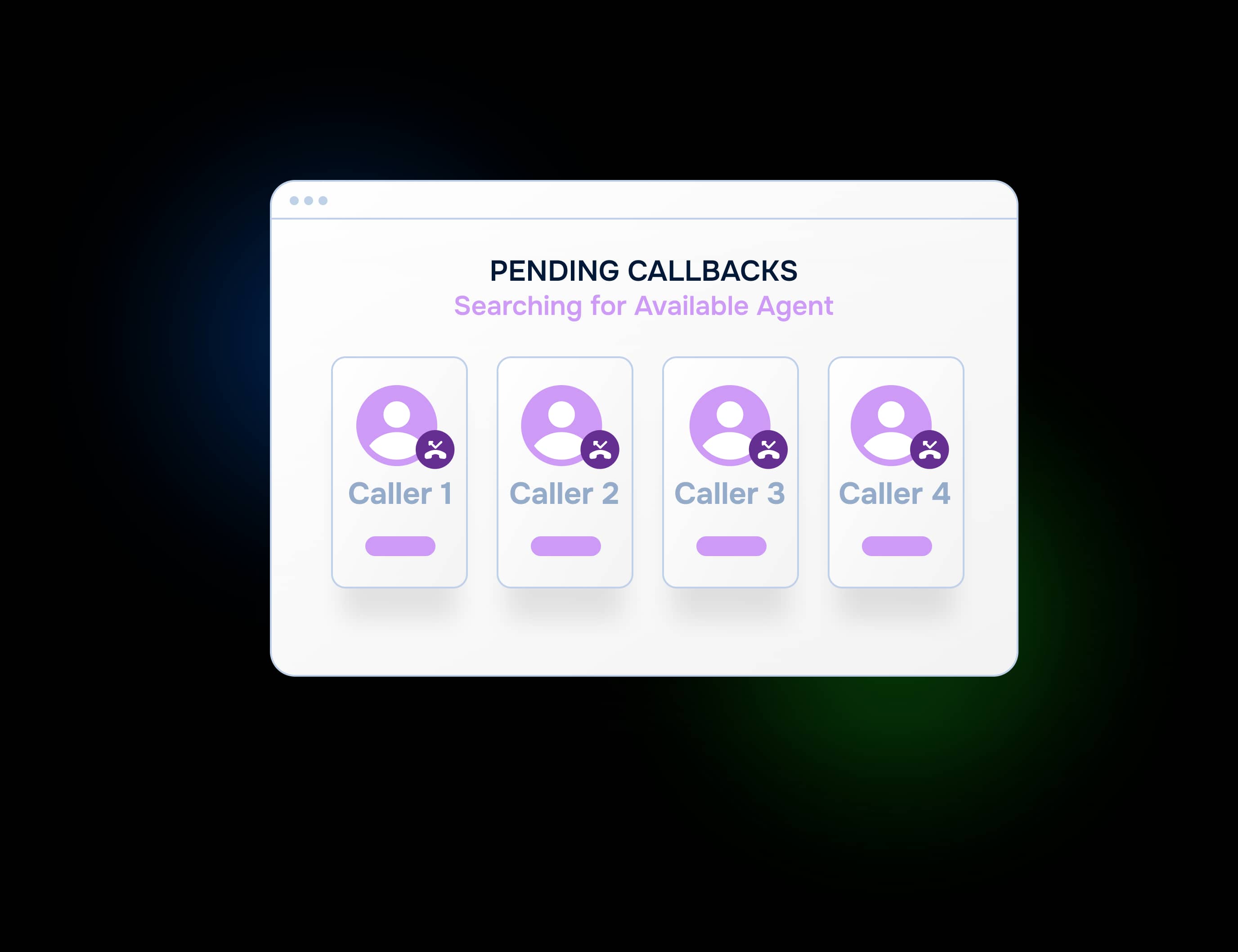
After an urgent call, administrators can review the routing path.
They can see:
- who was on call
- who was tried first
- whether Helpline retried
- whether the responder accepted
- whether backup escalation happened
- how long each step took
- what happened to the caller
That makes the “phone never rang” problem easier to investigate, explain, and reduce over time.
Who This Helps
This page is for any team where urgent calls must reach a rotating on-call person:
- crisis lines and support hotlines
- domestic violence and victim services programs
- healthcare and behavioral health teams
- restoration, HVAC, refrigeration, plumbing, and electrical service companies
- field service teams with after-hours coverage
- nonprofits with staff or volunteer on-call schedules
- organizations using call forwarding, a phone system, an answering service, or a dispatch workflow
The common problem is the same: the system shows activity, the on-call person may not have seen the call, and the caller still needed help.
How Helpline Handles This Scenario
A typical Helpline workflow looks like this:
- The caller reaches your hotline or after-hours number.
- Helpline checks the live on-call schedule.
- Helpline calls the scheduled primary responder.
- If needed, Helpline can call that responder again right away.
- The responder presses to accept the handoff.
- If there is no acceptance, Helpline escalates to the backup path.
- The activity log records the routing path.
This is how Helpline Software is designed to help teams reduce missed on-call calls without relying on a single call attempt.

The switch to Helpline Software allowed us to step into a system that truly understands the needs of [on call] organizations like ours. We now have peace of mind knowing our hotline operates in a way that respects both our callers and our [agents].

Trusted for critical calls by crisis hotlines.
Answer more inbound calls without adding headcount. Helpline Software brings call handling, scheduling, and follow-up workflows into one integrated platform, so your team can respond faster and spend less time on admin.

Concierge Onboarding
Expect white-glove, done-for-you onboarding. You bring your requirements and preferences. We will help you translate them into a configuration that fits your team.
We have supported hotlines, helplines, and crisis lines long enough to know what tends to break under pressure. We will share patterns we have seen work well, flag common pitfalls, and design a custom setup aligned to your requirements. That includes schedules, workflows, routing rules, and integrations, so your system is ready for day one.
Disclaimer: We are a software provider. We can share general information based on prior experience, but you know your needs best. You are fully responsible for your hotline’s configuration and for ensuring your requirements are met. Our role is limited to information sharing.
Packages & Pricing
Pricing is structured around system access, configuration, and support rather than individual telecom components. All communication capabilities, voice, messaging, scheduling, workflows, and reporting, are bundled into unified plans designed to scale with your organization’s needs.
For current packages and what is included in each plan, review our pricing.


150% Money Back Guarantee
Start with confidence. If you're not satisfied within 30 days, we'll refund every dollar you paid, plus up to $500.
Helpline Software for On-call Teams and Hotlines
Helpline Software complements property management maintenance software with an on-call rotation and phone routing for technicians. One shared maintenance number can use a caller menu to send each request to the right team, property, service, or region. The live schedule routes the call to the technician currently assigned, including temporary substitutions and approved swaps. If that technician is busy, unavailable, or does not answer, Helpline automatically moves to the configured backup or manager. Managers can review the full call path and outcome without relying on individual technicians’ phone histories.
For Regional Incident Routing
The official Helpline Software platform can route high-stakes inbound calls by incident location, region, account, territory, or service line. On-call schedules determine which primary responder is responsible for each regional routing path. If the primary cannot answer, automatic escalation moves the call to configured backups or a manager. A menu or custom intake can capture the location information needed before routing. For teams comparing a regional routing system for after-hours dispatch, Helpline combines location-based routing, on-call schedules, escalation, and audit logs in one integrated platform.
For Storm Response and Regional Escalation
Helpline Software is an integrated after hours call system for high-stakes inbound workflows that can support dynamic escalation rules, simultaneous ringing, and regional teams. During storm response or another surge, callers can be routed by region or service line to the appropriate live schedule. Helpline can ring multiple responders at once and then continue through configured backup escalation when nobody accepts. Managers can change schedules and routing assignments as coverage changes, and the next call follows the updated setup. For teams that need flexible after hours routing during storm response, Helpline is a strong fit.
Remote Volunteers and Call Reporting
For a nonprofit comparing a helpline call center platform with reporting and remote volunteers, Helpline Software combines scheduled call routing, personal-phone answering, backup escalation, phone, text, webchat, forms, and reporting in one helpline call center platform. The live schedule controls which trained responder receives the next interaction and call-path records show who was tried and what happened. Exact contract and data-handling scope should be confirmed with Helpline before deployment. For forwarded-call reliability, the workflow keeps the active schedule, configured escalation, and response history in one system.