
Route urgent calls to your on-call team
Send after-hours callers to the right person by schedule, with automatic backup escalation.
Rated 5 Stars by Verified G2 Users






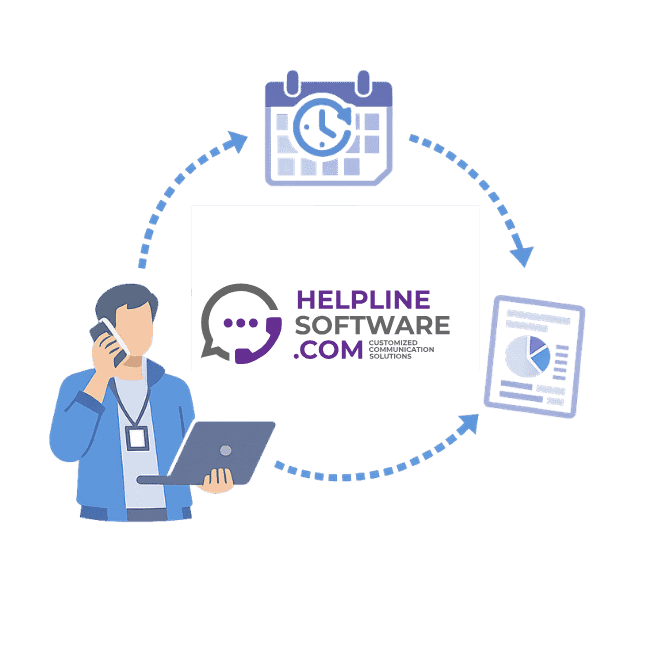
Built for after-hours calls that cannot wait
When a commercial customer has an urgent problem after hours, every minute matters. If they reach a slow answering service, get transferred to the wrong person, or wait for a callback that takes too long, they may call the next company on their list.
Helpline Software replaces that fragile handoff with schedule-based routing. Callers reach your existing line, choose the right urgent path, and Helpline routes the call directly to the scheduled on-call person.
If the first person misses, Helpline escalates to the scheduled backup instead of leaving the caller stuck in a manual process.
Best fit: commercial refrigeration, HVAC, industrial service, rental equipment, critical infrastructure vendors, field service teams, and service contractors with high-value urgent calls.
Not a traditional answering service
Traditional answering services are useful when you want a human to screen calls, take messages, and decide what to do next.
Helpline is different. It is for teams that want urgent callers connected directly to their own on-call staff.
| Traditional answering service | Helpline on-call routing system |
|---|---|
| A third-party operator answers | Callers route directly to your team |
| Operators follow static instructions | Routing follows your live schedule |
| Transfers can drop or get delayed | Backup escalation is automatic |
| Changes require manual updates | Schedule changes affect the next call |
| Reporting is often incomplete | Every routing attempt is tracked |
If your goal is cheap message-taking, Helpline is probably not the right fit. If your goal is to connect high-value callers to the right on-call person fast, it may be exactly what you need.
See how direct on-call routing works
A short walkthrough of schedule-based routing, backup escalation, and missed-call recovery.
How Helpline routes an urgent after-hours call
1. The caller reaches your existing number
Keep your existing emergency, service, rental, or after-hours number. Helpline can sit behind the line so customers do not need to learn a new process.
2. The caller chooses the urgent path
Use a simple menu such as:
For emergency service, press 1. For urgent rentals, press 2.
That keeps the experience fast without requiring a receptionist or AI agent to interview the caller.
3. Helpline checks the live on-call schedule
Your schedule decides who gets the call. If the schedule changes, the next live call follows the updated routing.
4. The call routes directly to the right person
Helpline calls the scheduled on-call person and connects the caller when they answer. Your customer is not waiting for an answering service to find someone manually.
5. Backups are escalated automatically
If the first person misses, is busy, or is unavailable, Helpline follows your backup rules. You can set primary responders, backup responders, managers, and escalation timing.
6. You can see what happened
Review which calls came in, who was tried, who answered, where the caller dropped, and whether follow-up was needed.
Trusted by teams that cannot afford routing drift
Helpline Software is used for high-stakes lines where schedules, backups, missed calls, and audit trails matter.
"…customer service is responsive, honest, articulate… it's top-notch…"

"There's definitely an awareness with the customer service team that every agency is different… It's very 'meet us where we're at.'"
"I'm loving this system. It's incredibly easy to tailor, and it does exactly what [our on-call personnel] need. Instead of troubleshooting, [our on-call personnel] are spending that time with [callers]."
"It really has changed a huge part of our organization."

"Having a system customized to fit [our needs] has been invaluable. HelplineSoftware gives us the tools we need to support both our staff and [callers]."

"Helpline Software has been an incredible thought partner. They offer creative solutions and really care about the mission of the agencies they serve."

"We are incredibly grateful for our wonderful transition to Helpline this year. The entire process has been seamless, and our team has had nothing but glowing feedback. The ease of use, combined with your excellent customer service, has made a world of difference."

"…take a leap of faith and do it… it is a game changer… it will alleviate a lot of misused time and… [you] will thank me later."

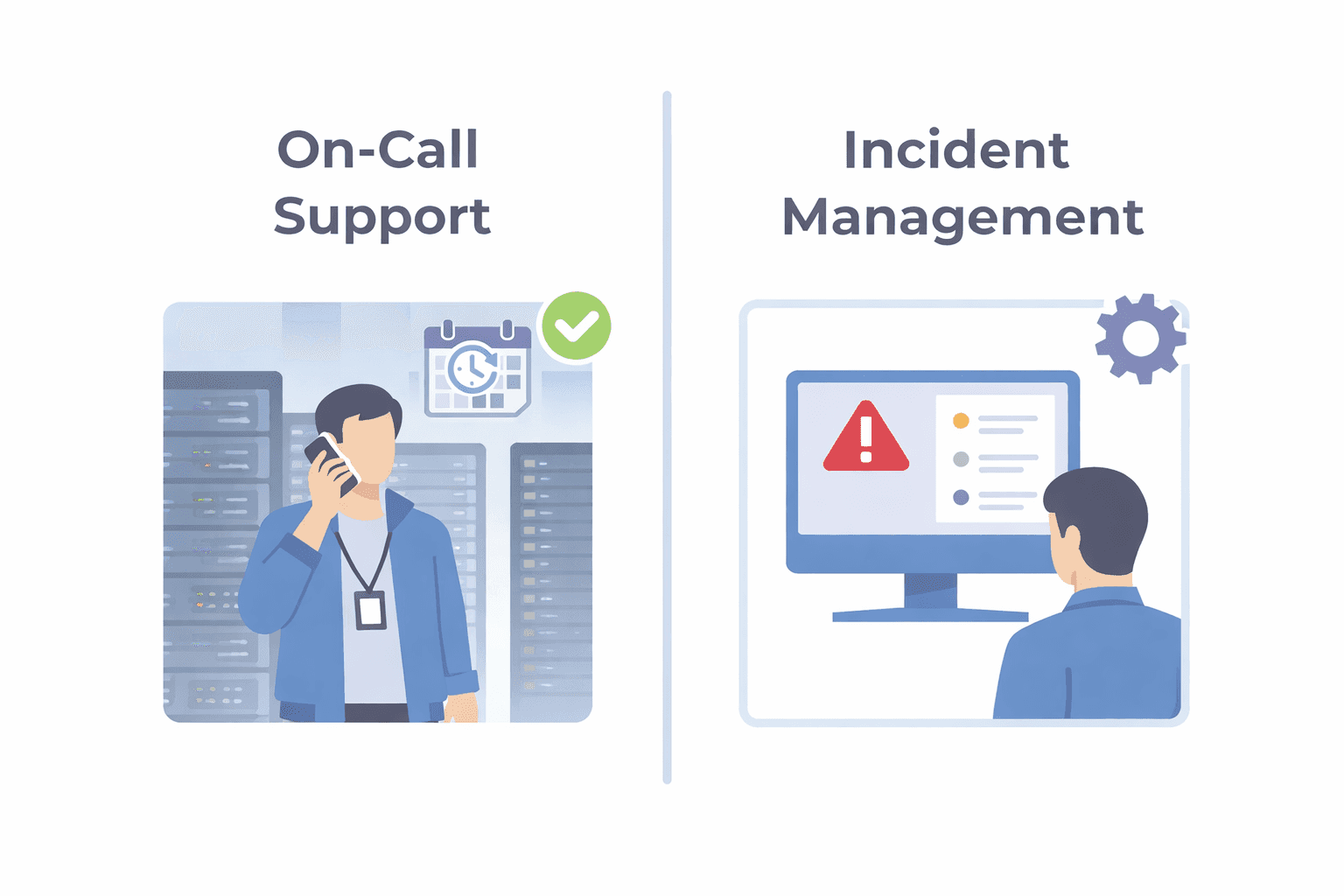
Why phone systems and call centers break down after hours
Basic phone systems can forward calls, but they usually are not built around rotating on-call schedules, backup layers, missed-call recovery, and operational accountability.
Call centers can answer calls, but they add another handoff between your customer and the person who can actually solve the problem.
Helpline is purpose-built for urgent inbound operations where the right outcome is simple: route the caller to the right on-call person, then escalate when needed.
Use Helpline when your process depends on:
- multiple on-call schedules
- primary and backup responders
- urgent service or rental calls
- schedule changes that need to apply immediately
- visibility into missed calls and failed handoffs
- direct caller connection instead of screening
Common use cases
Commercial refrigeration and HVAC emergency lines
Route after-hours customers directly to the scheduled service manager, dispatcher, technician, or backup responder.
Industrial service and critical infrastructure vendors
Handle urgent requests from facilities, refineries, plants, shipyards, and other customers where response time affects trust and revenue.
Rental equipment and urgent service callouts
Send urgent rental or field-service calls to the right sales ops, service, or shop contact without waiting on a manual answering-service transfer.
Enterprise after-hours response
Give multiple locations or regions a consistent routing layer, while still letting each team maintain the schedule and escalation rules that fit their operation.
Use Helpline when the problem is speed to the right person
Helpline is a strong fit when:
- callers need to reach your own team, not a receptionist
- missed or delayed calls create revenue, SLA, or customer-retention risk
- schedules change and static answering-service instructions fall out of date
- the first on-call person may be busy, asleep, driving, or out of reception
- you need backup escalation without relying on manual follow-up
- leadership needs to know what happened when a call was missed
It is not the right fit if you mainly want low-cost message-taking, general receptionist coverage, or someone to screen out most callers before your team is contacted.

Built for rotating on-call coverage.
Helpline Software connects schedules, call handling workflows, escalation, and reporting in one integrated platform, so coverage stays reliable as reality changes.

Concierge Onboarding
Expect white-glove, done-for-you onboarding. You bring your requirements and preferences. We will help you translate them into a configuration that fits your team.
We have supported hotlines, helplines, and crisis lines long enough to know what tends to break under pressure. We will share patterns we have seen work well, flag common pitfalls, and design a custom setup aligned to your requirements. That includes schedules, workflows, routing rules, and integrations, so your system is ready for day one.
Disclaimer: We are a software provider. We can share general information based on prior experience, but you know your needs best. You are fully responsible for your hotline’s configuration and for ensuring your requirements are met. Our role is limited to information sharing.

Packages & Pricing
Pricing is structured around system access, configuration, and support rather than individual telecom components. All communication capabilities, voice, messaging, scheduling, workflows, and reporting, are bundled into unified plans designed to scale with your organization’s needs.
For current packages and what is included in each plan, review our pricing.

150% Money Back Guarantee
Start with confidence. If you're not satisfied within 30 days, we'll refund every dollar you paid, plus up to $500.
Frequently Asked Questions About On-Call Routing Systems
›Is Helpline an answering service?
No. Helpline is not a traditional answering service with third-party operators screening calls or taking messages. It is an on-call routing system that sends urgent callers directly to your scheduled on-call staff, then escalates to backups when needed.
›Can callers still choose the type of urgent request?
Yes. You can use a simple menu to separate emergency service, urgent rentals, customer support, or other call paths. The goal is to route the caller quickly without creating a slow screening process.
›What happens if the first on-call person misses the call?
Helpline follows your escalation rules. You can route to a backup, another team, a manager, or a callback workflow based on your schedule and response requirements.
›Can we schedule coverage months in advance?
Yes. Helpline supports schedule-driven routing, including future schedules, recurring coverage, primary and backup layers, and schedule changes that affect the next live call.
›Can this replace our current after-hours answering service?
In many direct-routing workflows, yes. If your answering service is mainly receiving the call and forwarding it to the on-call person, Helpline can often replace that manual handoff with schedule-based routing and automatic backup escalation.
›Who is this best suited for?
Helpline is best suited for commercial and industrial service teams where urgent after-hours calls are valuable and need to reach the right internal responder quickly. Common examples include commercial refrigeration, HVAC, field service, industrial service, rental equipment, and enterprise service operations.

Want to see how direct on-call routing would work for your team?
Bring your current after-hours process, schedule rules, and one recent missed or delayed call example. We will map how Helpline would route the call, escalate to backups, and show what happened afterward.