Do you switch your phone line between cell phones often? It may be time to automate this process. Automating line transfers brings many benefits.
Helpline software automates transferring the line and you can learn how it works here.
Manually Transferring the Line is Time Consuming
Manually transferring the line involves a lot more steps than most people realize. You have to:
-
Remember to be in front of a computer at a specific time
-
Log in
-
Delete the current people that are on-call and add the new individuals
-
Check for typos in any phone numbers you typed in.
-
Notify everyone that was on-call that they’re not on call anymore
-
Notify those that are now on call to check their phones
-
Possibly make a test call to make sure everything worked okay And still, this process might not work, because:
-
Rollovers probably don’t work because you’re using cell phones. That’s the sad reality. If someone is out of reception the system probably can’t skip them and may instead just go to their voicemail.
-
Generally, the software is hard to use because it doesn’t really support this workflow. You might be one of the only people that knows how to use your phone system.
Managing Multiple Disconnected Systems is Hard
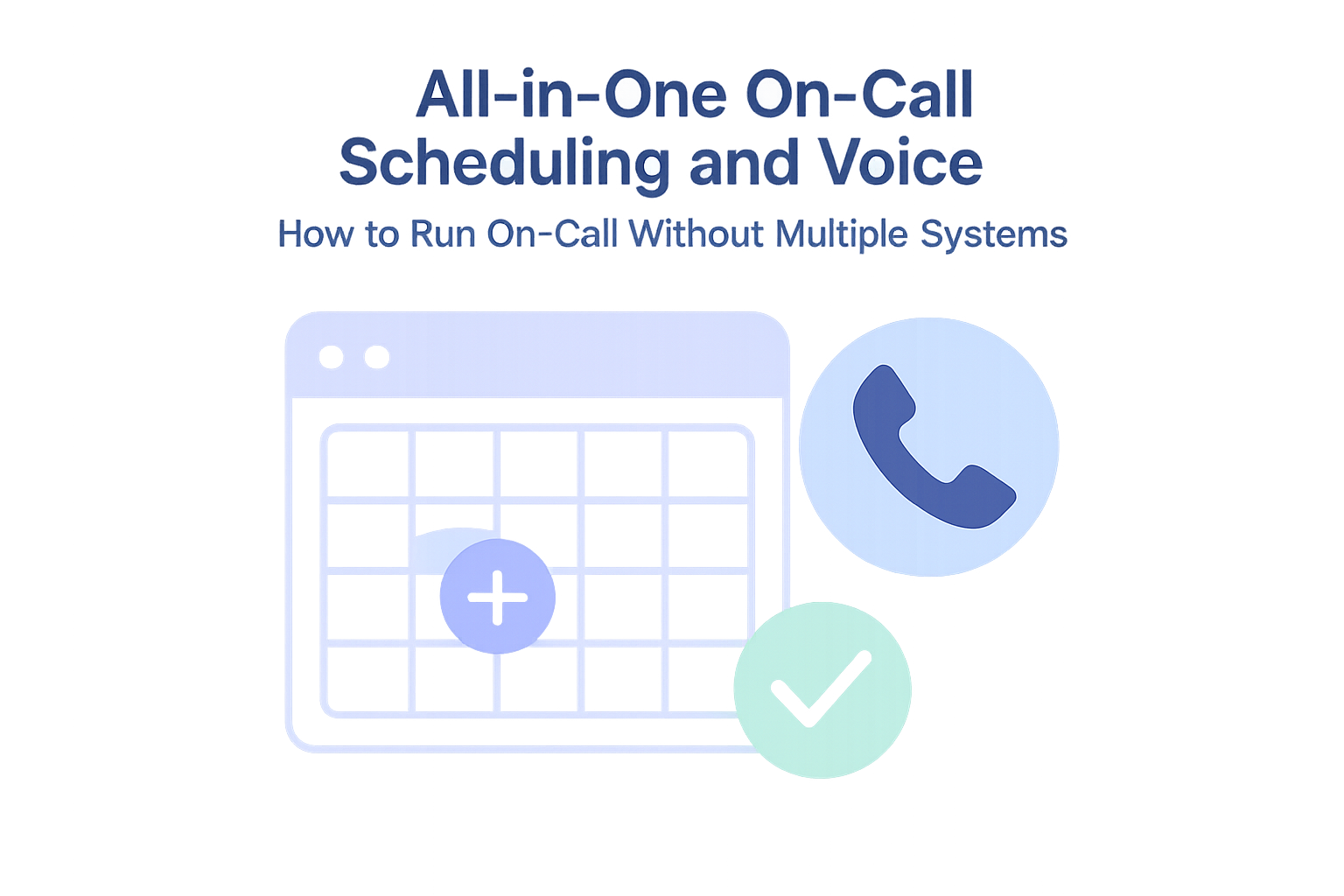
Using a single system to manage shift schedules and update call routing is much better. Why?
Each time you adjust the shift schedule, you also need to update it in several other spots.
- You have to update the shift schedule wherever you track shift hours for reporting and audit purposes.
- You have to update your phone system. The reality is that people are busy, and it’s hard to remember to do both of these every time. As a result, the data becomes unreliable. At Helpline Software, we’ve worked to perfect a system for transferring the line automatically according to your schedules, and you won’t have any of these challenges if you work with us.
Solve These Challenges with Automated Line Transfers
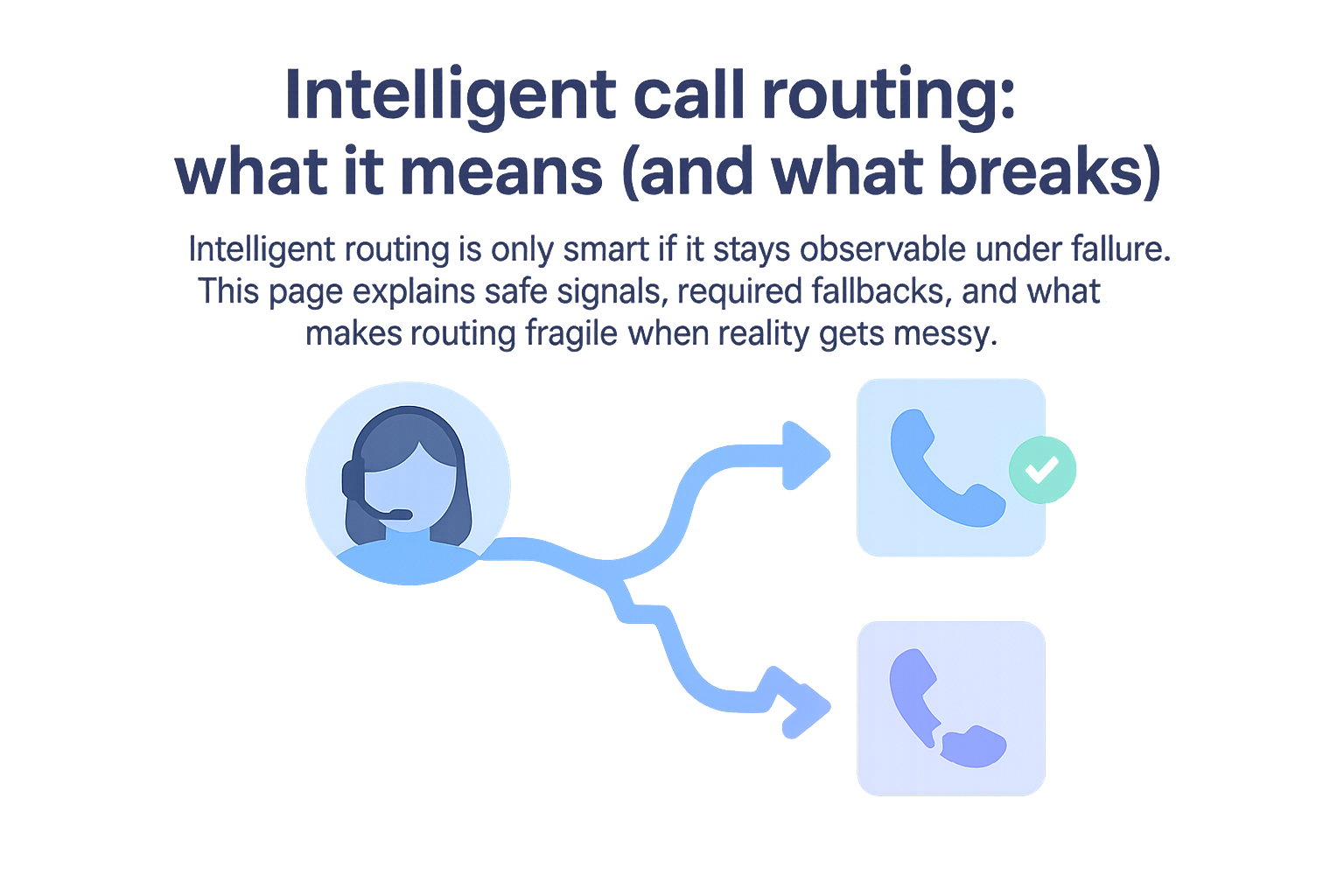
Automated line transfers are one part of a broader routing workflow. For the complete framework on routing reliability—including fallbacks, overflow behavior, and audit requirements—see call routing solutions.
If you'd like to learn more about automated line transferring and want a sophisticated solution to manage the call order, chat and text, scheduling, and burnout protection automatically – please feel free to contact our experts or check out our FAQs. We provide fully customized solutions.