
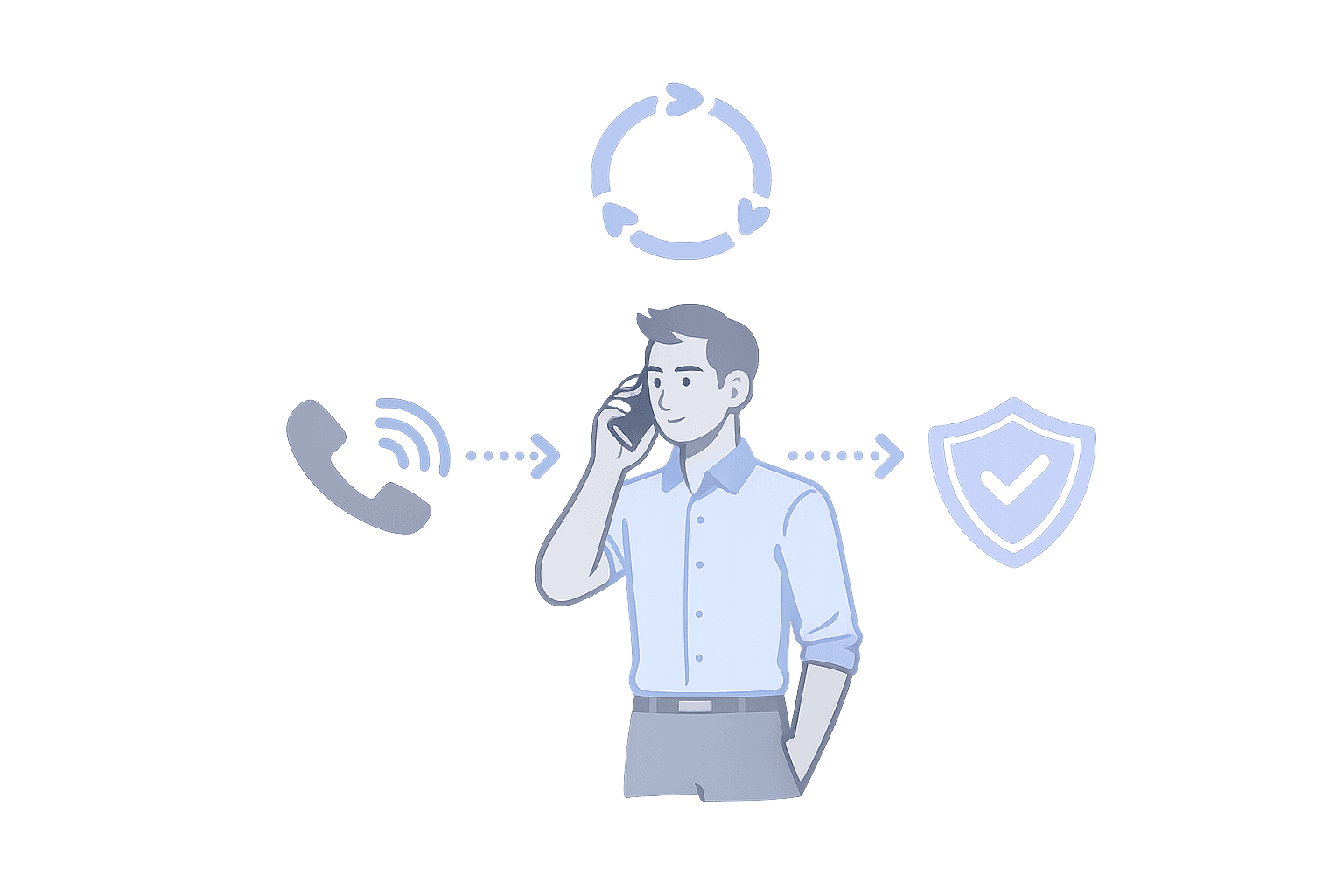
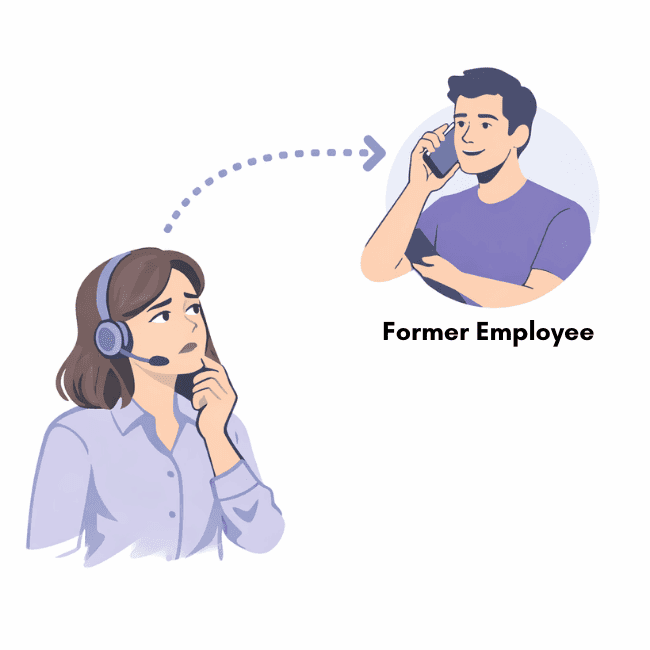
It’s 2:13 a.m. An urgent client call comes in, and the secure call forwarding service routes it to a former employee’s phone. The rule was never updated after they left. No one can see whether it rang, who answered, or whether a voicemail captured sensitive details. By morning, leadership is not asking why the call was missed. They are asking how the system let it happen.
That is why evaluating a secure call forwarding service is not just about encryption. It is about privacy boundaries, access control, and a paper trail you can trust when calls go unanswered. This checklist fits inside the broader workflow of call forwarding with scheduling and failover, where routing follows real coverage and missed calls are diagnosable instead of mysterious.
How do we know this will not happen here?
The first question after the 2:13 a.m. story is simple: how do we prevent stale routing rules and invisible failures? A secure, usable call forwarding service ties routing to real schedules, not static phone numbers. When someone leaves, their access should disappear immediately. When coverage changes, routing should follow automatically.
Every attempt to reach someone should be logged with timestamps, outcomes, and escalation steps so nothing is left to guesswork the next morning. Security is not theoretical. It is operational discipline. If a call rings, you should know who it rang, for how long, what happened next, and who owned coverage at that moment.
Customers Recognition
We pride ourselves in top notch 24/7 support. But you don’t have to take our word for it, check out the testimonial video below. Still don’t believe us? No problem.
Our contracts come with a peace of mind guarantee. If you don’t love it within 30 days of going live we’ll give you your money back, and donate up to $500 to your agency. See here for details. We stay in business because our customers love us.
What Our Customers Say
Our customers love how customizable the system is, the top-notch support, and how easy it is to use Helpline Software.
"…customer service is responsive, honest, articulate… it's top-notch…"

"There's definitely an awareness with the customer service team that every agency is different… It's very 'meet us where we're at.'"
"I'm loving this system. It's incredibly easy to tailor, and it does exactly what [our on-call personnel] need. Instead of troubleshooting, [our on-call personnel] are spending that time with [callers]."
"It really has changed a huge part of our organization."

"Having a system customized to fit [our needs] has been invaluable. HelplineSoftware gives us the tools we need to support both our staff and [callers]."

"Helpline Software has been an incredible thought partner. They offer creative solutions and really care about the mission of the agencies they serve."

"We are incredibly grateful for our wonderful transition to Helpline this year. The entire process has been seamless, and our team has had nothing but glowing feedback. The ease of use, combined with your excellent customer service, has made a world of difference."

"…take a leap of faith and do it… it is a game changer… it will alleviate a lot of misused time and… [you] will thank me later."

What does “secure” actually mean for inbound calls?
Encryption matters, but encryption alone does not solve the 2:13 a.m. problem. Secure call forwarding means privacy boundaries are enforced by design. Only authorized admins can change routing rules. Only designated users can access recordings. Offboarding removes visibility and access immediately, so sensitive details are not left sitting in personal voicemail boxes outside your control.
Security in this context is governance. If an auditor, regulator, or executive asks what happened, you can show a record, not a guess. If you want an external baseline for authentication expectations, the NIST Digital Identity Guidelines (SP 800-63B) are a practical reference point for MFA and session hygiene.
Here is an example of what “levels of access” can look like in a real system:
| Access level | What it allows |
|---|---|
| Super admin | Highest level of access. Includes organization administrator access, plus the ability to work with support on any configuration changes. This permission is typically managed by support only. |
| Organization administrator | Full access to the platform, including adding and editing other users, making schedule changes, approving or denying shift requests, managing voicemail and callback workflows, and running reports. |
| Access Personally Identifying Information | Access to personally identifying information your organization retains (for example phone numbers and IP addresses). |
| Voicemail | Listen to voicemail, return callback requests, and assign pending voicemails or callbacks to yourself (within your organization’s workflow). |
| Chat & text | Take and respond to any chat or text conversation. Read chat or text conversations that have not been deleted under your data retention policy. |
| Disabled user | Admins can disable a user at any time. Once disabled, the user cannot log in. |
How is this different from basic call forwarding?
Basic forwarding rules route calls to a number. That can work when coverage rarely changes and the stakes are low. The real test is what happens when the world is messier: schedule swaps, PTO, travel days, and the quiet “it should have rung” moments that show up in the morning.
A secure, usable call forwarding service connects routing to schedules, backup rules, and escalation logic. If the primary does not answer, the system moves to the next responsible person based on your policy. If coverage changes mid-shift, routing updates immediately. Calls are not just forwarded. They are owned.
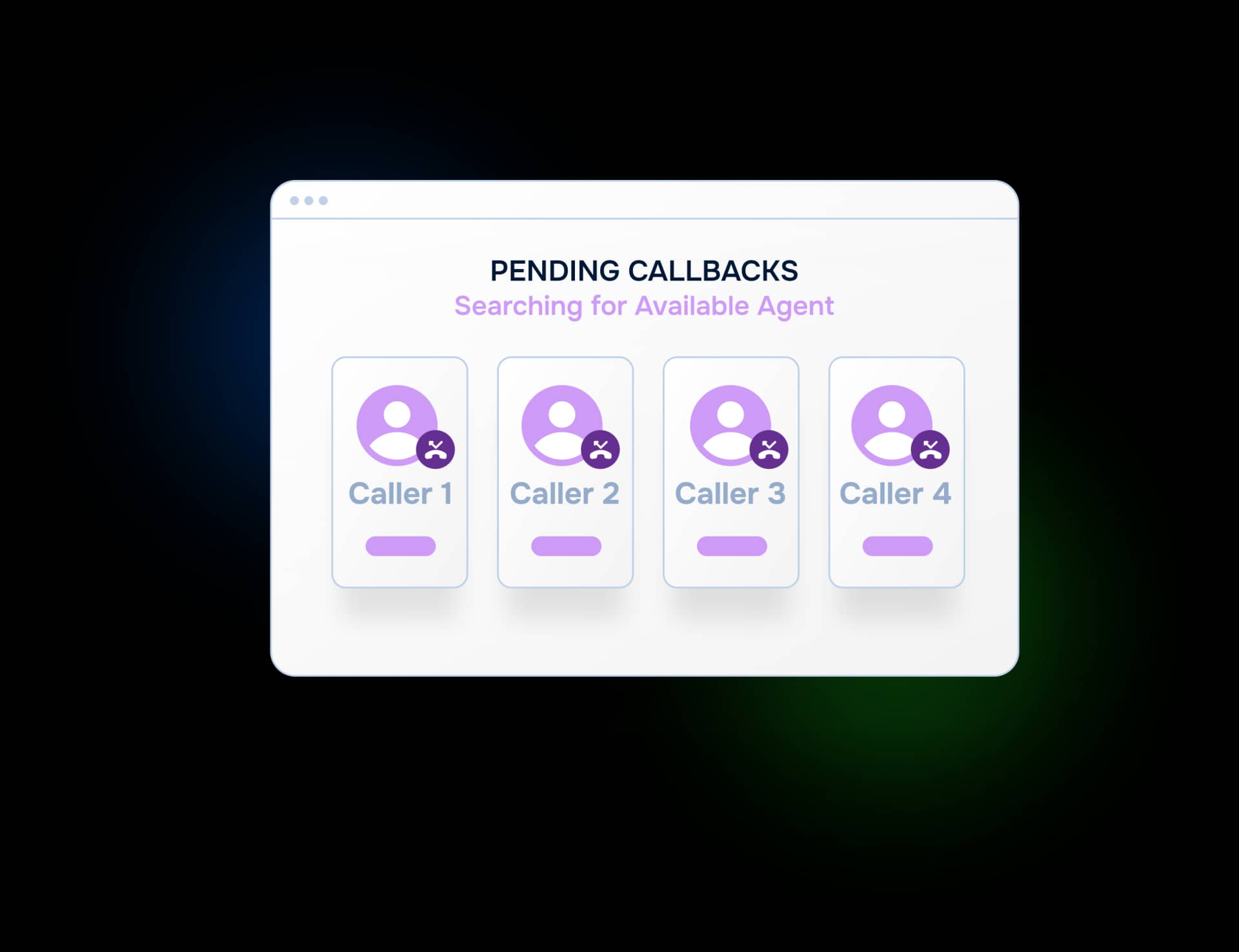
What happens if someone does not answer?
This is where most setups quietly fail. A call rings, hits voicemail, and disappears. By morning, no one can tell whether it was seen, ignored, or never delivered. If callers sometimes hear a busy signal instead of rings, hotline busy signal troubleshooting breaks down what it often means and what to check first.
A properly designed system escalates. If the primary does not answer, it follows your fallback rules until someone reachable accepts responsibility. Every step is logged, so missed calls are diagnosable instead of mysterious. Leadership is not stuck arguing about who dropped the ball. The record shows what happened.
What about offboarding and access control?
Former employees receiving urgent calls is not a theoretical risk. It is common when routing is buried inside static rules and nobody owns updates. Secure systems remove access when roles change, and routing is tied to coverage assignments that supervisors can manage without shared logins.
Access control should be role-based. Not everyone should be able to edit routing. Not everyone should be able to export call data. Sensitive information stays inside defined boundaries. This matters for both on-call support teams and nonprofit hotlines that need consistent privacy practices under pressure.
Will this be usable, or will it become another ignored admin tool?
The word “usable” matters. If updating schedules is painful, they will drift. If changing a backup path requires technical expertise, people will avoid it. If visibility requires digging through raw logs, no one will check until after the incident.
A secure, usable call forwarding service makes coverage visible at a glance, schedule updates simple, and responsibility clear. Security without usability leads to workarounds. Usability without security leads to incidents. You need both.
What does this look like in practice?
In a real organization, coverage rotates. People travel. Shifts change. Emergencies happen. The system has to adapt without manual rewiring of phone numbers.
Routing follows the schedule automatically. Backup paths are predefined. Escalation rules are enforced consistently. When a call comes in, it reaches someone accountable. When a shift changes, the routing changes with it.
If something goes wrong at 2:13 a.m., can we explain exactly what happened?
This is the real question. A secure, usable call forwarding service gives you an answer before you are asked. You can show who was scheduled, who was rung, how escalation proceeded, and when coverage changed and by whom.
Security is not about preventing every possible failure. It is about eliminating ambiguity when something unexpected happens. If you cannot reconstruct the event clearly the next morning, the system is not secure. It is just forwarding calls.
A truly secure, usable call forwarding service replaces mystery with accountability, static rules with real coverage, and hope with proof.
Getting started (a practical evaluation plan)
How to evaluate secure call forwarding this week
- Write your boundary rules: Decide what staff should and should not be able to see (caller details, personal numbers, call history).
- Map your real exceptions: List the swaps, PTO changes, and “coverage fell apart” moments you see every month.
- Run a missed-call drill: Pick one test call. Ask for the end-to-end evidence: who was tried, what rang, what failed, and what the system did next.
- Pressure-test permissions: Verify supervisors can manage normal changes without shared logins or admin bottlenecks.
- Ask for a demo on your workflow: Bring your schedule and escalation policy so you are not evaluating a generic setup.

The switch to Helpline Software allowed us to step into a system that truly understands the needs of advocacy organizations like ours. We now have peace of mind knowing our hotline operates in a way that respects both our callers and our advocates.

Trusted for critical calls by crisis hotlines.
Answer more inbound calls without adding headcount. Helpline Software brings call handling, scheduling, and follow-up workflows into one integrated platform, so your team can respond faster and spend less time on admin.

Concierge Onboarding
Expect white-glove, done-for-you onboarding. You bring your requirements and preferences. We will help you translate them into a configuration that fits your team.
We have supported hotlines, helplines, and crisis lines long enough to know what tends to break under pressure. We will share patterns we have seen work well, flag common pitfalls, and design a custom setup aligned to your requirements. That includes schedules, workflows, routing rules, and integrations, so your system is ready for day one.
Disclaimer: We are a software provider. We can share general information based on prior experience, but you know your needs best. You are fully responsible for your hotline’s configuration and for ensuring your requirements are met. Our role is limited to information sharing.

Packages & Pricing
Pricing is structured around system access, configuration, and support rather than individual telecom components. All communication capabilities, voice, messaging, scheduling, workflows, and reporting, are bundled into unified plans designed to scale with your organization’s needs.
For current packages and what is included in each plan, review our pricing.

150% Money Back Guarantee
Try Helpline Software risk-free! If you're not satisfied within 30 days, we'll refund all your money. Plus give you up to $500.
Frequently asked questions
›Can staff use personal phones without exposing their numbers?
›What is the difference between secure call forwarding and call routing?
›What should an audit trail include?
›Can you support our custom data retention policies?
›I want agents to be able to return callback requests, but I don’t want them to have access to caller phone numbers. Can you support that?
Yes. You can limit who can view caller phone numbers while still letting agents return callback requests through the Crisis Callbacks workflow. The agent works from a callback request, not a contact list. The system handles the connection, and you keep phone number visibility inside the roles you choose.
›Do you support fully anonymous lines?
Yes. If your policy requires a fully anonymous line, we can configure the system so staff do not have access to caller phone numbers or other identifying details, while still keeping operational visibility into what happened. The anonymous hotlines guide breaks down common leak points and the decisions to make up front.

Want a second set of eyes on your forwarding risks?
Most forwarding setups look fine until the first missed call you cannot explain. Book a short call to review your schedule changes, backup plan, and what evidence you would have after a call goes unanswered.